
.svg)

As a business owner, it’s important for me to prioritize the safety of sensitive client information that is shared with me. Finding a product like Redactable is a game changer in the legal and insurance industry! It will give you peace of mind knowing that you are safeguarding client information while saving time during your busy workday. It’s a win-win, and I highly recommend Redactable!
Find and Remove Sensitive Information With Category Redaction
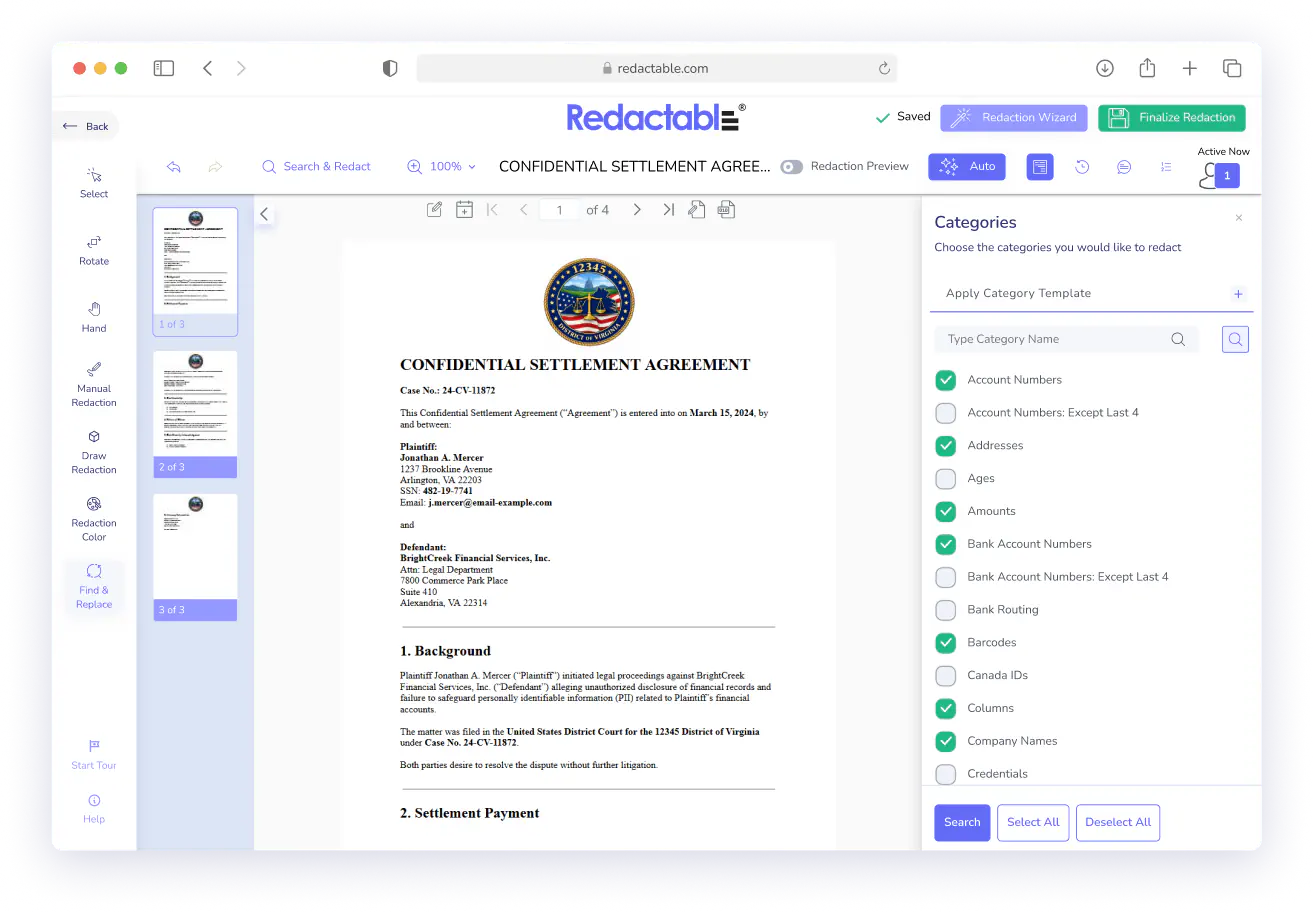
Instead of reading every page to see what needs to go, Category Redaction lets you tell Redactable what information to find (email addresses, phone numbers, Social Security numbers, and more), and it surfaces every instance automatically. You review and decide.



Category Redaction At a Glance

Choose from 40+ predefined data types

Review every match before anything gets redacted

Works inside the Redaction Wizard
PII, PHI, financial identifiers, and more, and search across your entire document at once.
You stay in control of the final output.
Alongside Auto, Search Text, and Manual modes.
Key Features

Built for Documents Where You Know What to Remove
Some documents don't need a full AI sweep. You already know the document contains Social Security numbers, patient phone numbers, or financial account details, and you need those gone consistently and across every page.
Category Redaction is built for that situation. Select the data types that apply, run the search, and Redactable finds every instance in the document.
You Control What Gets Redacted
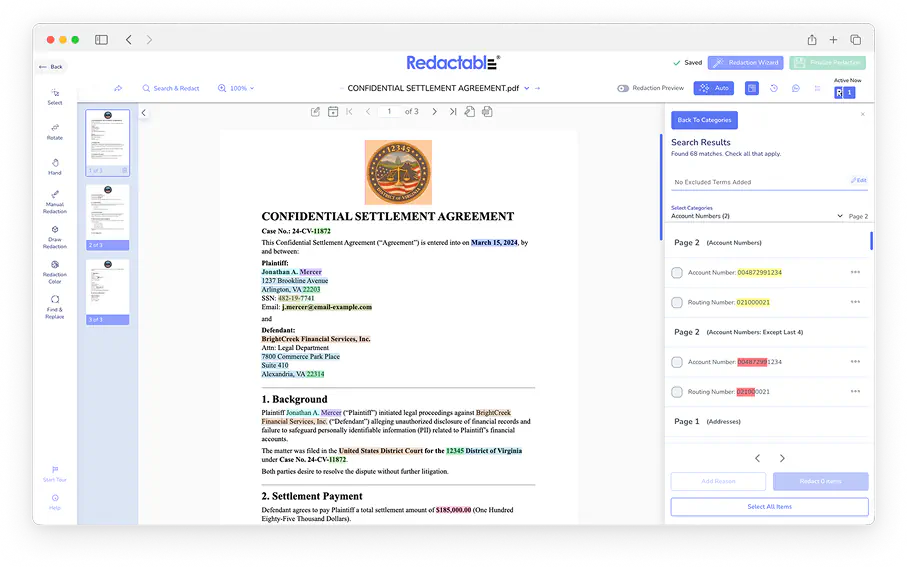
Finding something doesn't mean redacting it automatically. After Redactable surfaces the matches, you review the full list and select what to apply. If a match doesn't belong in your redaction set, you leave it out.
That review step keeps human judgment in the process, which matters when documents go to courts, regulators, or opposing counsel.
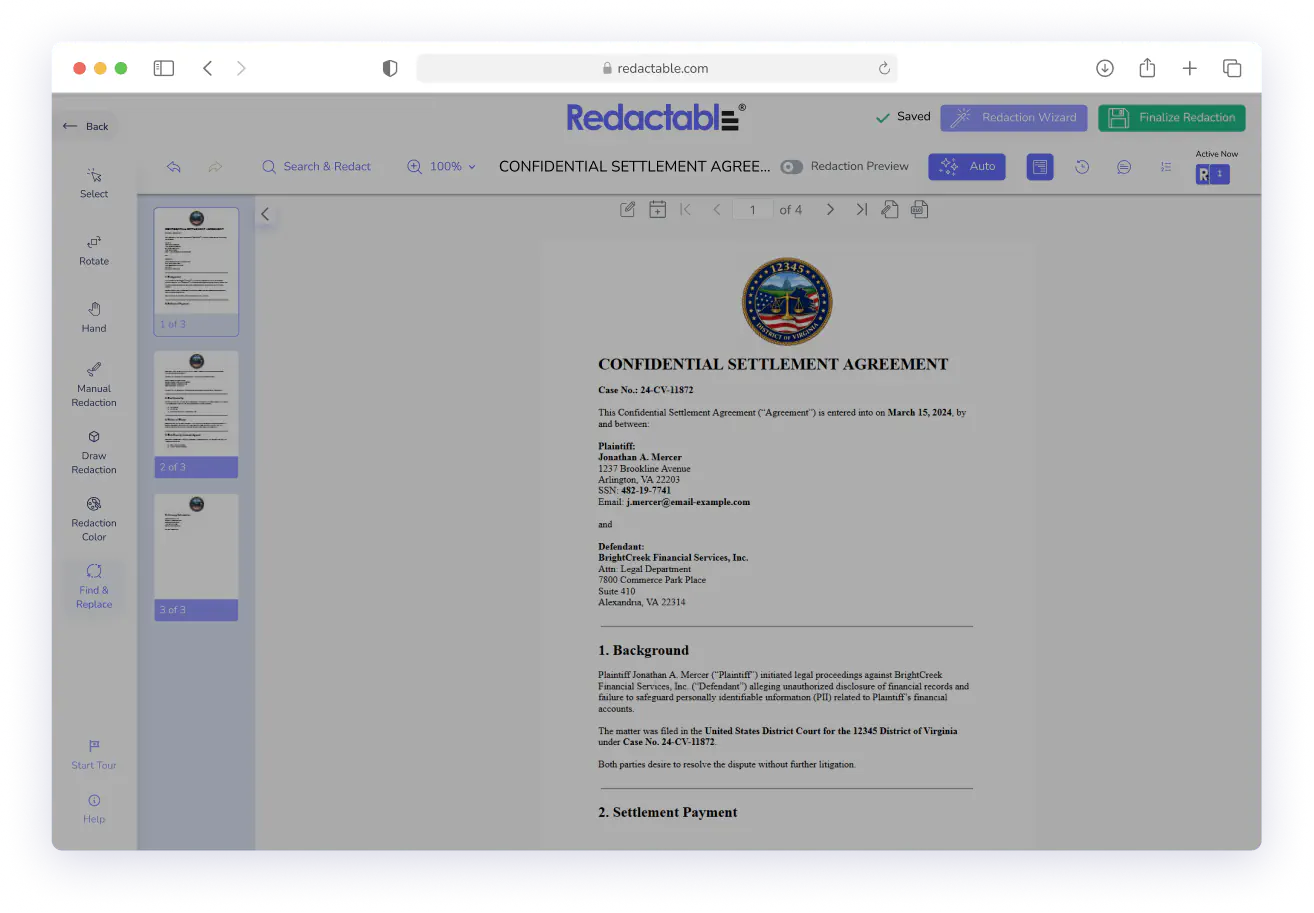
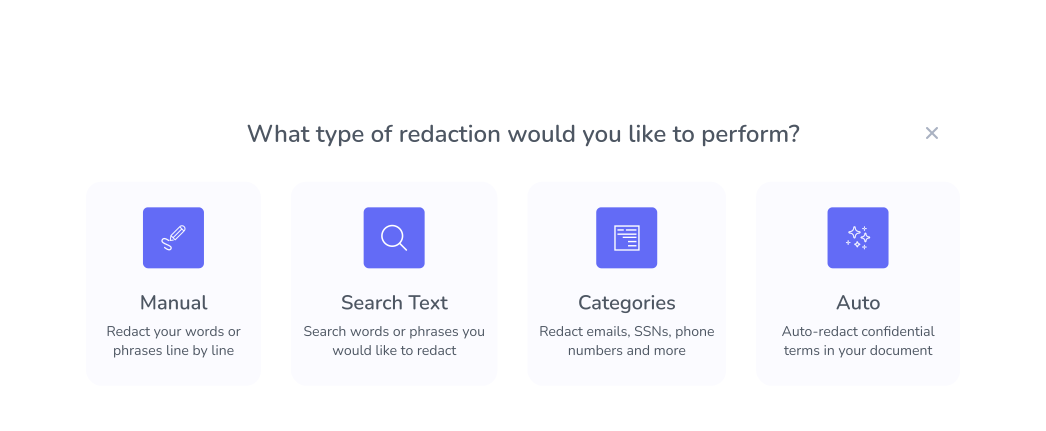
Part of the Redaction Wizard
Category Redaction is one of four modes inside Redactable's Redaction Wizard. You can use it on its own or combine it with other approaches in the same session. Run categories first to catch structured data types, then switch to Search Text for specific names or terms, or use Manual to handle anything that falls outside a predefined pattern.
The full Redaction Wizard is available on every document, regardless of where it was imported from.

Real Customers, Real Redactions

No credit card required
Start redacting for free
Cancel any time

Sarah Dunbar Harper
Insurance & Legal Consultant
Redactable automatically recognizes PII including SSN and credit cards. It has easy redaction features that I can bend to blackout bars, watermarks, and the interface is easy to work with. I have been able to use Redactable to ease my redaction process. It does away with the time-consuming and painstaking exercises of redaction which if done manually poses the risk of exposing data.

Ayida Gambarova
Systems Engineer - Retail
It's AWESOME! Love it and have told my colleagues in law about it. This program saved me about 30+ hours on a project with about 1,000 pages of medical records vs. doing it "by hand" and then saved me hours when it saved the redactions and allowed me to "unredact" per a Judge's order. WONDERFUL software!! I taught myself how to use the software in about 5 minutes - no joke. So easy to use!

Philip J Berenz
Attorney at Berenz Law Network PC
Easy to use and very fast. I was able to comb through dozens of documents to redact sensitive information in a matter of minutes for $20. Can't beat that. Good customer service too. Recommend.

Eddie Hsu Pugmire
Investor
My overall experience with Redactable has been great. I can't see myself using another redacting program after using this. Redactable is so easy to use that it has become my go-to program whenever I need to redact a document. The operation is so simple that truly anyone could use it.

Ralph B.
How it Works

1
Upload your documents
From your Redactable dashboard, open the document you need to redact. The Redaction Wizard loads automatically.

2
Select categories
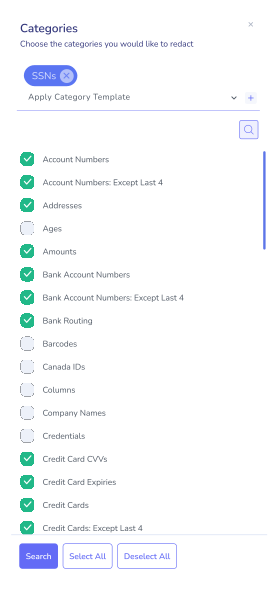
Choose "Categories" from the Wizard menu, then select the data types you want to find. Choose individual categories or select all at once.

3
Run the search
Click "Search," and Redactable scans the entire document for every instance of the selected data types.

4
Review and apply
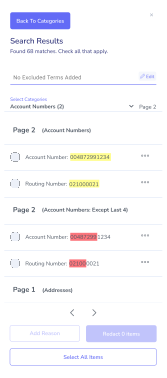
Review the detected matches, select the ones to redact, and click "Redact Items."

5
Finalize
Preview your redactions and click "Finalize Redaction." The redacted file is saved and, if connected, automatically pushed back to your cloud storage.
Your Documents Deserve More Than A Manual Review
See why we're the #1 redaction software for AI-powered document security, including structured, category-based workflows built for compliance teams.
Stop hunting through documents page by page. Tell Redactable what
to find and let it do the work.
to find and let it do the work.

Google Drive

Dropbox

OneDrive
%201.svg)
SharePoint

Box

Clio
Start Redacting for Free with No Credit Card Required.

Over 98% time savings with AI-powered redaction

