
.svg)

As a business owner, it’s important for me to prioritize the safety of sensitive client information that is shared with me. Finding a product like Redactable is a game changer in the legal and insurance industry! It will give you peace of mind knowing that you are safeguarding client information while saving time during your busy workday. It’s a win-win, and I highly recommend Redactable!
Cloud Integrations for Your Redaction Document Workflow
Redactable connects to the cloud storage and case management tools your team already uses. Pull documents in, redact them, and send them back without leaving your workflow.
Pull documents from Google Drive, Dropbox, OneDrive, Box, SharePoint, or Clio, redact them, and send them back. No more manual file shuffling.


Cloud Integrations At a Glance

Connects to Google Drive, Dropbox, OneDrive, Box, SharePoint, and Clio
.svg)
Clio users get a direct case management connection
.svg)
Encrypted in transit and at rest

No workflow changes required
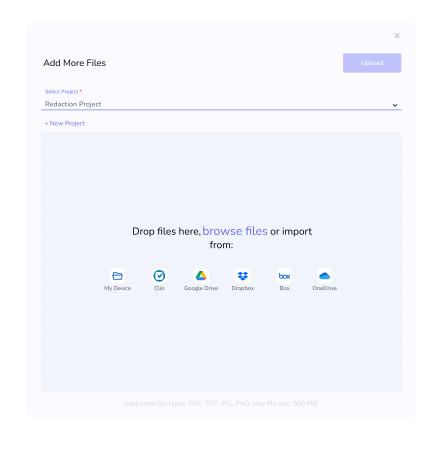
Import files directly from the storage you already use.
Browse folders, pull files, and push redacted versions back automatically.
SOC 2 Type II certified with HIPAA BAA support.
The full Redaction Wizard works the same on every file, regardless of where it came from.
Key Features
Import Files from Where They Live
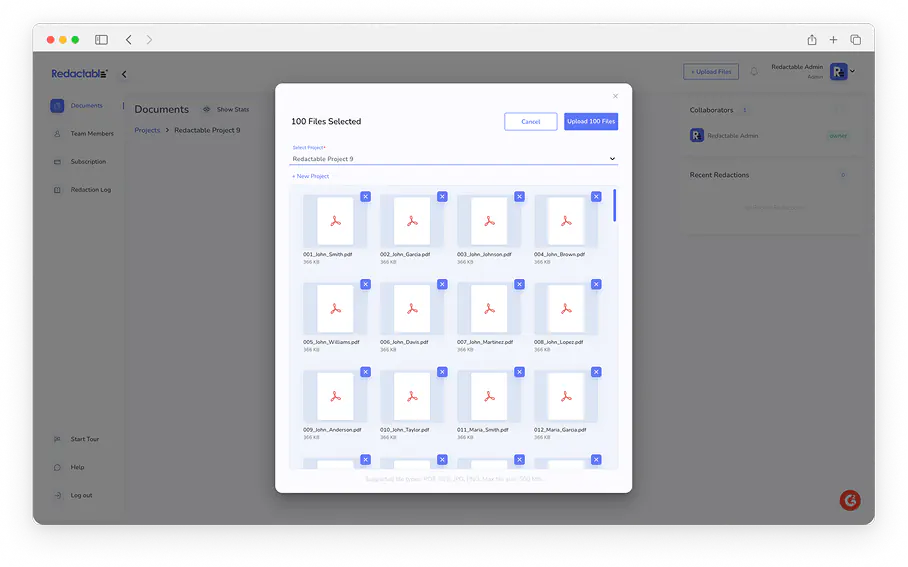
When you need to redact sensitive information across dozens or hundreds of documents at once, Redactable lets you import multiple files directly from your existing storage systems. Legal teams, compliance teams, and healthcare organizations use this to handle large document sets without downloading and re-uploading each file.
Upload discovery productions and records requests without processing files one at a time.
Works with: Google Drive, Dropbox, OneDrive, Box, and SharePoint.
Clio Integration for Legal Teams
For law firms and legal departments already working in Clio, Redactable connects directly to your case management system.
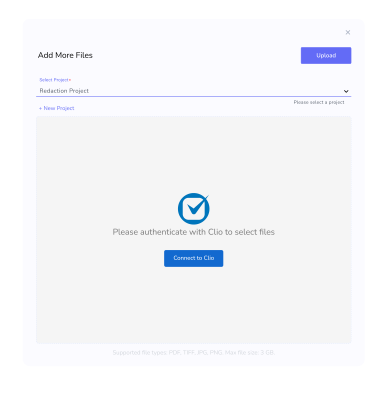
Authorize the connection once, then browse your Clio folders from inside Redactable, select the files you need, and add them to your project. When redaction is finalized, Redactable automatically creates an updated, redacted duplicate of the original file in the relevant case or folder in Clio. No manual re-uploading is required, and the original file is maintained for your records.
Secure Connections, Every Time
Every integration is built on secure cloud architecture.
Documents transferred between your cloud storage and Redactable are encrypted in transit and at rest. Redactable is SOC 2 Type II certified and supports HIPAA compliance with Business Associate Agreements, so connecting your cloud storage doesn't compromise your data security posture.
One Redaction Platform, No Workflow Overhaul
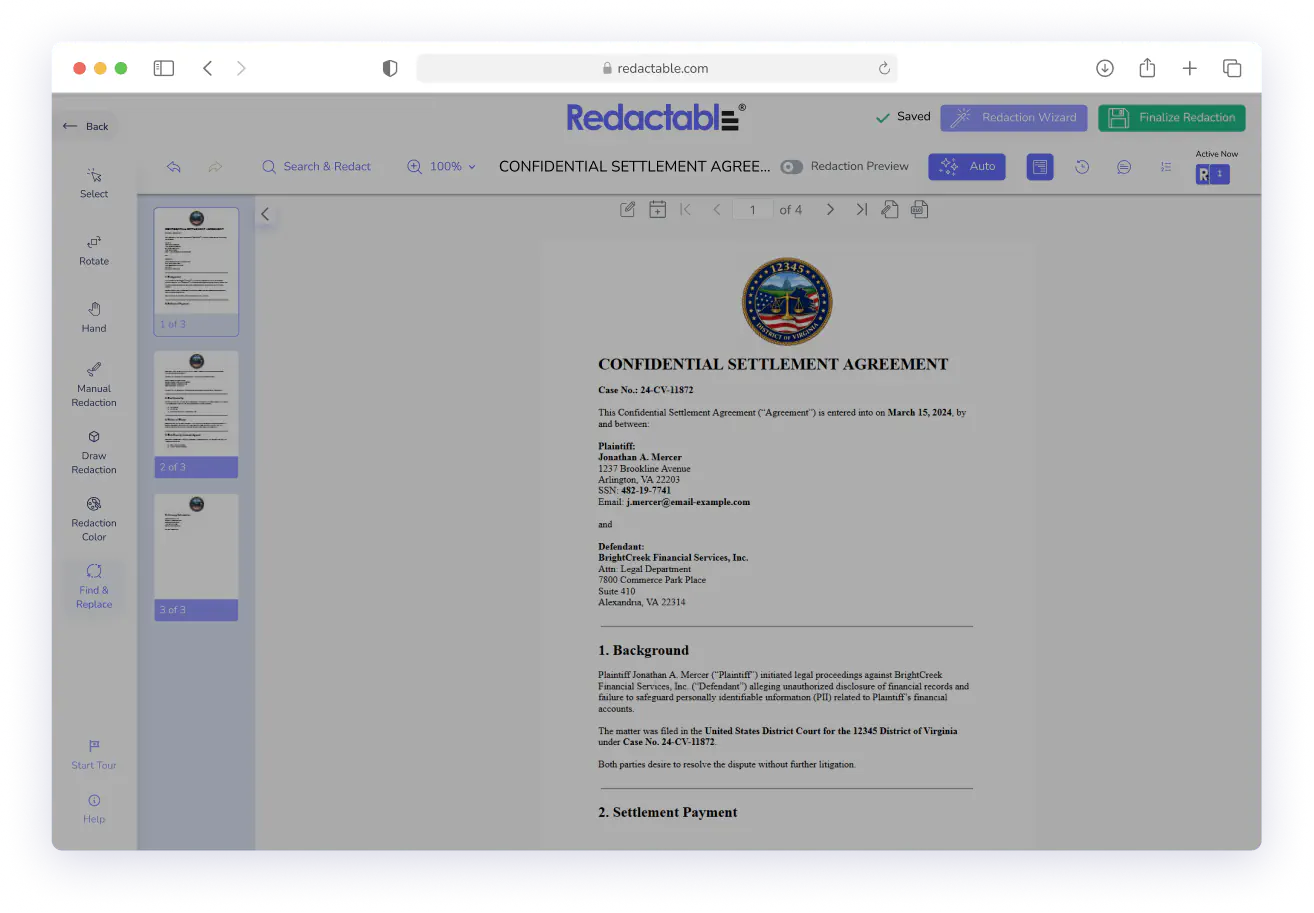
You don't need to rethink how your team manages documents. Connect Redactable to the storage system you already use, and the full Redaction Wizard is available on every file you pull in.
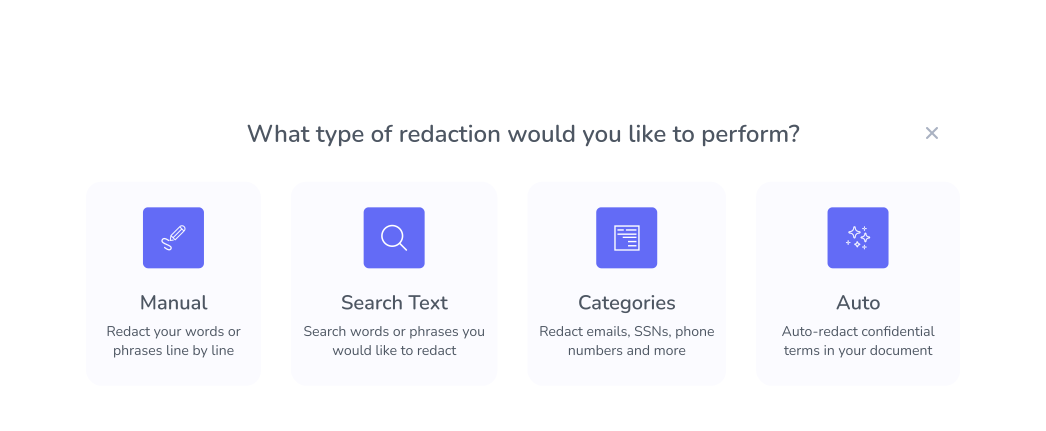
AI auto-detection, category filtering, keyword search, and manual redaction all work the same way regardless of the document's source.

Real Customers, Real Redactions

No credit card required
Start redacting for free
Cancel any time

Sarah Dunbar Harper
Insurance & Legal Consultant
Redactable automatically recognizes PII including SSN and credit cards. It has easy redaction features that I can bend to blackout bars, watermarks, and the interface is easy to work with. I have been able to use Redactable to ease my redaction process. It does away with the time-consuming and painstaking exercises of redaction which if done manually poses the risk of exposing data.

Ayida Gambarova
Systems Engineer - Retail
It's AWESOME! Love it and have told my colleagues in law about it. This program saved me about 30+ hours on a project with about 1,000 pages of medical records vs. doing it "by hand" and then saved me hours when it saved the redactions and allowed me to "unredact" per a Judge's order. WONDERFUL software!! I taught myself how to use the software in about 5 minutes - no joke. So easy to use!

Philip J Berenz
Attorney at Berenz Law Network PC
Easy to use and very fast. I was able to comb through dozens of documents to redact sensitive information in a matter of minutes for $20. Can't beat that. Good customer service too. Recommend.

Eddie Hsu Pugmire
Investor
My overall experience with Redactable has been great. I can't see myself using another redacting program after using this. Redactable is so easy to use that it has become my go-to program whenever I need to redact a document. The operation is so simple that truly anyone could use it.

Ralph B.
How it Works

1
Connect your cloud storage
Link Google Drive, Dropbox, OneDrive, Box, SharePoint, or Clio to your Redactable account. For Clio, log in and authorize the connection directly from the upload screen. It takes about 30 seconds.

2
Select your documents
Browse your connected storage and import single files or bulk import multiple documents at once. Clio users can browse by case or folder without leaving Redactable.

3
Redact sensitive data.
Use AI auto-detection to find and redact PII, PHI, financial details, and confidential information, or apply your own custom patterns.

4
Finalize and sync back
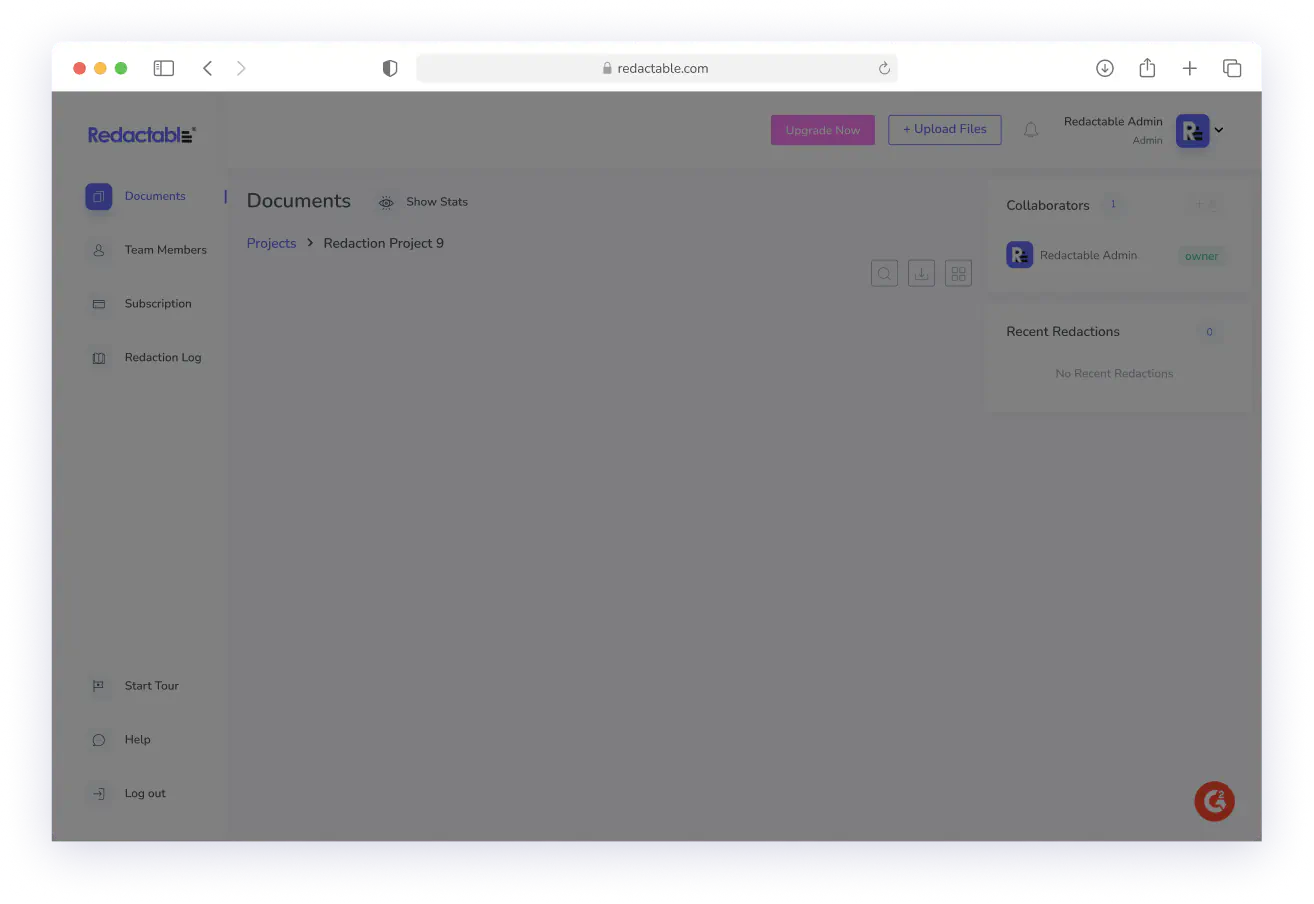
Click "Finalize Redaction," and Redactable automatically pushes the redacted file back to your cloud storage.
Your Files Deserve Protection at Every Step
See why we're the #1 redaction software for AI-powered document security, including cloud-connected workflows.
Redactable's cloud integrations remove the friction between where your documents live and where they get protected. Connect your storage and start redacting in minutes.

Google Drive

Dropbox

OneDrive
%201.svg)
SharePoint

Box

Clio
Start Redacting for Free with No Credit Card Required.

Over 98% time savings with AI-powered redaction

