
.svg)

As a business owner, it’s important for me to prioritize the safety of sensitive client information that is shared with me. Finding a product like Redactable is a game changer in the legal and insurance industry! It will give you peace of mind knowing that you are safeguarding client information while saving time during your busy workday. It’s a win-win, and I highly recommend Redactable!
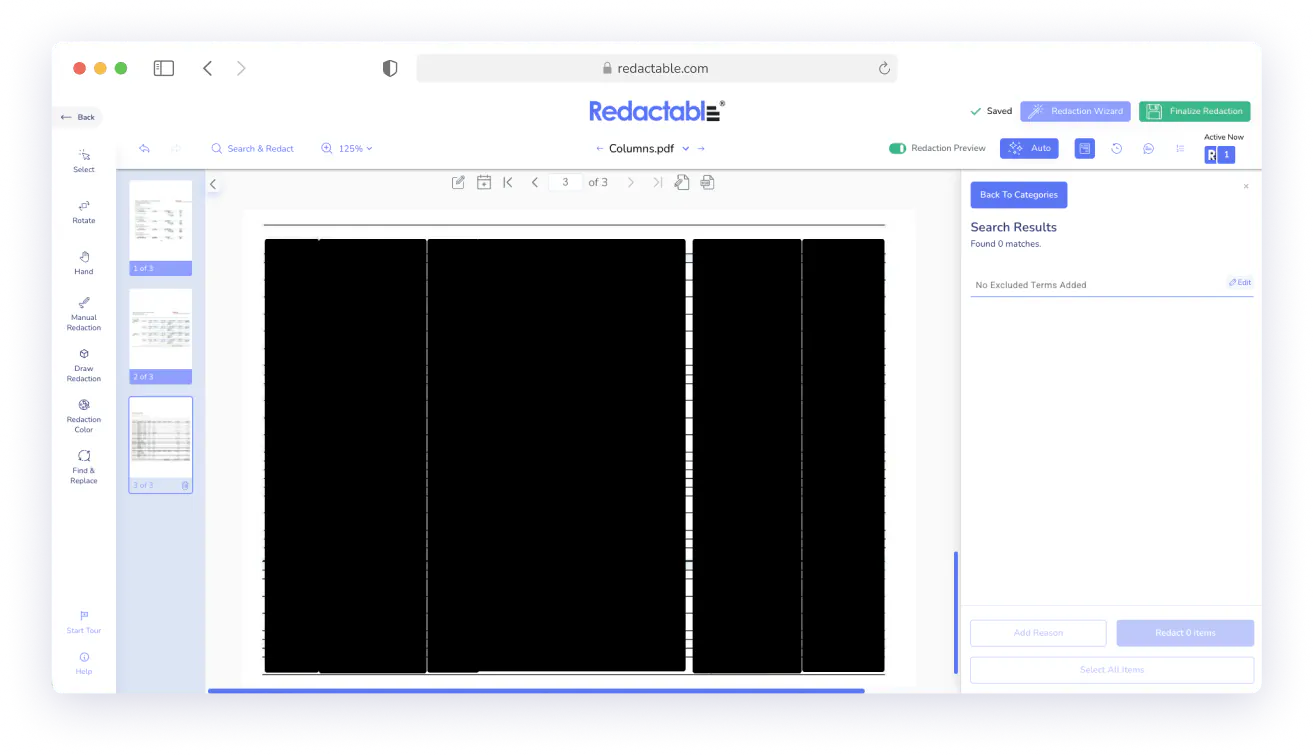
Redact Entire Columns and Tables in One Step
Redactable detects structured data in your documents and redacts full columns or complete tables at once.



Columns and Tables Features At a Glance
.svg)
Redact entire columns in one step

Apply full table redaction

Redact columns and tables as a group

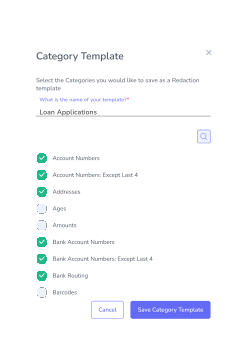
Save both categories to a Category Template
Remove all sensitive data from a vertical column without clicking each cell individually.
Securely redact sensitive information in multiple tables containing client lists or account number at the same time.
Eliminate time-consuming repetitive box drawing and prevent overlooked entries across multi-page documents.
Apply the same structured-data rules automatically across every project.
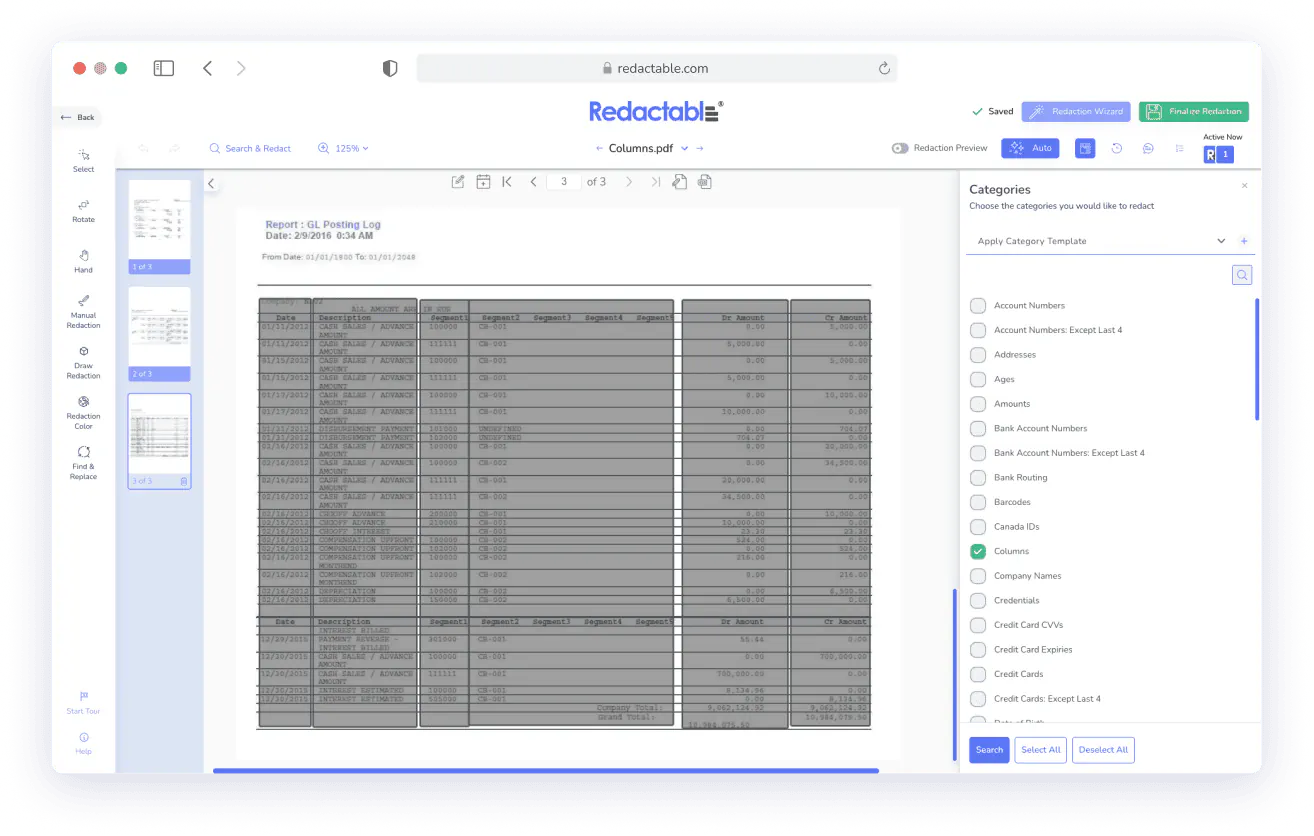
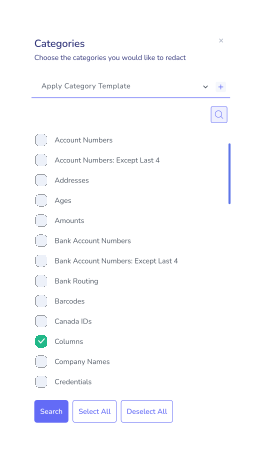
Cell-by-Cell Redaction Doesn't Work at Scale
Reports, balance sheets, and logs repeat the same data type down entire columns. Drawing a box over each cell is slow, and entries are easy to miss. One missed cell in a billing column or an exposed row in a personnel table is all it takes for structured data to slip through.
Redact Columns Without Touching Each Entry
The Columns category detects structured vertical data and groups it for review. Select the columns you want removed, click Redact Items, and the redaction applies across every entry. Useful for SSNs in HR exports, account numbers in finance statements, or names in FOIA logs.
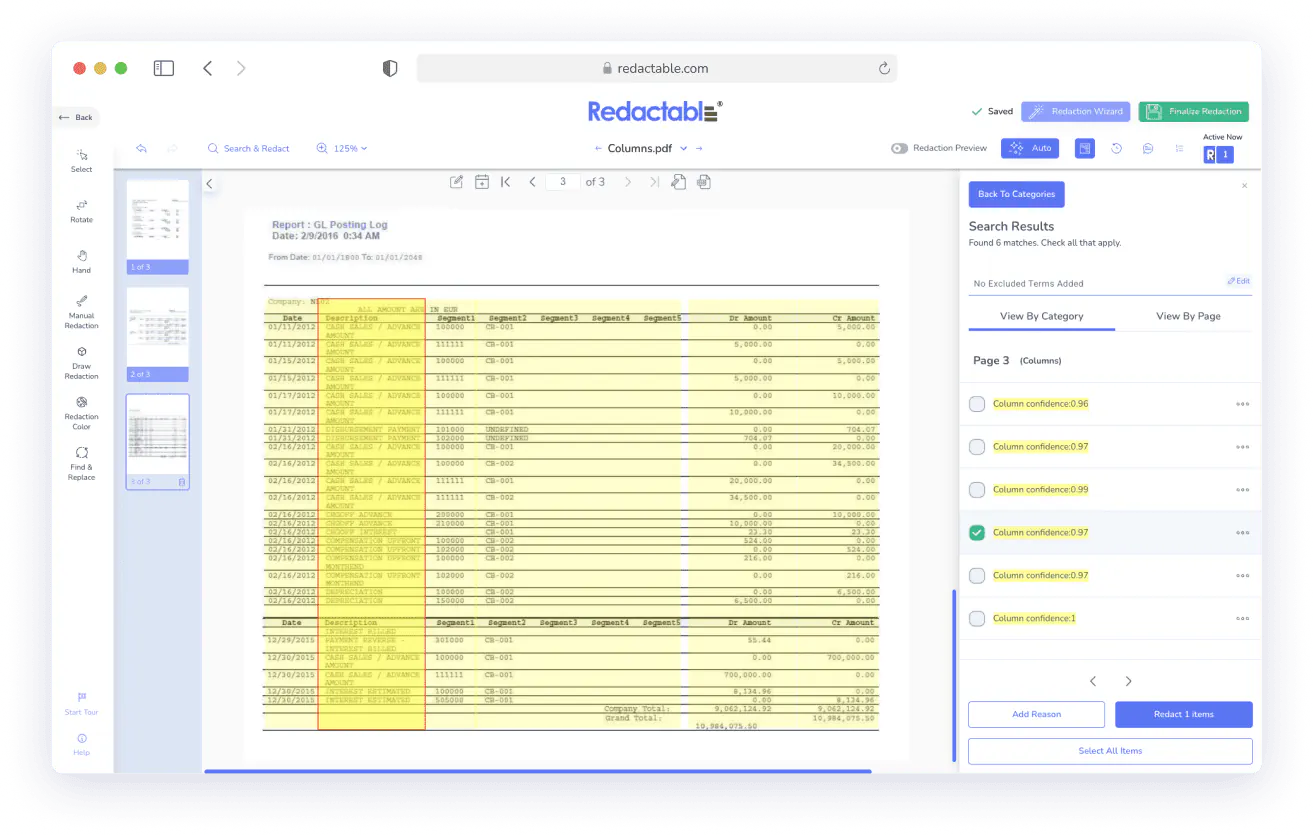
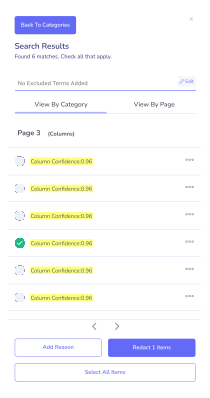
Redact and Mask Information in Tables
The Tables category identifies and groups full tables for bulk redaction. Select the information within a table that you want removed, and Redactable will remove or mask sensitive information in the rows and cells. You don’t have to draw box selections individually.
Build Structured Redaction Into Every Project
Save categories to a Category Template and apply them automatically to every new document. Teams handling financial filings, discovery sets, or FOIA packages get consistent structured-data coverage without having to rebuild the process each time.

Real Customers, Real Redactions

No credit card required
Start redacting for free
Cancel any time

Sarah Dunbar Harper
Insurance & Legal Consultant
Redactable automatically recognizes PII including SSN and credit cards. It has easy redaction features that I can bend to blackout bars, watermarks, and the interface is easy to work with. I have been able to use Redactable to ease my redaction process. It does away with the time-consuming and painstaking exercises of redaction which if done manually poses the risk of exposing data.

Ayida Gambarova
Systems Engineer - Retail
It's AWESOME! Love it and have told my colleagues in law about it. This program saved me about 30+ hours on a project with about 1,000 pages of medical records vs. doing it "by hand" and then saved me hours when it saved the redactions and allowed me to "unredact" per a Judge's order. WONDERFUL software!! I taught myself how to use the software in about 5 minutes - no joke. So easy to use!

Philip J Berenz
Attorney at Berenz Law Network PC
Easy to use and very fast. I was able to comb through dozens of documents to redact sensitive information in a matter of minutes for $20. Can't beat that. Good customer service too. Recommend.

Eddie Hsu Pugmire
Investor
My overall experience with Redactable has been great. I can't see myself using another redacting program after using this. Redactable is so easy to use that it has become my go-to program whenever I need to redact a document. The operation is so simple that truly anyone could use it.

Ralph B.
How it Works

1
Upload your document
Import from your local drive or pull directly from Google Drive, Dropbox, OneDrive, Box, SharePoint, or Clio.

2
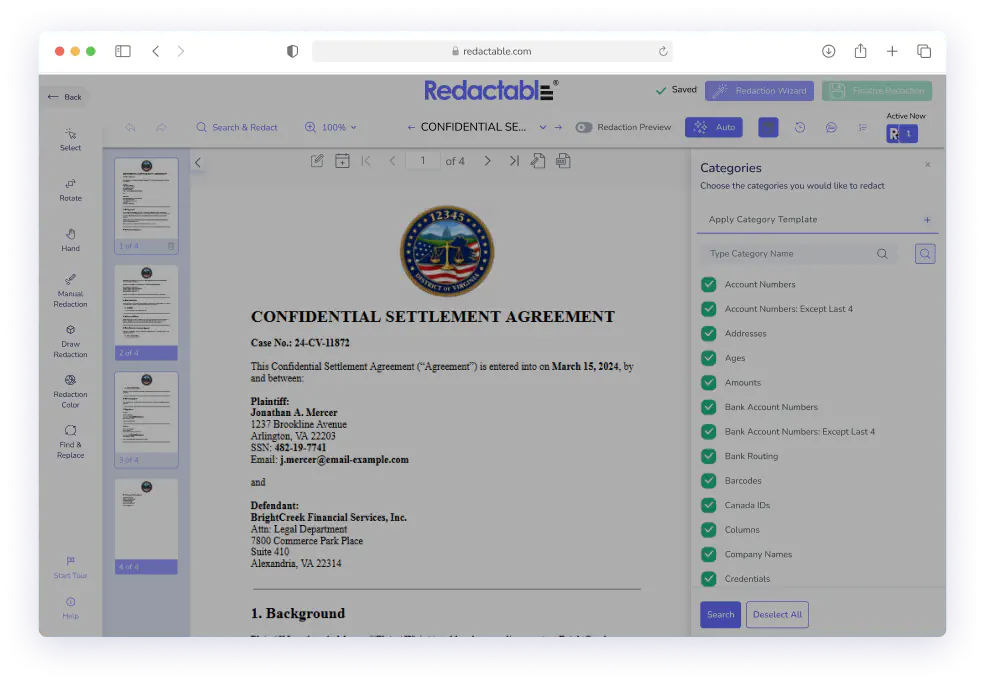
Open the Categories tool
Select Categories from the Redaction Wizard. The Categories panel opens on the right side of the screen.

3
Select Columns, Tables, or both
Scroll the list to locate Columns and/or Tables. Click to enable each category, then hit Search. Redactable automatically detects and highlights all matching elements in the document.

4
Review and select
Review the highlighted columns and tables. Select the items you want to redact. Deselect anything that should stay.

5
Apply in draft mode
Click Redact Items. Redactions appear greyed out with highlights so you can review the scope before anything is permanent.

6
Finalize and export
Click Finalize Redaction. Redactable permanently removes all redacted content, generates a redaction certificate, and completes your audit trail.
Give Your Structured Documents The Redaction Workflow They Require
See why we're the #1 redaction software for teams that work with reports, balance sheets, and documents, where a single exposed column can create a compliance problem.
Redactable's Columns and Tables categories handle structured data as a unit, so nothing slips through.
Start Redacting for Free with No Credit Card Required.

Over 98% time savings with AI-powered redaction

