
.svg)

As a business owner, it’s important for me to prioritize the safety of sensitive client information that is shared with me. Finding a product like Redactable is a game changer in the legal and insurance industry! It will give you peace of mind knowing that you are safeguarding client information while saving time during your busy workday. It’s a win-win, and I highly recommend Redactable!
OCR Redaction: Redact Scanned Images And Text In Seconds
Redactable's AI-powered OCR converts scanned image, such as hand-written notes, receipts, and scanned paperwork, into fully searchable documents, so nothing sensitive slips through just because a file wasn't born digital.



OCR Redaction At a Glance

95–99% accuracy
.svg)
Self-learning
.svg)
AI detects sensitive data across the full document

No separate OCR tool needed
Compared to 85–92% for traditional systems. Handles poor scan quality, complex layouts, forms, tables, and mixed-format documents.
Adapts to new document types automatically, no templates required.
PII and PHI don't slip through just because a file started as an image.
Conversion runs automatically in the background, then the full Redaction Wizard takes over.
Key Features
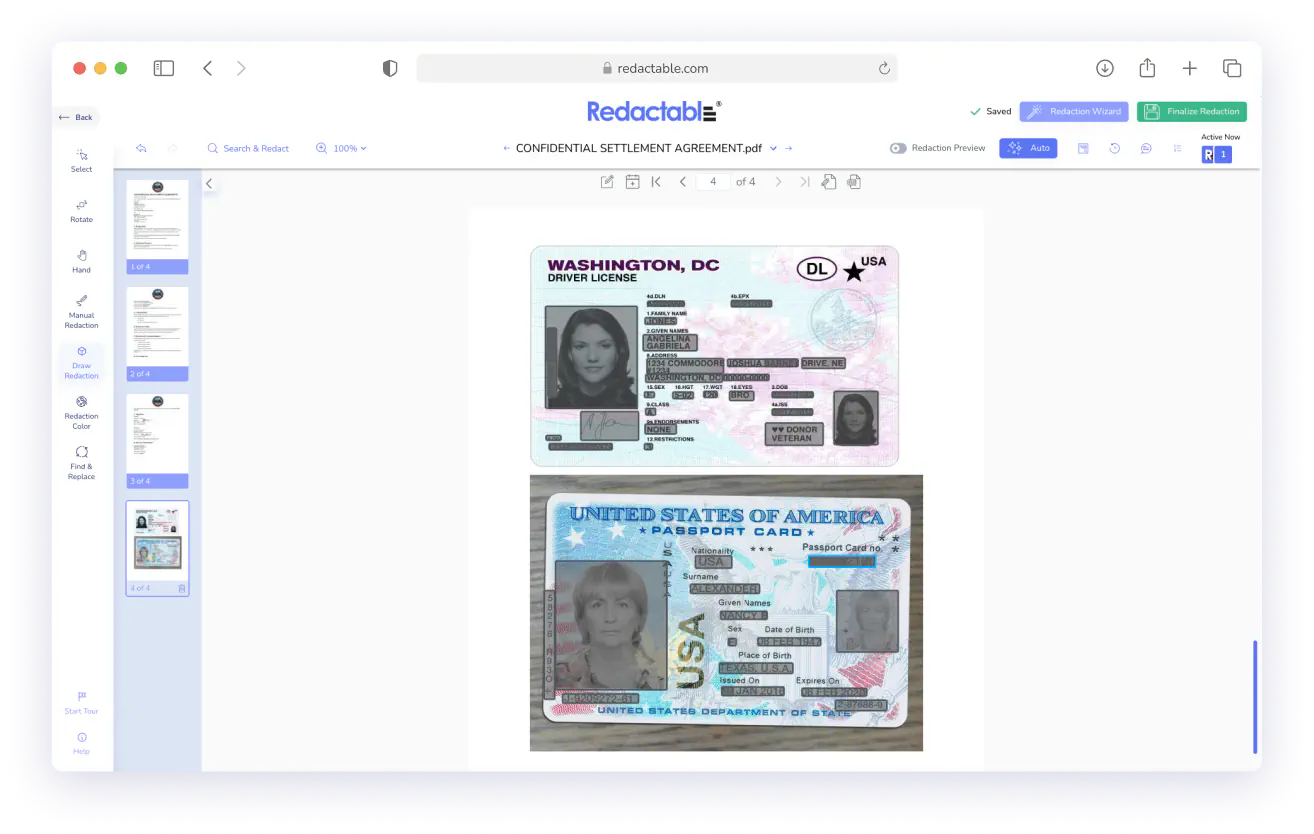
Scanned Documents Become Fully Searchable, Instantly
The moment you upload a scanned document, Redactable's proprietary OCR engine converts it into a searchable file. Printed records and image-based PDFs are treated the same as native digital files from that point forward.
Works on: scanned PDFs, TIFFs, PNGs, JPGs, and image-based documents across any industry.
AI Finds Sensitive Information Even OCR Couldn't Previously Reach
Redactable's AI automatically identifies personally identifiable information across the full document.
Sensitive data doesn't stay hidden just because it started as a scanned image. Our AI-powered OCR doesn't just recognize clean, printed text. It handles complex layouts, varied fonts, and challenging document quality.
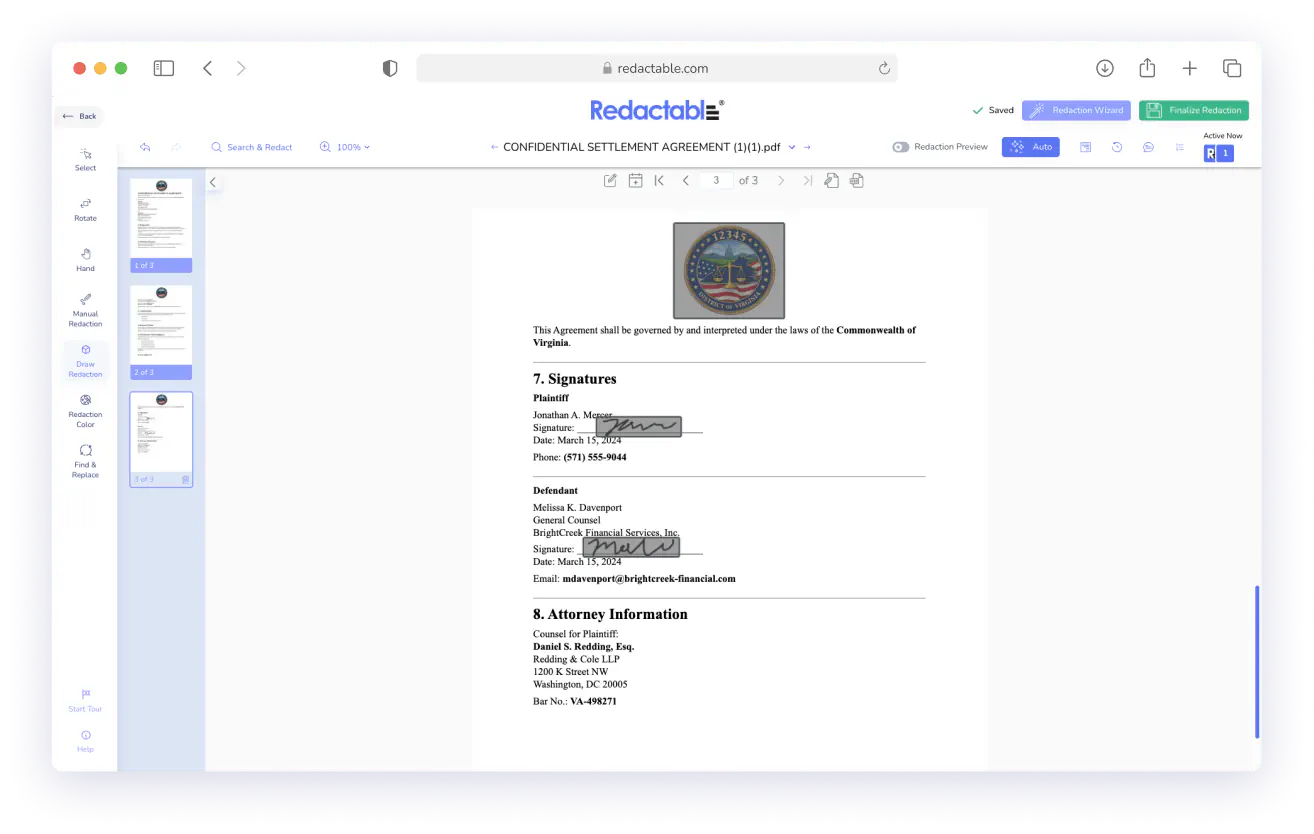
Accurate Redaction Across Poor Scan Quality and Complex Layouts
Redactable's OCR is built to handle scan-quality issues during processing, so the text layer it produces is sufficiently accurate for reliable PII detection and redaction. It ensures that nothing slips through because your software couldn't read it.
Fewer OCR errors mean fewer missed redactions.
One Platform. No Extra Steps.
You don't need a separate OCR tool or a conversion workflow.
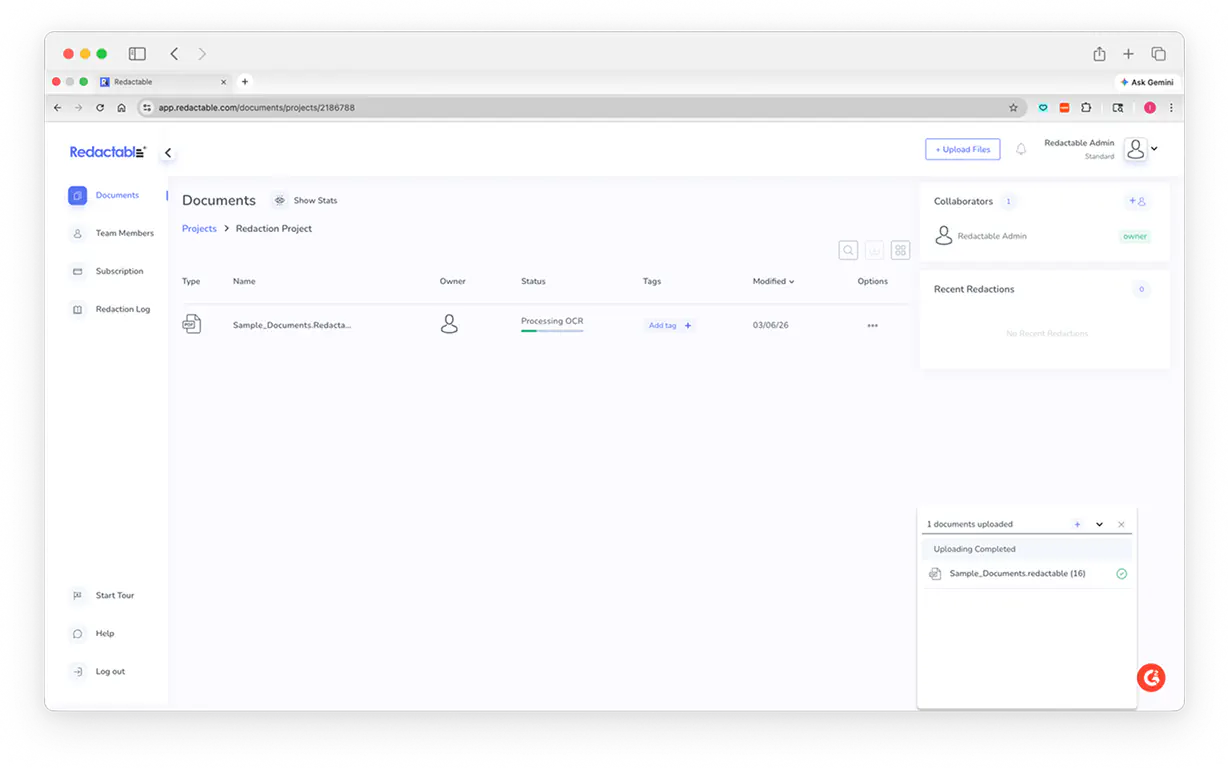
Upload your scanned document to Redactable, and OCR runs automatically in the background. From there, you use the same Redaction Wizard you use on any other document.
Built for Compliance
Whether you're managing HIPAA-protected medical records, responding to FOIA requests, processing legal discovery, or handling financial documents, unreadable scans are a liability.
Redactable is SOC 2 Type II certified and supports HIPAA compliance with Business Associate Agreements, ensuring your OCR-processed documents maintain enterprise-grade security standards.
How Redactable's OCR Engine Works
When you upload a scanned document, Redactable automatically cleans up the image, correcting skewed pages, reducing noise, and improving contrast, before converting it into searchable text. From there, AI scans the full document to find sensitive information across 40+ data types, including names, SSNs, medical identifiers, and financial data, then places redactions precisely where each piece of sensitive content appears on the page.
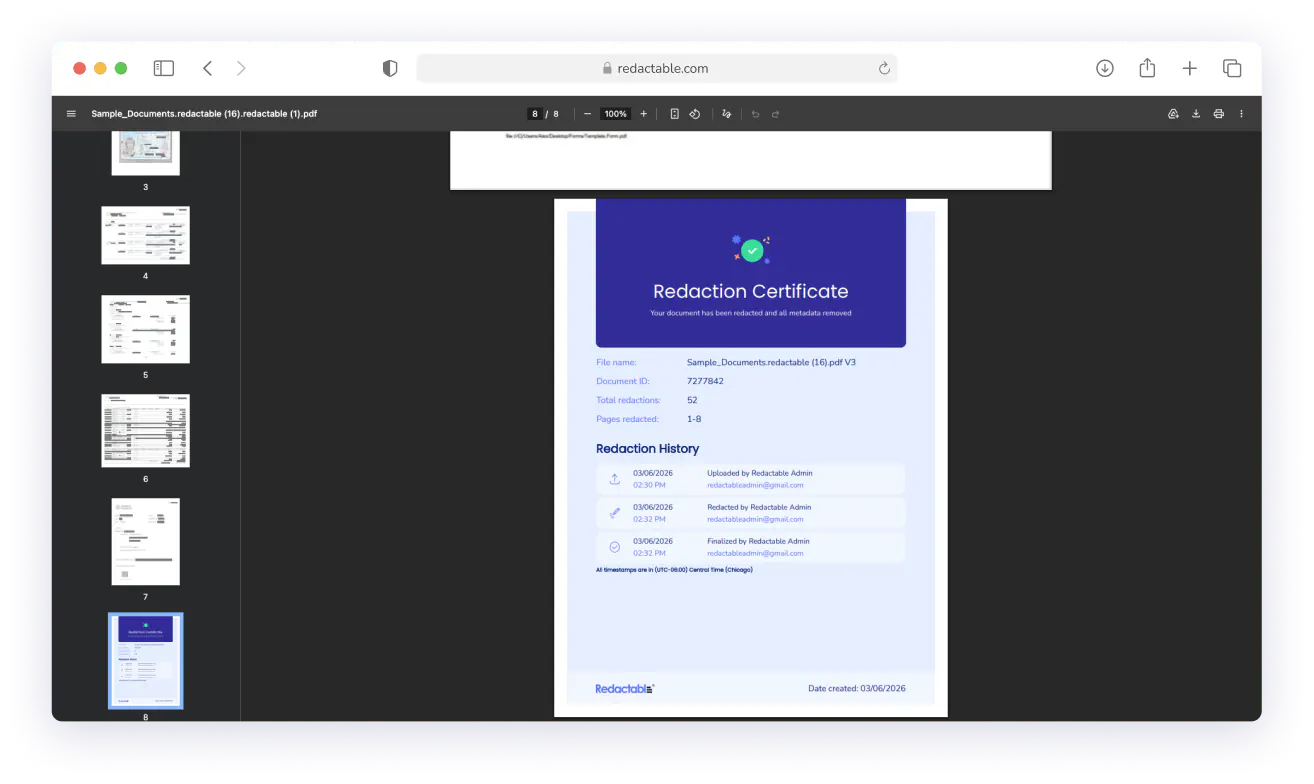
Unlike tools that simply place a black box over content, Redactable permanently replaces the underlying pixel data. The sensitive information is removed from the file entirely, rather than just being hidden. This makes it unrecoverable. Every session also produces a timestamped redaction certificate showing exactly what was removed, where, and by whom.

Real Customers, Real Redactions

No credit card required
Start redacting for free
Cancel any time

Sarah Dunbar Harper
Insurance & Legal Consultant
Redactable automatically recognizes PII including SSN and credit cards. It has easy redaction features that I can bend to blackout bars, watermarks, and the interface is easy to work with. I have been able to use Redactable to ease my redaction process. It does away with the time-consuming and painstaking exercises of redaction which if done manually poses the risk of exposing data.

Ayida Gambarova
Systems Engineer - Retail
It's AWESOME! Love it and have told my colleagues in law about it. This program saved me about 30+ hours on a project with about 1,000 pages of medical records vs. doing it "by hand" and then saved me hours when it saved the redactions and allowed me to "unredact" per a Judge's order. WONDERFUL software!! I taught myself how to use the software in about 5 minutes - no joke. So easy to use!

Philip J Berenz
Attorney at Berenz Law Network PC
Easy to use and very fast. I was able to comb through dozens of documents to redact sensitive information in a matter of minutes for $20. Can't beat that. Good customer service too. Recommend.

Eddie Hsu Pugmire
Investor
My overall experience with Redactable has been great. I can't see myself using another redacting program after using this. Redactable is so easy to use that it has become my go-to program whenever I need to redact a document. The operation is so simple that truly anyone could use it.

Ralph B.
How Redactable Works

1
Upload your scanned document

2
Redactable's OCR engine converts it into a searchable file instantly
The software outputs the recognized text in a usable format that preserves the original document structure.

3
Redact like any other document
From there, the full Redaction Wizard is available. AI auto-detection, category filtering, keyword search, and manual redaction. Everything works exactly as it would on a native PDF.
Your Scanned Documents Deserve The Same Protection As Digital Documents
See why we’re the #1 redaction software for AI-powered document security, including scanned documents.
Redactable's OCR redaction removes the blind spot that paper-based records create. Upload a scanned document and see it become fully redactable in seconds.

Google Drive

Dropbox

OneDrive
%201.svg)
SharePoint

Box

Clio
Start Redacting for Free with No Credit Card Required.

Over 98% time savings with AI-powered redaction

