In September 2026, an employee at Johns Hopkins Bayview Medical Center uploaded a spreadsheet containing patient information to an unauthorized AI tool.
The spreadsheet contained information related to 3,182 patients, including names, medical record numbers, treatment dates, and medications administered. Social Security numbers and financial account information were not included, according to the hospital.
The incident was discovered the same day, but the hospital still had to notify affected patients and take steps to address the disclosure.
The incident, reported by Becker's Hospital Review, wasn't the result of a sophisticated cyberattack. It involved an employee using an AI tool that hadn't been approved for the task.
And that's what makes it relevant to almost every organization experimenting with AI today.
Employees are uploading contracts, spreadsheets, legal documents, financial reports, and customer records into AI assistants because it's an incredibly convenient way to get work done.
But how much of that information actually needs to be shared?
Before uploading a document to ChatGPT, Claude, or another AI tool, it's worth understanding what information should be removed, what your AI provider does with uploaded files, and how to prepare documents without unnecessarily exposing sensitive data.
Is it safe to upload documents to ChatGPT?
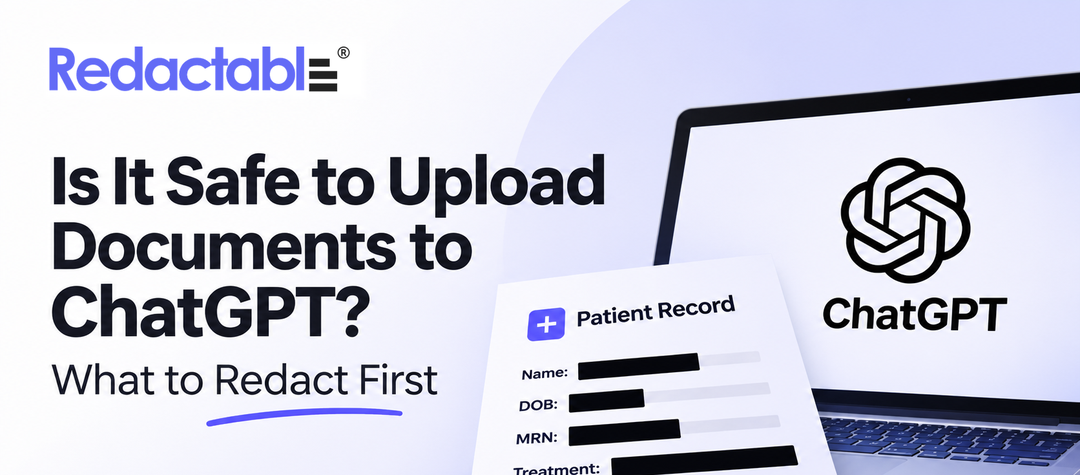
Uploading documents to ChatGPT can be appropriate, but it depends on the information inside the document, your account's data protections, and whether the upload is authorized.
A publicly available research paper is very different from an employee benefits spreadsheet containing Social Security numbers.
Likewise, a company-approved enterprise AI workspace isn't necessarily governed by the same data policies as an employee's personal account.
For example, OpenAI states that ChatGPT Business workspace data is not used for model training by default. Anthropic has a similar default policy for its commercial Claude products.
Those protections matter. But they don't automatically make every document appropriate to upload.
An organization may still have confidentiality agreements, privacy regulations, internal security policies, and contractual obligations governing where sensitive information can be shared.
There's also a distinction between protecting data after it enters an AI platform and reducing the amount of sensitive data shared in the first place.
That second part is often overlooked.
What information should you redact before uploading documents to AI?
The most practical rule is to remove sensitive information that isn't necessary for the AI to complete your task.
For instance, if you're using ChatGPT to summarize a contract, the terms and conditions may be important. The customer's banking details probably aren't.
Here are the types of information worth reviewing before sharing a PDF, spreadsheet, or other business document with an AI assistant.
Personal identifiable information (PII)
Personal information appears throughout everyday business documents, sometimes in places employees wouldn't think to check.
Customer agreements, employee reports, insurance applications, and legal documents can contain names, addresses, phone numbers, dates of birth, Social Security numbers, and other identifying information.
Not all of those details will be relevant to the task you're asking AI to perform.
If you're analyzing customer feedback, for example, you might need the comments and product ratings but not the customers' names, email addresses, or account numbers.
A document redaction tool can help identify and remove unnecessary personal information while preserving the content needed for analysis.
Protected health information (PHI)
The Johns Hopkins incident is a reminder of how easily patient information can travel outside an organization's approved systems.
Medical records often contain far more information than is required for a particular analysis, including diagnoses, treatment histories, patient identifiers, and provider details.
Healthcare organizations also face specific obligations under HIPAA.
The U.S. Department of Health and Human Services explains that cloud service providers handling electronic protected health information on behalf of covered entities generally must have an appropriate business associate agreement and meet applicable safeguards.
Simply purchasing an enterprise AI subscription doesn't necessarily satisfy those requirements.
And removing a patient's name isn't always sufficient to de-identify a record. Dates, locations, and combinations of medical details may still identify someone.
For healthcare teams, the right approach starts with an approved environment and a clear understanding of what information the task actually requires.
Financial and confidential business information
Think about how many routine documents include information that shouldn't be shared unnecessarily.
A vendor contract might contain banking instructions. A financial report may include unreleased revenue figures. A customer proposal could reveal negotiated discounts or proprietary pricing.
An AI assistant might only need a small portion of that information to complete the requested work.
For example, if you're using ChatGPT to compare payment terms across several contracts, you probably need the payment schedules and relevant clauses.
You don't necessarily need bank account numbers, tax identifiers, or unrelated confidential attachments.
Redacting that information before uploading the documents reduces unnecessary exposure without removing the details that make the analysis useful.
Legal and privileged information
Legal teams increasingly use AI to review agreements, summarize discovery materials, and identify relevant clauses.
But legal documents may contain attorney-client communications, litigation strategy, confidential settlement discussions, or information subject to protective orders.
These materials require more than a routine privacy check.
Even if names are removed, the substance of a document may still be privileged or confidential. Legal teams should confirm that the AI service and proposed use are authorized before sharing it.
When possible, working with a narrower, appropriately reviewed excerpt is a better starting point than uploading an entire case file.
PDF metadata and hidden information
This is one of the easiest risks to miss.
A PDF may look perfectly clean when you open it, yet contain information that isn't visible on the page.
Depending on how the document was created, that could include author details, comments, embedded objects, hidden layers, or searchable text underneath visual elements.
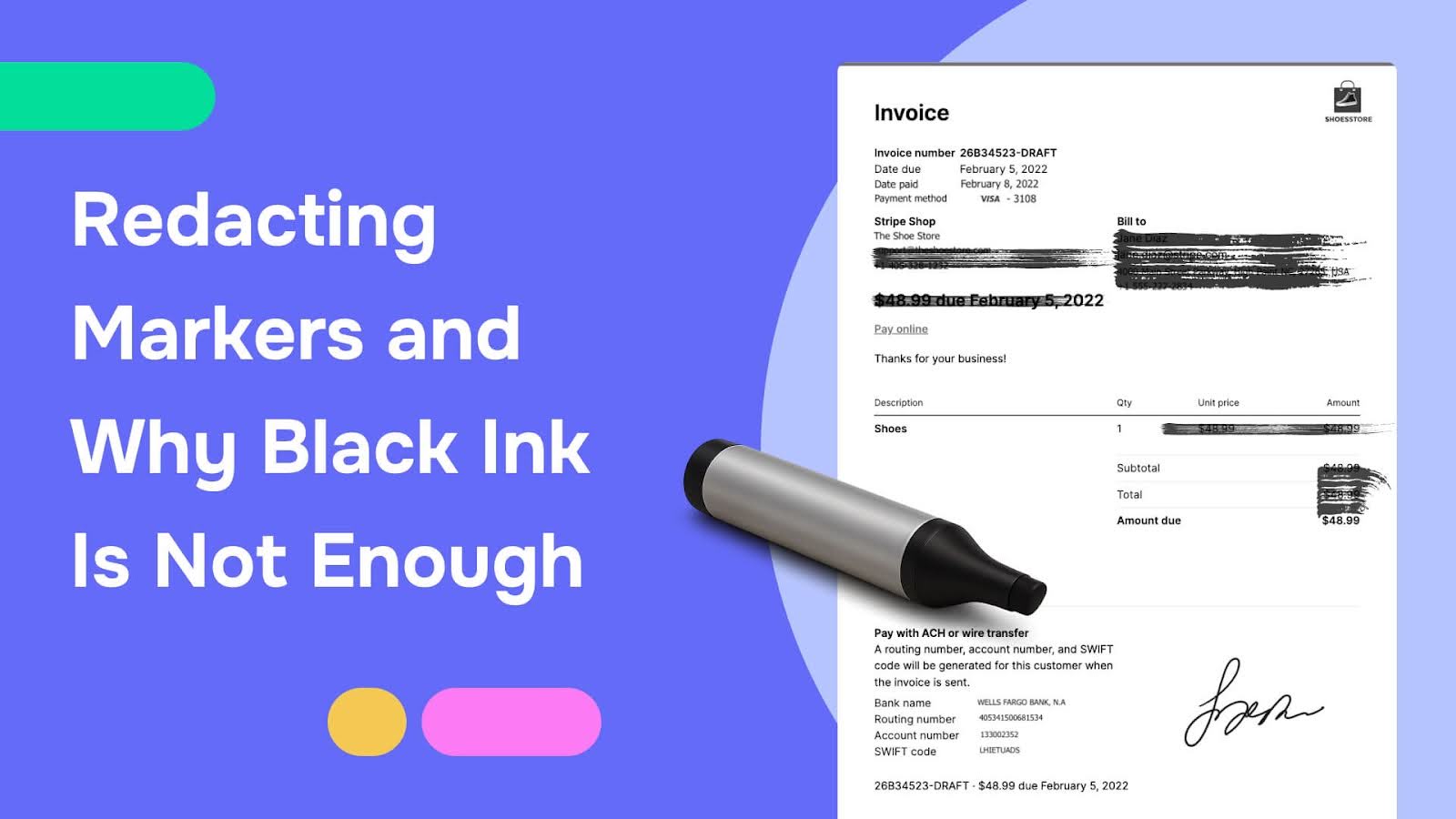
Simply placing a black rectangle over sensitive information doesn't necessarily remove the underlying text.
The distinction matters because AI tools can analyze document contents rather than relying only on what a person sees on screen.
Adobe's PDF redaction and sanitization guidance distinguishes removing visible content from removing hidden information such as metadata and embedded objects.
Both deserve attention before a sensitive PDF is shared.
If you haven't reviewed the hidden information in your document, our guide to removing metadata from PDFs explains what to look for and how to remove it.
How to redact a PDF before uploading it to ChatGPT
You don't need to completely rewrite every document before using AI. You do need a reliable way to identify and remove information that shouldn't be shared.
Here's a practical process:
- Start with the approved AI environment. Check that the tool, account, and intended use comply with your organization's policies. If the upload isn't authorized, don't proceed.
- Identify the information the AI actually needs. A contract summary may only require certain clauses. A financial analysis might need transaction amounts but not customer account numbers.
- Scan the PDF for sensitive information. Look for PII, PHI, financial identifiers, confidential terms, and any other information unrelated to the task.
- Apply permanent redactions. Use a document redaction tool to remove the selected information from the file rather than simply covering it with shapes or annotations.
- Remove hidden information and verify the result. Check metadata, comments, embedded content, and searchable text. Open the final file, search for the removed information, and review the output before sharing it.
One mistake worth avoiding: uploading an unredacted PDF to ChatGPT and then asking ChatGPT to remove the sensitive information.
By that point, the original document has already been uploaded.
If the goal is to minimize what the AI service receives, redaction needs to happen beforehand.
For a detailed walkthrough, see how to redact a PDF securely.
What about Excel spreadsheets and other business files?
This deserves attention because the Johns Hopkins incident involved a spreadsheet, not a PDF.
Spreadsheets introduce their own complications. Sensitive information may appear in hidden rows, worksheets, comments, formulas, or other parts of a workbook.
Deleting a visible column or hiding a worksheet doesn't necessarily mean its contents have been removed from the underlying file.
Before uploading a spreadsheet into an AI platform, consider creating a separate copy that contains only the data required for analysis.
For example, if you're evaluating patient appointment volumes, you may only need appointment dates, service categories, and aggregated counts rather than individual patient records.
Review the exported data, remove unnecessary identifiers, and check that hidden or embedded information hasn't been carried over.
If exporting to PDF is appropriate for your workflow, you can then use PDF redaction software to prepare that exported document. The original spreadsheet still needs its own review.
The important point is that different file formats require different precautions.
Why AI data privacy isn't just about model training
One of the first questions people ask is whether ChatGPT uses uploaded documents to train its models.
That's a reasonable question, but it doesn't cover every aspect of document security.
Organizations also need to consider where information is stored, how long it is retained, who can access it, which third-party integrations receive it, and what happens when an employee deletes a conversation.
OpenAI's ChatGPT data controls documentation explains how settings and protections differ across account types. Its file retention guidance also explains why deleting a conversation and deleting a separately saved file may be different actions.
These considerations are particularly important when employees use AI applications outside the organization's approved environment.
It's also worth distinguishing two separate controls: AI governance determines which systems employees are allowed to use, while document security helps determine what information those systems receive.
Both matter.
And the Johns Hopkins incident illustrates why relying on only one of them can leave organizations exposed.
Where automated document redaction fits in
Manually reviewing a short document for sensitive information is usually manageable.
The challenge changes when employees are working with hundreds of contracts, medical records, financial statements, or legal documents.
Finding every personal identifier becomes much harder, particularly when documents contain scanned pages, inconsistent formatting, or information hidden in the file itself.
At Redactable, we've built AI-powered document redaction software to make that process more manageable.
Redactable automatically identifies sensitive information such as PII, PHI, and financial identifiers in supported documents. Teams can review the suggestions, apply permanent redactions, and remove hidden metadata before exporting the resulting files.
Built-in OCR also helps identify text in scanned PDFs that would otherwise be difficult to search.
That gives organizations a practical way to prepare sensitive documents before sharing them with approved AI tools, external partners, or other recipients.
It doesn't replace the need for AI governance or data-sharing policies. It adds protection at the document level, where much of the sensitive information already exists.
You can explore Redactable's automated document redaction features to see how the process works.
Frequently asked questions
Can I upload confidential documents to ChatGPT?
It depends on the document, your organization's policies, and the protections of the AI service you're using. Even when an enterprise workspace has strong privacy controls, confidential information may be subject to contractual or legal restrictions. Remove unnecessary sensitive information and confirm that the upload is authorized.
Can ChatGPT redact sensitive information from a PDF?
ChatGPT may help identify information that should be removed, but uploading the original document means the AI service has already received it. If you're trying to prevent unnecessary sensitive data from entering an AI platform, use an appropriate redaction tool before uploading.
Is it enough to black out sensitive information in a PDF?
Not necessarily. A black rectangle placed over text may leave the underlying information accessible. Proper PDF redaction permanently removes selected content. Metadata and hidden document elements should also be checked and sanitized where appropriate.
Should I remove metadata before uploading a PDF to ChatGPT?
If the metadata contains confidential or identifying information that isn't needed for the task, yes. PDF metadata can include author names, creation details, comments, and other information that may not be visible in the document itself.
Does ChatGPT use uploaded PDFs to train AI models?
That depends on the service and applicable data settings. ChatGPT Business and Enterprise data is not used for model training by default. Consumer services have different controls. Organizations should review the current terms and settings for their specific account before uploading sensitive materials.
A better way to share documents with AI
The growth of AI in the workplace doesn't mean employees should stop using it to summarize contracts, review reports, or analyze information.
But it does mean organizations need to pay closer attention to the documents being shared.
The Johns Hopkins incident is one example of what can happen when an ordinary work task moves sensitive information into an unauthorized AI system.
And although healthcare records come with particularly strict requirements, the underlying issue extends to legal, financial, corporate, and government workflows.
Organizations need to know which AI tools employees are using. They also need a practical way to control the sensitive information leaving their documents.
Because in many cases, the AI doesn't need the entire document to do the job. It just needs the right information.
Try Redactable to identify and permanently remove sensitive information from PDFs and supported documents before they're shared.