As a business owner, it’s important for me to prioritize the safety of sensitive client information that is shared with me. Finding a product like Redactable is a game changer in the legal and insurance industry! It will give you peace of mind knowing that you are safeguarding client information while saving time during your busy workday. It’s a win-win, and I highly recommend Redactable!
The AI Redaction Wizard: Speed Meets Precision
One intelligent interface. Four powerful methods. Redactable’s AI Redaction Wizard finds and removes sensitive information in your documents automatically, accurately, and in minutes.

AI-powered precision redacts sensitive information instantly
Reduce human error and redaction time by up to 98%
SOC 2 Type II and HIPAA compliant platform
or Try for free



Trusted by





.svg)
.svg)
98%
Time savings compared to PDF editors

30X
Faster than manual redaction
AI REDACTION METHODS
Redact Smarter. Match the method to the need.
Every document is different. Need to redact a specific type of personally identifiable information (PII) or other confidential information? The Redaction Wizard gives you four distinct approaches so you always have the right tool to redact sensitive information, whether you need AI speed, bulk precision, keyword targeting, or manual control.
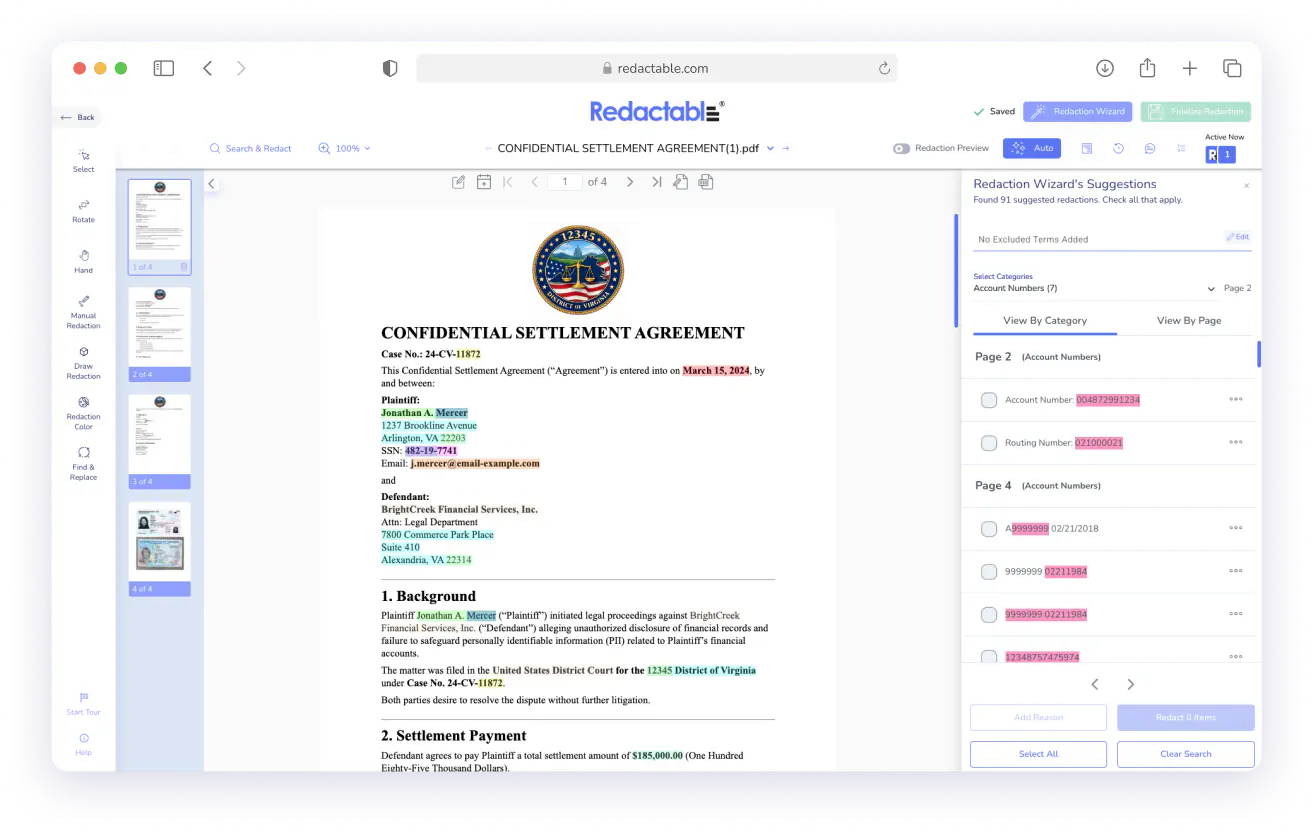
Auto Document Redaction
AI-Powered
Let AI do the heavy lifting with automated redaction. Our powerful instant OCR makes any scanned document searchable.
Instant AI scan of the full document
Highlights names, IDs, contacts, and more
Review and approve before applying
Best for: Quick review of unknown documents
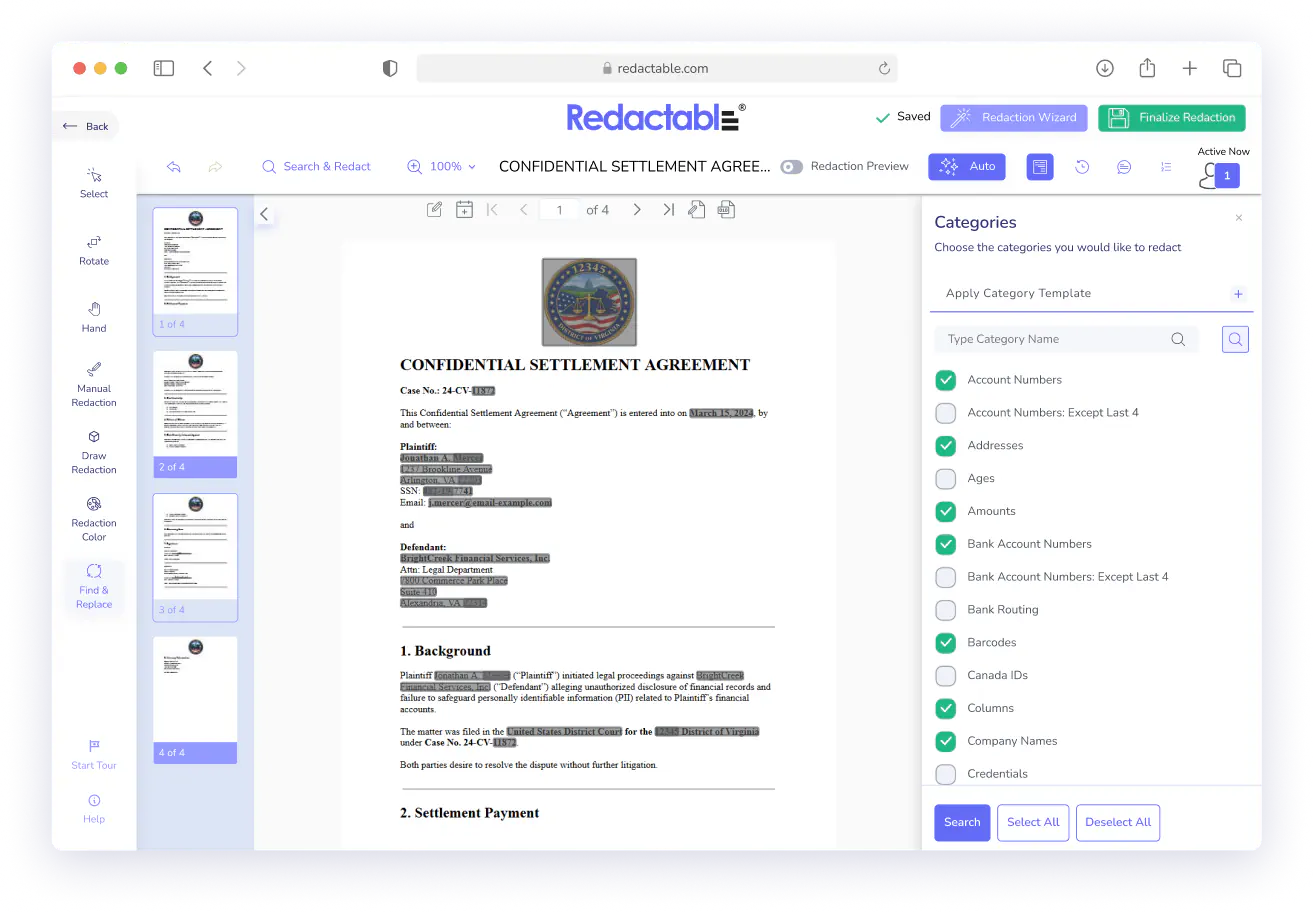
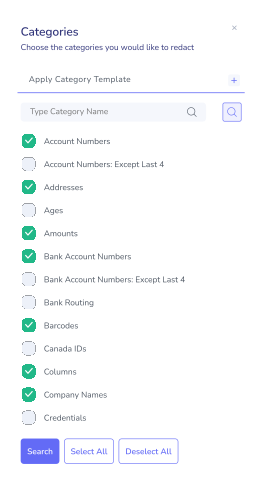
Categories
Bulk Precision
Select data type categories and redact all matching instances in one sweep.
Predefined types: SSNs, emails, phone numbers
Select all or cherry-pick categories
Create templates of selected categories and apply them with one click
Detects data in tables, like in financial documents
Applies facial recognition to redact faces
Best for: compliance-driven bulk removal
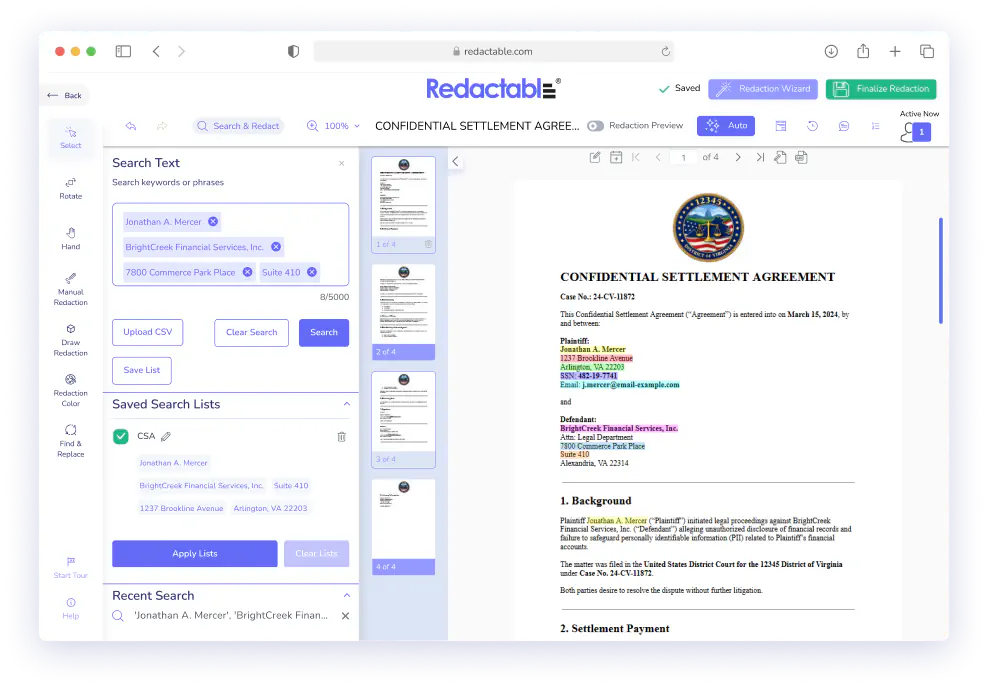
Search Text
Keyword Targeting
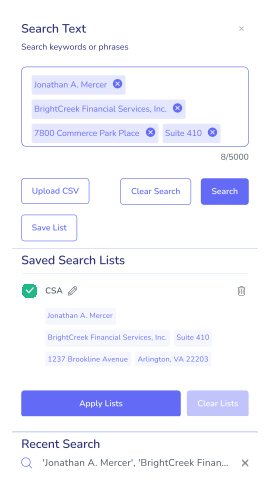
Search for any word, phrase, name, or pattern and find every occurrence across the document instantly.
Search any word, name, or phrase
Or upload your own list of unique terms
Shows all instances across the document
Best for: targeted removal of known terms
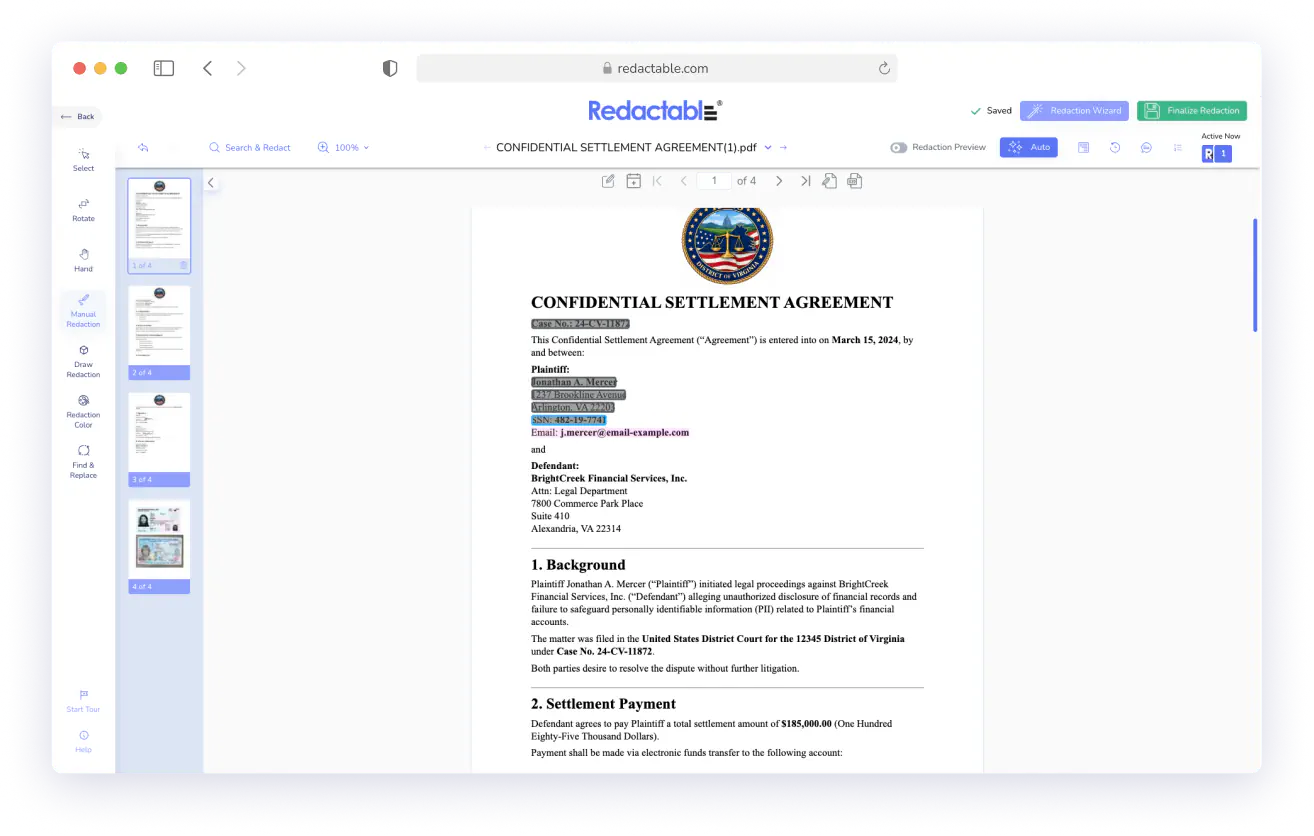
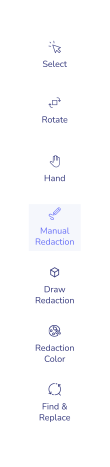
Manual Redaction
Full Control
For cases where you know precisely what needs to be removed, manually highlight and redact any text or region in the document.
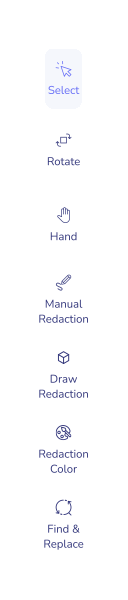
Click or drag to select any content
You can draw rectangles to redact entire sections or pages.
Works on text and image regions
Preview before finalizing
Best for: precise, case-by-case redaction
AI Redaction Wizard:
Built for speed. Optimized for accuracy.
Zero Ramp-Up Time: Opens automatically with every document. No training sessions, no configuration, no onboarding. Anyone on your team can start redacting in seconds.
AI That Doesn’t Miss Sensitive Data: No more missed redactions. Auto-detection powered by AI scans your entire document for sensitive data, like names, IDs, contact info, DOB, SSN, etc., with unmatched accuracy, even on scanned documents that are made instantly searchable with our proprietary OCR.
Permanent Removal of Sensitive Information: Unlike drawing boxes over text, Redactable permanently strips data from the document’s underlying code. Redacted information is truly redacted, not just masked.
From Days to Minutes: The average user redacts a document 30X faster using Redactable than manual redaction or redacting in a PDF editor. These time savings add up fast while improving accuracy.
You Stay in Control: The Redaction Wizard automatically identifies sensitive information. You Review AI’s suggestions before applying them. Select exactly which items to remove. Preview before you finalize the secure redaction.
Scales With Any Volume: The Redaction Wizard handles documents with thousands of pages with the same ease. Bulk upload up to 100 documents and process entire documents with just a few clicks. The redaction process remains fast and accurate at high volumes.
Built-in Guardrails: Audit trails are logged, and versions are saved automatically, creating critical safeguards. Redaction Certificates are automatically generated and can be downloaded after a document is finalized.
How it Works

1
Open Document
Upload any PDF to your Redactable dashboard. The Wizard launches automatically.

2
Choose Method
Pick Auto, Categories, Search Text, or Manual — whichever fits your task.

3
Identify Content
The Redaction Wizard surfaces sensitive data. Review and approve exactly what to remove.
4
Preview
See exactly how your document will look after redaction. Make changes before finalizing.

5
Finalize
Apply redactions permanently. Download your clean, compliant document.

No credit card required
Start redacting for free
Cancel any time

Sarah Dunbar Harper
Insurance & Legal Consultant
Redactable automatically recognizes PII including SSN and credit cards. It has easy redaction features that I can bend to blackout bars, watermarks, and the interface is easy to work with. I have been able to use Redactable to ease my redaction process. It does away with the time-consuming and painstaking exercises of redaction which if done manually poses the risk of exposing data.

Ayida Gambarova
Systems Engineer - Retail
It's AWESOME! Love it and have told my colleagues in law about it. This program saved me about 30+ hours on a project with about 1,000 pages of medical records vs. doing it "by hand" and then saved me hours when it saved the redactions and allowed me to "unredact" per a Judge's order. WONDERFUL software!! I taught myself how to use the software in about 5 minutes - no joke. So easy to use!

Philip J Berenz
Attorney at Berenz Law Network PC
Easy to use and very fast. I was able to comb through dozens of documents to redact sensitive information in a matter of minutes for $20. Can't beat that. Good customer service too. Recommend.

Eddie Hsu Pugmire
Investor
My overall experience with Redactable has been great. I can't see myself using another redacting program after using this. Redactable is so easy to use that it has become my go-to program whenever I need to redact a document. The operation is so simple that truly anyone could use it.

Ralph B.
Ready to Get Started with Automated Redaction?
Book a 30-minute meeting with one of our redaction experts to see how Redactable can work for your
organization's specific needs. Receive a custom, free quote after the call.
organization's specific needs. Receive a custom, free quote after the call.

Over 98% time savings with AI-powered redaction

