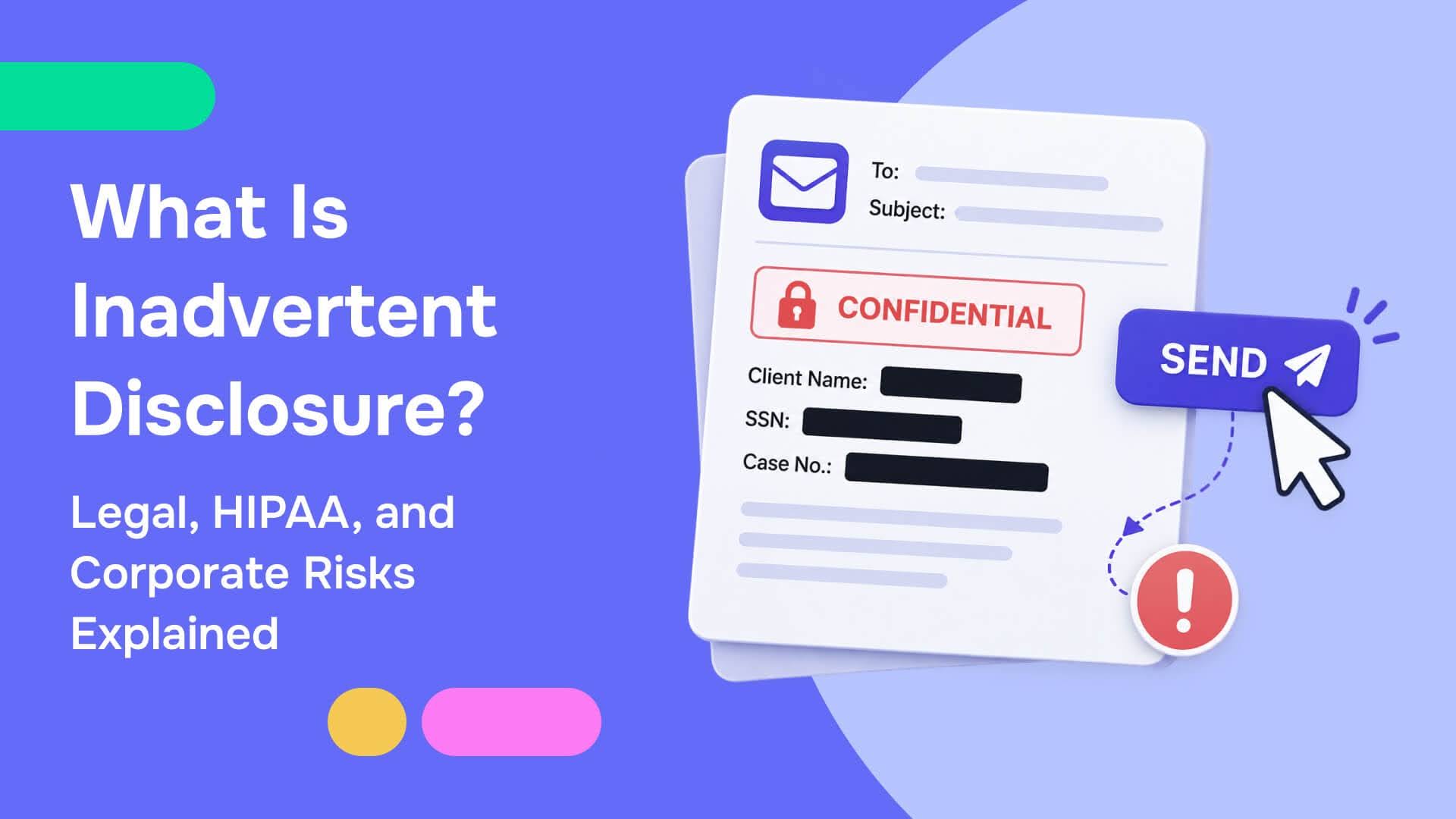
Inadvertent disclosure is the accidental exposure of sensitive or privileged information to someone not authorized to receive it. What happens next depends entirely on context. A litigation team may face a privilege-waiver fight, a healthcare administrator could face a HIPAA breach assessment, and a corporate compliance officer might face regulatory penalties. The rules are different in each situation, but the prevention is the same.
This guide covers what inadvertent disclosure looks like across all three contexts and what organizations in each can do to stop it before it starts.
What Inadvertent Disclosure Actually Means
Inadvertent disclosure is different from intentional disclosure. Intentional disclosure occurs when a party knowingly shares protected information, while inadvertent disclosure occurs when information is exposed accidentally. The accidental nature of the disclosure changes how it's treated under the law, but it does not eliminate the consequences.
Most incidents trace back to one of three failure points:
- Human error: A misdirected email, the wrong attachment, or a document sent before review was complete.
- Misconfiguration: A shared drive folder with permissions set too broadly, a cloud storage bucket left publicly accessible, and access controls that were never updated after a project closed.
- Insufficient process: Documents leaving an organization's control because there was no systematic check for sensitive content before they went out.
Inadvertent Disclosure in Legal Discovery
In litigation, inadvertent disclosure most commonly means a privileged document was produced to opposing counsel during discovery. Many legal teams are reviewing tens of thousands of documents under a tight production deadline. Manually reviewing that amount of documents poses a real operational risk.
What Attorney-Client Privilege Covers
The attorney-client privilege protects confidential communications between an attorney and a client made for the purpose of obtaining or providing legal advice. The work-product doctrine protects materials that an attorney prepares in anticipation of litigation. Both protections require active maintenance. Privilege does not preserve itself once a document is produced.
What FRE 502(b) Actually Requires
Under Federal Rule of Evidence 502(b), inadvertent disclosure of a privileged document in a federal proceeding does not automatically waive privilege. Three conditions must all be satisfied:
- The disclosure was genuinely inadvertent
- The producing party took reasonable steps to prevent it
- The producing party promptly took reasonable steps to correct it after discovery
Courts have been clear that "reasonable steps" require substantive evidence of a real review process. Keyword filters without attorney review of flagged results have been found insufficient in some jurisdictions. Verbal instructions to vendors, rather than written protocols, don't hold up. Delays in seeking claw-back, even of a few weeks, have supported waiver findings.
What Both Sides Must Do
Once producing counsel discovers the error, the required steps under FRCP 26(b)(5)(B) and RPC 4.4(b) are to notify opposing counsel in writing, identify the documents, assert the privilege claim, and demand return or destruction. Receiving counsel must stop reviewing the material immediately and cannot use the information until the privilege claim is resolved. Continuing to read potentially privileged documents after recognizing them as such is an ethical violation for which courts have sanctioned attorneys.
A complete privilege log is essential throughout. Each withheld document needs the author, all recipients, the date, and a subject matter description specific enough to support the privilege claim without revealing the substance. Courts have denied claw-back motions specifically because privilege logs were incomplete. The log is both a procedural requirement and the primary evidence of the diligence FRE 502(b) rewards.
For law firms and in-house legal departments managing high-volume production, Redactable's legal redaction workflow and the privileged information redaction guide cover how automated privilege detection fits into a defensible pre-production review.
Inadvertent Disclosure Under HIPAA
Healthcare operates under a separate regulatory framework. Under HIPAA's Privacy Rule, an impermissible disclosure of protected health information (PHI) is presumed to constitute a breach unless the covered entity demonstrates, through a four-factor risk assessment, a low probability that the PHI was compromised.
The Three Safe Harbor Exceptions
HIPAA does recognize situations where accidental disclosure does not require breach notification:
- A workforce member unintentionally acquires or accesses PHI while acting in good faith within the scope of their authority, and the information does not go any further.
- An authorized workforce member inadvertently discloses PHI to another authorized person within the same organization, and the information is not further used or disclosed.
- A covered entity has a good faith belief that the unauthorized recipient could not reasonably have retained the information.
Outside these three situations, breach notification is mandatory. Affected individuals must be notified. HHS must receive notification within 60 days of discovering the breach. Breaches affecting 500 or more individuals in a single state also require media notification.
The Real Stakes With Privileged Documents
HIPAA violations can result in penalties exceeding $2 million, and that doesn't account for litigation exposure or the erosion of patient trust following a public disclosure. With 75% of patients already concerned about how their health records are handled, a single inadvertent disclosure incident can do damage that outlasts any fine.
Why Format Is the Hard Part
The challenge is finding all PHI across the formats in which healthcare documents arrive. Scanned charts, handwritten clinical notes, faxed referrals, and image-based lab reports aren’t searchable by standard keyword tools. Text embedded in a scanned image doesn't exist as text until the document has been processed with OCR.
A manual reviewer who misses a handwritten date of birth on a fax creates a potential HIPAA violation. Redactable's healthcare document redaction runs AI-powered OCR on those formats first, converting them into searchable documents, then automatically identifies all 18 HIPAA-defined patient identifiers before a human reviewer ever touches the file.
The other risk most healthcare teams underestimate is metadata. A PDF can look clean on screen while still containing patient names, MRNs, or facility identifiers buried in document properties or hidden layers. Covering text with a black box doesn't remove the underlying data. Anyone who knows where to look can recover it. Permanent redaction removes content from the document's data layer, not just its visible surface. For a full breakdown of HIPAA redaction requirements, see the HIPAA redaction best practices guide.
Inadvertent Disclosure in Corporate Document Sharing
Legal discovery and HIPAA get most of the attention. Corporate environments get less, but exposure still matters and is often harder to detect.
Corporate inadvertent disclosure rarely looks like a dramatic breach. It looks like:
- A shared drive folder set to "anyone with the link" that was never changed back after an external review.
- A contract emailed to a vendor before the proprietary pricing section was removed.
- A financial model was forwarded to the wrong distribution list.
- An S3 bucket was left publicly accessible after a cloud migration.
According to IBM's 2025 Cost of a Data Breach Report, the average cost of a data breach for U.S. companies reached $10.22 million. Cloud misconfigurations were among the most common contributing factors, and the average time to identify and contain a breach was 258 days, meaning these incidents often go unnoticed for months before anyone realizes they've occurred.
The documents most at risk in corporate environments tend to be the ones that move the most:
- Contracts
- HR files
- M&A due diligence materials
- Compliance reports
- Subpoena responses
- Vendor agreements
Each time one of those documents changes hands, sensitive content that wasn't removed before it left internal systems is an exposure waiting to be discovered.
Corporate inadvertent disclosure doesn't carry the same codified framework as FRE 502 or HIPAA's Breach Notification Rule. However, consequences could still include contractual breaches, regulatory penalties under the GDPR or CCPA, trade secret exposures, and litigation from affected parties.
Responding to an Inadvertent Disclosure
The immediate response sequence is similar across all three instances, even if the specifics differ.
- Stop the use of the disclosed material: Receiving counsel stops reviewing the document. A healthcare team stops any further distribution of the misdirected record. A corporate team contacts the recipient and requests deletion. The longer the disclosed content stays in active use, the more complicated the recovery gets.
- Notify the right party promptly: In litigation, that's a written notice to opposing counsel accompanied by a formal privilege assertion. Under HIPAA, that's notification to affected individuals and HHS within the 60-day window, with immediate notification required for large breaches. In a corporate context, that's internal escalation to legal and compliance, then external notification to affected parties or regulators, depending on what was in the document.
- Document the response: An incident report, a timeline, the corrective steps taken, and confirmation that the material was returned or destroyed. In a privilege dispute, that documentation is evidence that the producing party acted promptly. In a HIPAA investigation, the record demonstrates that the organization responded appropriately. An audit log that was already running captures most of this automatically.
Preventing Inadvertent Disclosure Before It Happens
Inadvertent disclosure is almost always a pre-production failure. The document went out wrong because the review didn't catch it, the permissions were never set correctly, or the file wasn't cleaned before it left internal control.
- For legal teams: Automated privilege detection across the full review set (AI-driven identification of attorney names, firm domains, legal terminology, and case-specific identifiers) followed by attorney review of flagged documents and a final spot-check before production. The privilege log gets built during review.
- For healthcare teams: PHI identification across all document formats in the workflow, including scanned and handwritten records, before those files are sent to external parties, other providers, researchers, or regulators. Permanent data-level is removed. Automated redaction certificates create a defensible record for every disclosure.
- For corporate teams: Sensitive identifiers are removed from contracts, HR files, vendor agreements, and compliance documents before they go outside the organization. Role-based access controls on shared repositories. Regular permission audits and a document review step are built into the production process.
Redactable handles all three on a single platform. AI-powered detection identifies PII, PHI, and privilege markers across 40+ data categories. Permanent redaction removes sensitive content at the data level. Bulk importing handles high-volume production, and every action is logged automatically.
The organizations that avoid inadvertent disclosure problems built prevention into their document workflow before anything left their control. Try Redactable for free and see how long a review that used to take hours actually takes.