Yes, AI can automatically detect and redact personally identifiable information (PII) in documents, including names, Social Security numbers, financial details, and other sensitive identifiers. For many legal and compliance teams, the most time-consuming part of sharing a sensitive document isn't deciding what needs to remain confidential. It's finding every instance of that information across hundreds of pages, checking that nothing has been overlooked, and making sure the final document is safe to release. The work demands attention to detail, yet much of it involves repetitive searches for the same names, account numbers, and personal identifiers.
This is where artificial intelligence is making a measurable difference. AI-powered document redaction software can automatically identify personally identifiable information (PII), helping organizations replace hours of manual searching with a faster, more consistent review process. One financial services customer of Redactable, for example, reported that a 1,000-page document that previously required approximately 40 hours of manual redaction could be processed in about 30 minutes using the platform.
That kind of improvement explains the growing interest in automated PII redaction. But speed alone isn't enough when the information being handled includes financial records, employee details, or confidential legal documents. Organizations also need to understand how accurately AI identifies sensitive information, what happens when it misses something, and whether the final redactions permanently remove the underlying content.
How AI Automatically Identifies PII in Documents
Traditional redaction software generally depends on the user knowing what to search for. If a reviewer needs to remove a specific account number, they can search for it throughout a PDF and apply redactions to the matching results. The difficulty is that sensitive information doesn't always arrive in a predictable format, and reviewers don't necessarily know every identifier contained in a document.
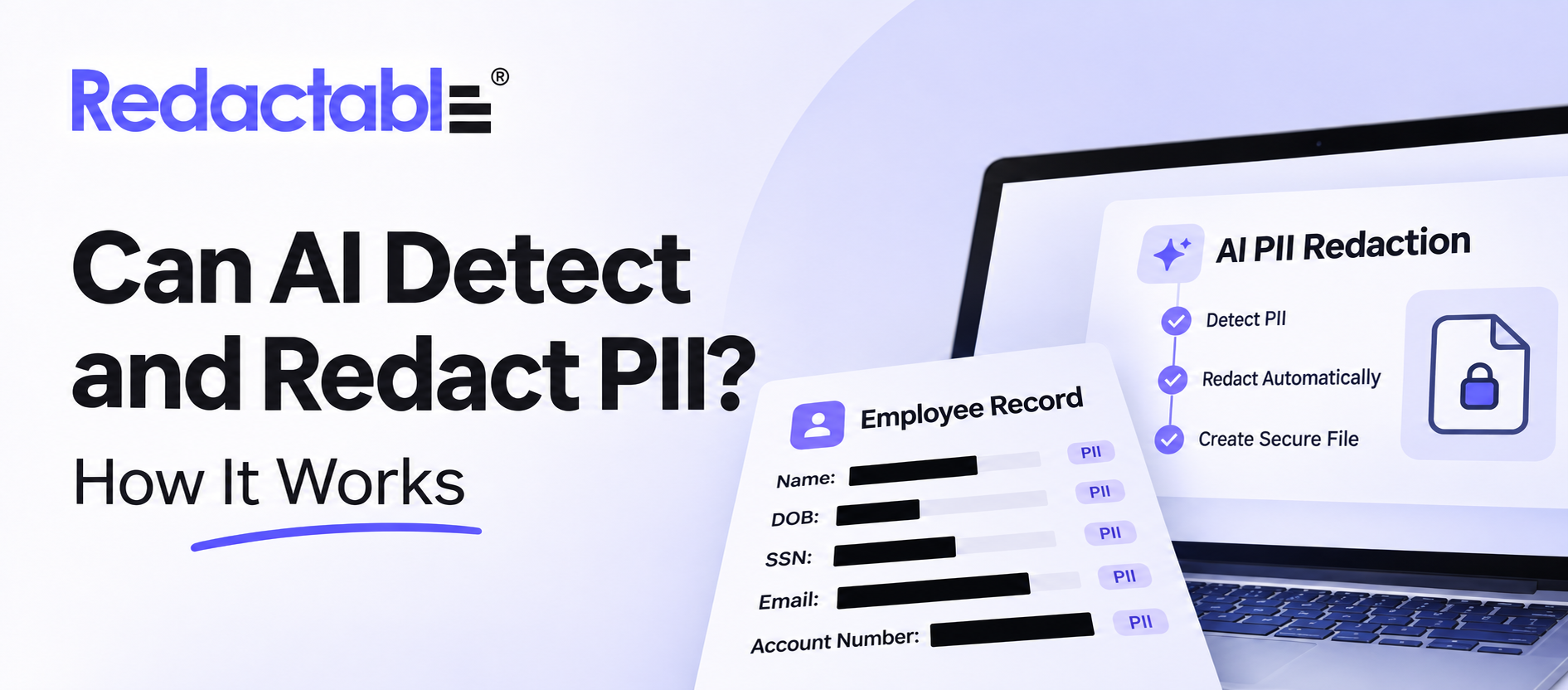
AI-assisted PII detection approaches the problem differently. Rather than relying exclusively on a list of known search terms, it analyzes document content to identify information that may be sensitive. Modern systems can combine pattern recognition, machine learning, and natural language processing to detect both structured information and identifiers that depend on context.
A Social Security number is a relatively straightforward example. Its recognizable format makes it a good candidate for pattern-based detection. A person's name, however, is more complicated. The same name might refer to an employee, a customer, or someone mentioned in an unrelated business record. Determining whether it should be removed requires an understanding of the surrounding information and, ultimately, the purpose of the disclosure.
AI can help distinguish these cases, but it shouldn't be confused with an infallible decision-maker. Detection systems identify potential matches. The organization still needs to decide which information must be protected.
For scanned PDFs and image-based documents, optical character recognition (OCR) is another important part of the process. OCR allows software to read text that isn't otherwise searchable, making it possible to identify sensitive information within scanned contracts, older financial records, and other document images. The quality of the original file matters, however, because poor scans and unusual layouts can affect how accurately text is recognized.
What Types of PII Can AI Detect?
Depending on the software, automatic PII detection can identify a range of personal and confidential information commonly found in business documents.
- Personal identifiers: Names, addresses, and dates of birth.
- Government-issued identifiers: Social Security numbers, passport numbers, and driver's license numbers.
- Contact details: Email addresses and phone numbers.
- Financial information: Bank account numbers, routing numbers, and payment card details.
- Employment records: Employee IDs, payroll information, and personnel identifiers.
- Healthcare information: Patient identifiers, medical record numbers, and certain protected health information.
These categories provide a starting point, but businesses often have additional confidentiality requirements. A legal department may need to remove privileged information, while a financial institution may need to protect account relationships or internal references that do not fit neatly into a standard PII category.
The most effective workflows combine automatic detection with the ability to search for known information, customize redaction requirements, and review results before releasing documents.
For a more detailed discussion of personal information categories, see Redactable's guide to PII redaction.
The Real Value of Automated Redaction Is in the Work It Eliminates
When organizations evaluate AI redaction software, the conversation often centers on detection accuracy or the number of categories a product supports. Those capabilities matter, but they don't fully explain the business value of automation.
The more meaningful question is how much time employees spend preparing documents and how much of that work could be handled more efficiently.
Consider the responsibilities of an in-house legal team. A paralegal may be asked to prepare financial statements for a subpoena response, review employee records for a legal matter, or remove confidential information from documents shared with outside counsel. Each assignment requires care, but much of the processing involves identifying recurring information and applying the same redaction requirements throughout a file.
For one Redactable customer in financial services, manually redacting a 1,000-page document could take a paralegal approximately 40 hours. Using Redactable, the customer reported that the same type of redaction workflow took approximately 30 minutes.
The significance goes beyond the processing time of a single document. When a task that once occupied an entire workweek can be completed in a fraction of that time, legal professionals have more capacity for work that requires their expertise. For teams managing recurring disclosure requests, that efficiency can also help reduce bottlenecks and improve turnaround times.
Not every organization's challenge involves thousand-page documents. Sometimes the bigger issue is repetition across many smaller files.
A Redactable customer serving technology professionals reported saving more than 100 hours of manual work using the platform's reusable redaction templates. Instead of configuring the same redaction requirements for each document, the organization could apply established templates to recurring workflows.
This highlights an important aspect of document automation that is easy to overlook. Identifying sensitive information faster creates immediate savings, but standardizing how that information is handled can produce benefits across an organization's entire document workflow.
Both examples are customer-reported outcomes from specific use cases. Actual processing times and savings depend on document complexity, file quality, and review requirements.
How Accurate Is AI PII Redaction?
The effectiveness of automatic PII detection depends on more than whether a system can identify Social Security numbers or email addresses. In real business documents, sensitive information appears in different formats, and the consequences of missing a single identifier can vary considerably.
Take a document containing several employee names, financial account numbers, and customer references. Some identifiers may follow recognizable patterns, while others require contextual understanding. An AI model might correctly identify most of the sensitive information but overlook an unusual account format or misclassify an ordinary business reference.
This is why accuracy should be evaluated in two ways.
Recall measures how much of the sensitive information a system successfully identifies. If a document contains 100 instances of PII and the software detects 95, the remaining five are missed detections. For organizations preparing confidential records for external disclosure, those missed items deserve particular attention.
Precision measures how many of the flagged items are correct. If the system identifies 100 potential redactions but 20 do not actually contain information that should be removed, reviewers must spend additional time examining those false positives.
Neither metric tells the whole story independently. A system that flags nearly everything might achieve high recall while creating unnecessary review work. A system that makes very few incorrect suggestions could appear precise while overlooking information it should have detected.
Businesses evaluating automated PII redaction software should test it against the types of documents they actually process. That means including scanned records, long PDFs, tables, unusual layouts, and repeated identifiers. Rather than relying solely on a vendor's accuracy claims, organizations should compare the detected results with a known set of sensitive information and inspect the exported documents.
It's also worth assessing how the software handles uncertain results. Can employees review suggested redactions efficiently? Can they reject incorrect matches? Can they supplement automatic detection with a search for known identifiers or manual selections?
These capabilities can be just as important as the detection model itself, especially when documents require legal or compliance judgment.
Finding Sensitive Information Is Only Half the Job
One of the most important distinctions in document security is the difference between identifying sensitive information and permanently removing it.
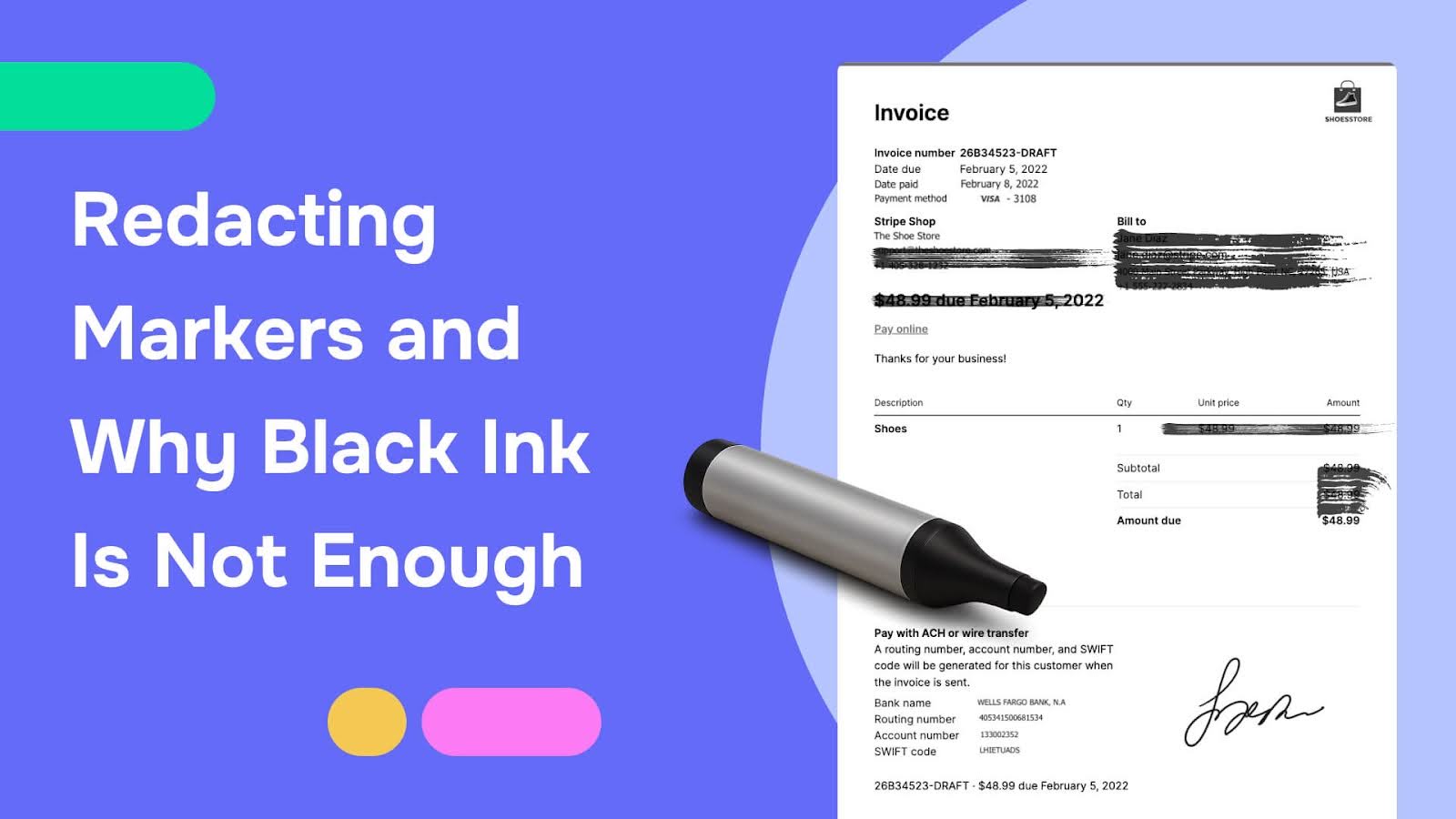
A PDF can appear redacted without actually being secure. If someone places a black rectangle over text, the information underneath may remain part of the document. In certain files, that content can still be recovered through text extraction or by examining the document's underlying structure.
There can also be information outside the visible page, including metadata, annotations, and embedded content. A document that looks safe at first glance may still contain details the sender intended to withhold.
Automated redaction software should address both problems: finding sensitive content and making sure approved redactions are permanent.
For organizations handling confidential documents, this is an essential part of evaluating software. The final output should be checked to ensure that removed information is no longer accessible and that unrelated content remains intact.
Redactable's guide to removing metadata from PDF documents explains why document properties and hidden information also need to be considered before files are shared.
What to Look for in Automated PII Redaction Software
The right redaction software depends on the documents an organization handles and the processes surrounding their disclosure. A legal department preparing subpoena responses has different priorities from an operations team working through recurring forms, but both need confidence that sensitive information is identified and appropriately removed.
When comparing products, organizations should look beyond a list of supported PII categories and evaluate the complete workflow.
- AI-powered detection: Identifies potential sensitive information without requiring every search term to be entered manually.
- OCR for scanned documents: Extends detection to files without searchable text.
- Review controls: Allows users to approve, reject, or supplement automated findings.
- Reusable templates: Reduces repetitive setup for recurring document types.
- Permanent redaction: Removes approved content rather than merely covering it.
- Metadata removal: Addresses information that may remain outside the visible page.
- Audit logs: Helps teams document redaction activity and maintain accountability.
- Support for lengthy documents: Makes the software practical for document-intensive workflows.
Usability also deserves attention. Automated detection delivers less value if employees still need to spend significant time navigating results or manually correcting every selection. The review process should be straightforward enough that teams can incorporate the software into their existing work rather than building new procedures around it.
For organizations comparing available solutions, Redactable's automatic redaction software guide provides a broader look at the tools and capabilities used to automate document redaction.
How Redactable Approaches Automated PII Detection
Redactable's AI-powered document security platform is designed to reduce manual redaction work while giving organizations control over the information removed from their documents.
Through the Redaction Wizard, users can automatically identify potential sensitive information and review the results in one place. Category-based redaction helps locate common identifiers, while search and manual selection tools allow reviewers to address information that requires additional context.
The platform also supports reusable redaction templates, which are particularly useful when organizations process documents with similar confidentiality requirements. Rather than recreating the same redaction configuration for every file, teams can establish repeatable workflows and apply them when needed.
Once redactions are approved and finalized, Redactable permanently removes the selected information from the document. OCR, metadata removal, and audit logging provide additional capabilities for managing sensitive files throughout the process.
The distinction is important. Automated detection reduces the burden of finding information, while review controls and permanent removal help organizations manage the risks involved in sharing it.
For a closer look at the workflow, explore Redactable's Redaction Wizard or read more about AI-powered document redaction.
A More Efficient Way to Protect Sensitive Documents
AI can automatically detect PII in documents, and for organizations handling substantial volumes of sensitive information, the efficiency gains can be significant. The technology makes it possible to identify recurring personal and financial identifiers across lengthy files without relying entirely on manual searches.
The customer experiences described here show two different ways those benefits can emerge. For a financial services organization, automation dramatically reduced the time required to process a large document. For an organization serving technology professionals, reusable templates eliminated more than 100 hours of repetitive work.
Neither example suggests that human oversight is unnecessary. Sensitive information still needs to be reviewed in context, and organizations must ensure that approved redactions are permanently applied before documents are shared.
What changes is how employees spend their time. Instead of devoting hours to repetitive searches and individual redactions, teams can focus more of their attention on reviewing information, managing disclosure requirements, and making decisions that require professional judgment.
For businesses that regularly handle confidential documents, that shift can make document security both more manageable and more efficient.
Explore Redactable to see how AI-powered detection, reusable templates, and permanent redaction can simplify your document workflows.