When the U.S. Department of Justice released the Epstein files, the expectation was not perfection. Redaction was always going to be necessary. The documents contained deeply sensitive material involving victims, witnesses, and private individuals. Protecting that information was not optional. It was the central obligation of the release.
What no one expected was that redaction itself would become the controversy. Within days, journalists, technologists, and members of the public began questioning whether the files had been securely redacted at all. Reports and social media posts suggested that some PDFs still contained recoverable text beneath black boxes. In other cases, inconsistencies and unexplained omissions raised doubts about whether the redaction process had been properly validated.
At that point, the narrative shifted. The story was no longer about transparency or accountability. It was about whether the government had used redaction methods capable of protecting sensitive data in a world where every document is instantly tested by the internet.
This is precisely the kind of situation Redactable was built for. And it is why they should have used Redactable for Epstein files redaction.
When redaction fails, trust collapses
Redaction is supposed to be invisible. When it works, no one talks about it. The focus stays on the content that was released and the decisions behind that release.
When redaction fails, everything else becomes irrelevant.
In the Epstein files case, questions about redaction quality overshadowed the substance of the documents themselves. Once users believed that “redacted” text might still exist inside the files, every page became suspect. Victim privacy, legal compliance, and institutional credibility were all called into question.
This is the harsh reality of modern disclosure. Redaction is not judged by how it looks. It is judged by whether it survives adversarial testing. Redactable is designed with that reality in mind.
The core technical mistake: confusing masking with redaction
Most redaction failures stem from the same misunderstanding. Teams treat PDFs as flat images rather than structured data.
A PDF is not a picture of text. It is a complex file format that can contain:
- Text objects stored in content streams
- Fonts and character mappings
- OCR text layers behind scanned images
- Metadata such as authorship and revision history
- Embedded objects, annotations, and attachments
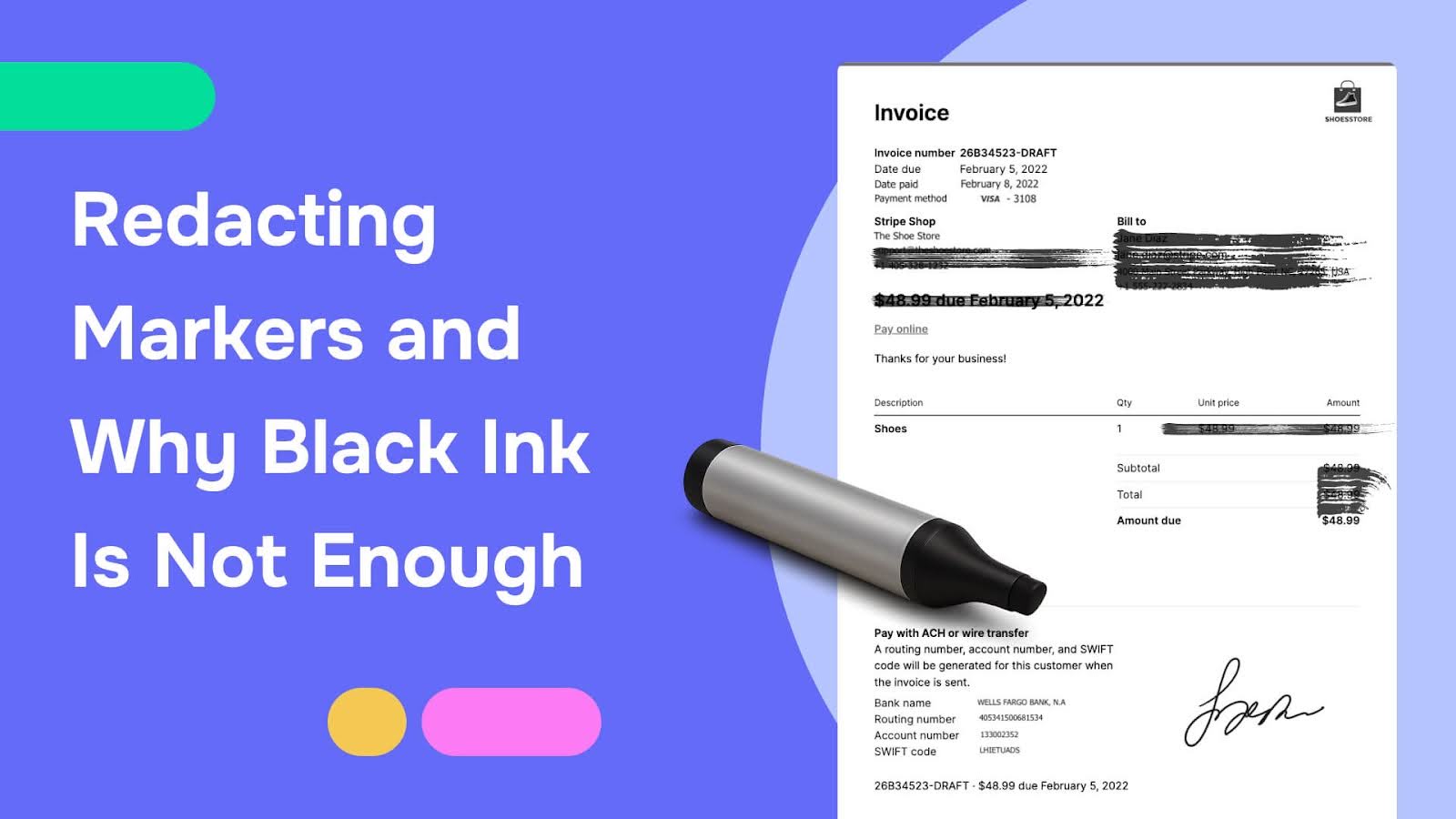
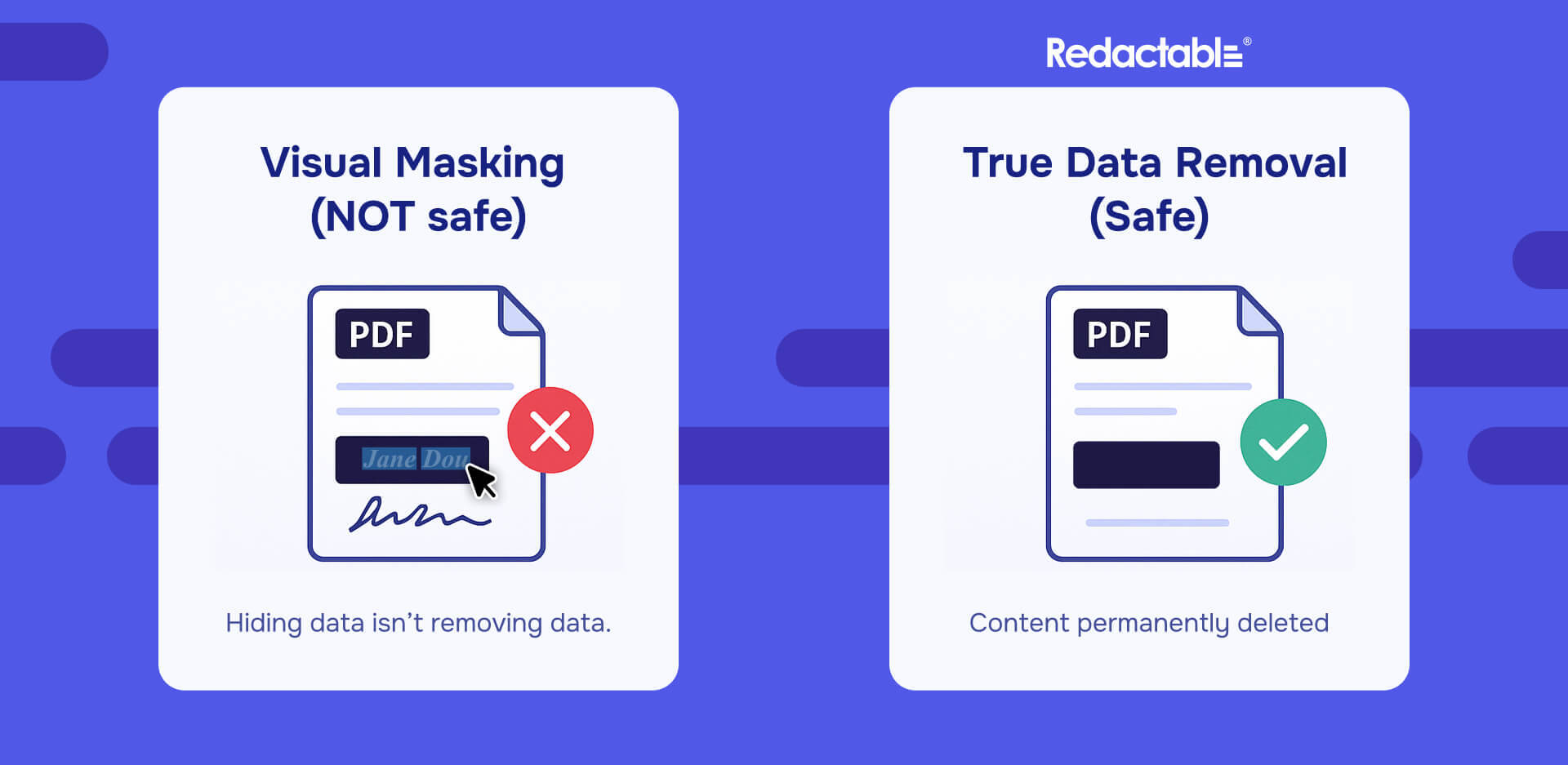
When redaction is performed by drawing black rectangles over visible text, the underlying data often remains intact. The document appears redacted, but the sensitive content is still present inside the file.
That is how redacted text can sometimes be revealed through copy and paste, text extraction, search functions, OCR layers, or file inspection tools.
The Epstein files controversy strongly suggests that some documents suffered from exactly this failure mode. Redactable was built to eliminate this risk entirely.
Read also: Unredacted Epstein files show why secure redaction is mandatory
How Redactable performs secure PDF redaction
Redactable does not rely on visual masking. It performs true data removal at the PDF code level. When a document is redacted using Redactable, sensitive text is removed from the PDF content stream itself.
This means:
- The text objects no longer exist anywhere in the file
- Copy and paste cannot recover the information
- Text extraction tools return nothing
- File conversions do not expose hidden data
The difference is fundamental. If the data does not exist, it cannot leak - and this is what secure document redaction actually means.
OCR-aware redaction that closes a common leak vector
Many large document releases include scanned records that have been processed with OCR. OCR introduces a hidden text layer beneath the image. If redaction is applied only to the visible image and not to the OCR layer, sensitive information can still appear through search, accessibility tools, or extraction.
Redactable automatically detects OCR layers and removes or redacts the underlying OCR text in alignment with the visual redaction. This ensures that redacted content does not reappear through any secondary channel. This is a critical capability in large-scale disclosures, like the redacted Epstein files.
Metadata and embedded data sanitization
Secure redaction extends beyond page content. PDFs often contain sensitive information in places users never see.
Redactable sanitizes:
- Author and creation metadata
- Revision history
- Comments and annotations
- Embedded files and hidden objects
Without this step, documents can leak sensitive data after publication through file properties or embedded content. Many redaction failures occur this way, long after the initial release. Redactable treats metadata as part of the threat surface, not an afterthought.
Read our complete guide on how to redact a PDF
Validation is the difference between confidence and crisis
One of the most damaging aspects of the Epstein files release was uncertainty. Once questions arose about redaction quality, it was unclear whether the documents had been validated against real-world attack methods. Redactable makes validation a core part of the redaction process.
- Page-level accuracy validation: Redactable checks every page to ensure that redaction markings align correctly with the data that was removed. This prevents partial redactions, misaligned regions, and missed characters.
- Extraction resistance testing: Redactable tests whether redacted content can still be accessed through common extraction methods such as copy and paste, text extraction, and search. If sensitive data can be retrieved in any form, the document fails validation. This directly addresses the kind of issues that surfaced during scrutiny of the Epstein files.
- OCR and accessibility validation: Redactable verifies that redacted content does not reappear through OCR output or accessibility layers. These layers are frequently overlooked in manual workflows and are a common source of accidental disclosure.
- Metadata validation: Validation also confirms that metadata and embedded objects do not contain redacted information. If sensitive data exists anywhere in the file, the redaction is incomplete.

Why this matters most in high-profile releases
The Epstein files release combined every redaction risk factor:
- Large document volume
- Hard legal deadlines
- Highly sensitive personal information
- Intense public and media scrutiny
- Adversarial testing by the public
In this environment, basic PDF editors and manual workflows are not sufficient. Visual redaction fails under pressure. Redactable is designed for redaction at scale, where every document is assumed to be tested and every mistake amplified.
Consistency is a security requirement
Another lesson from the Epstein files is the danger of inconsistent redaction. When similar information is treated differently across documents, readers can infer what was hidden by cross-referencing files.
Redactable enforces consistency by:
- Applying standardized redaction rules across entire document sets
- Reducing ad hoc, reviewer-specific decisions
- Centralizing redaction logic across teams
Consistency is not just a productivity feature. It is a privacy protection mechanism.
Auditability builds credibility when redaction is questioned
When redaction becomes controversial, organizations must be able to explain their process clearly and defensibly. Redactable supports auditability by tracking:
- What was redacted
- Why it was redacted
- How the data was removed
- How the output was validated
This is essential for legal review, regulatory oversight, and public accountability. Secure redaction is not just about removal. It is about proof.
The uncomfortable truth about bad redaction
A document that looks redacted but is recoverable creates the worst possible outcome. Victims believe they are protected when they are not. Organizations believe they complied when they did not. And once sensitive information spreads online, it cannot be recalled.
Bad redaction is worse than no redaction because it creates a false sense of safety. Redactable exists to prevent that outcome.
Why the Epstein files should have been processed with Redactable
If the Epstein files had been processed with a platform designed for secure document redaction, the story would have unfolded differently. The public would not have debated whether redactions could be undone. The focus would have remained on the substance of the documents and the policy decisions behind their release.
Redactable is built to ensure that redaction never becomes the headline.
The Epstein files controversy was not inevitable. It was the result of using redaction methods that were not designed for modern scrutiny.Secure document redaction requires real data removal, rigorous validation, and consistency at scale.
That is what Redactable delivers. And that is why they should have used Redactable.