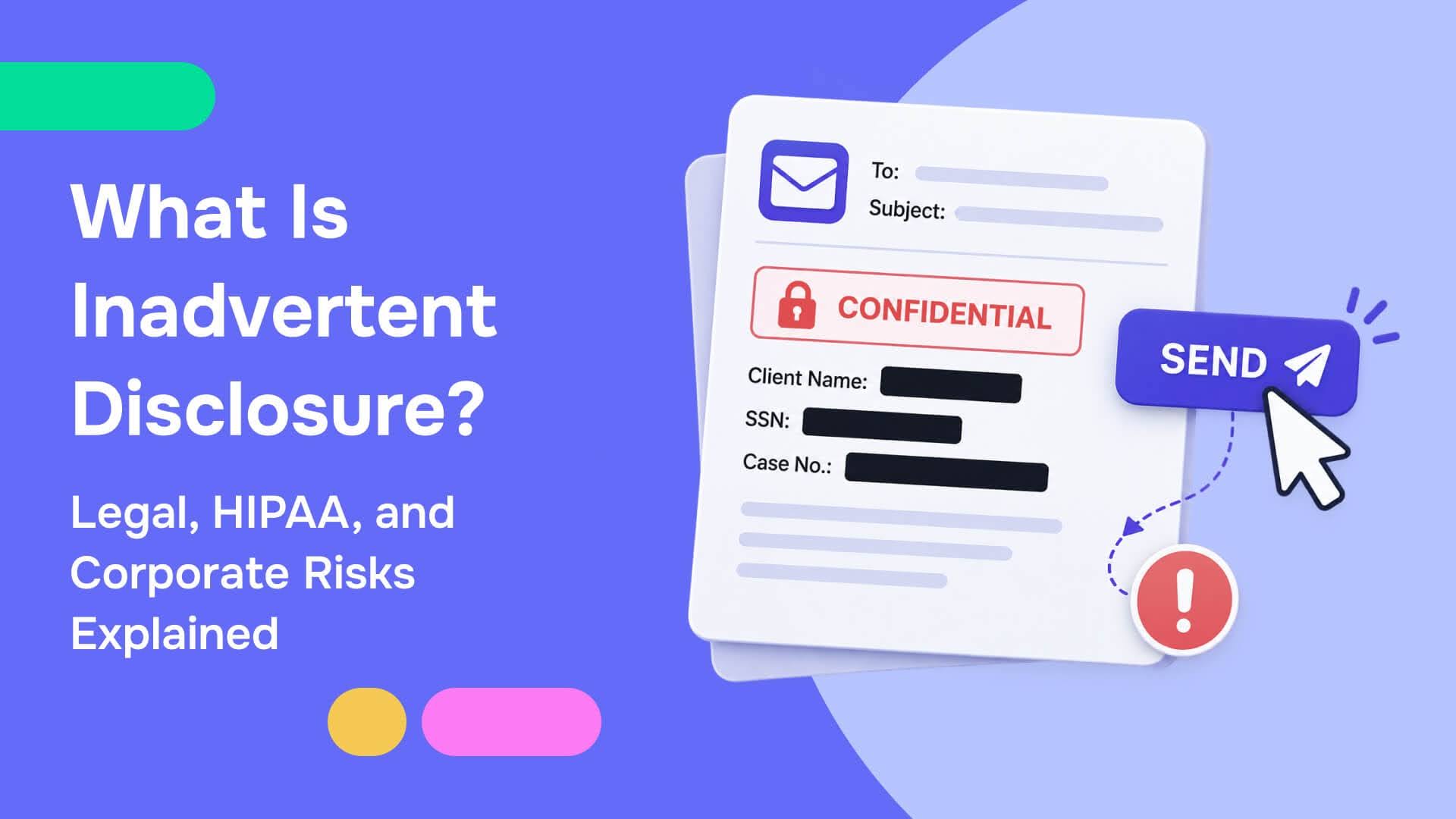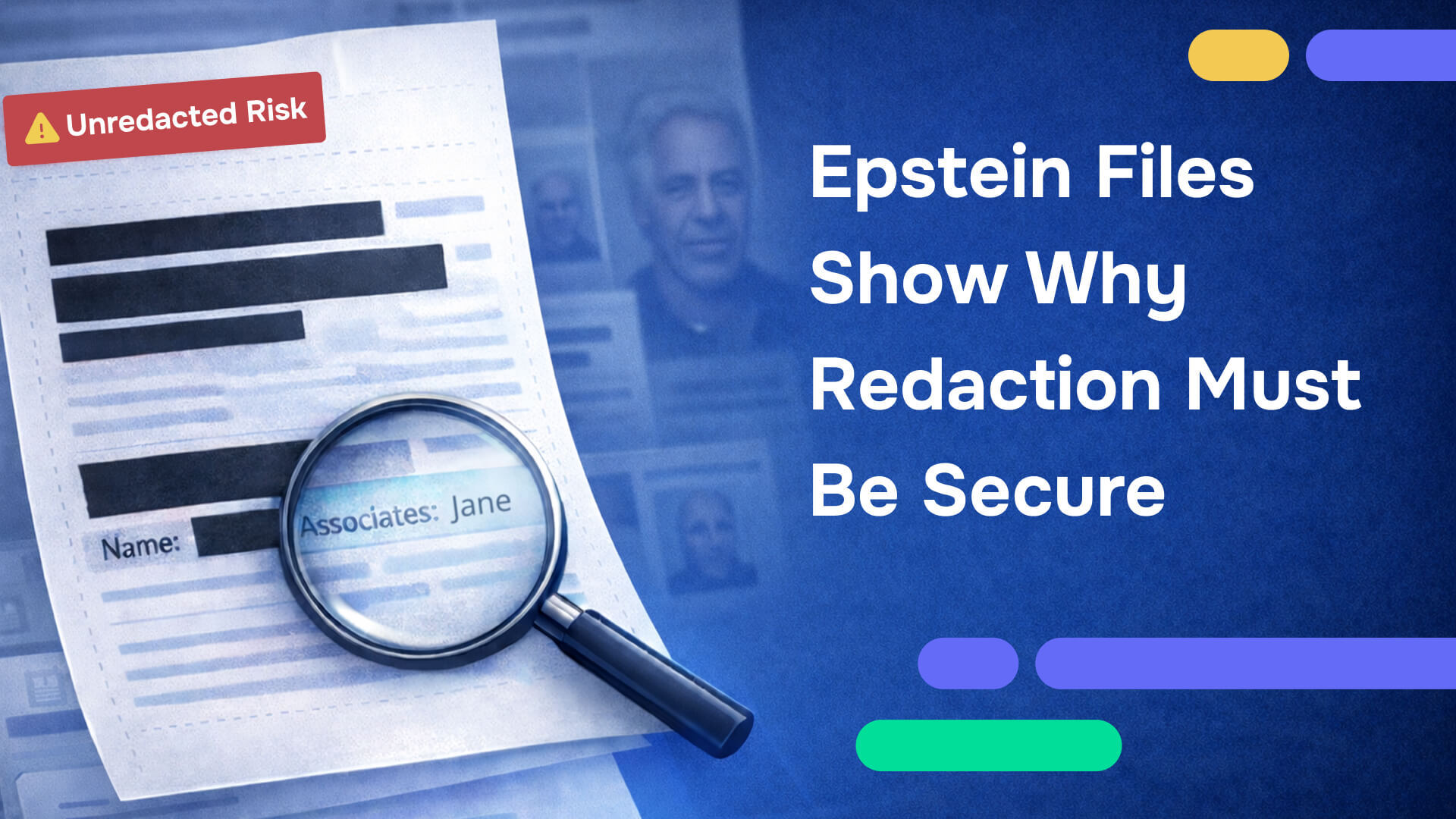
In December 2025, unredacted portions of sensitive government documents connected to the Jeffrey Epstein case began circulating widely on social media. These files were officially released with redactions in place, but observers found ways to reveal information that appeared hidden. The Guardian reported that some redactions could be undone using basic techniques, and that unredacted passages began spreading online soon after discovery.
Original reporting: Some Epstein file redactions are being undone with hacks (The Guardian)
This was not a failure of intent. It was a failure of execution. For teams that handle confidential information, that distinction matters because it points to a preventable root cause. When a document looks redacted but still contains the underlying data, a single download can become a permanent disclosure event.
Secure redaction is not an optional best practice. It is a mandatory control, especially when documents may be shared outside your organization, filed in court, released under transparency laws, or posted to the public. If your redaction can be reversed, it is not redaction. It is a visual cover.
What the unredacted Epstein files reveal about modern redaction risk?
Most high-profile redaction failures follow a predictable pattern and the redacted Epstein files are a clear example of how this happens. A document is "redacted" using a method that only changes how it looks. A black rectangle is drawn over text. A highlight is applied. A screenshot is taken and pasted into a report. Everyone assumes the information is gone because it is not visible on screen.
Then the document is distributed. It is emailed to stakeholders, uploaded to a portal, filed as an exhibit, or posted publicly. At that point, the organization has effectively published the file itself, including any hidden layers, embedded text, or metadata that the redaction method left behind.
Finally, someone tests the file with basic actions. They copy and paste. They search. They convert the PDF to another format. They open it in a different viewer. They examine layers or run simple extraction. If underlying data remains, the "redacted document" becomes an "unredacted file" in minutes.
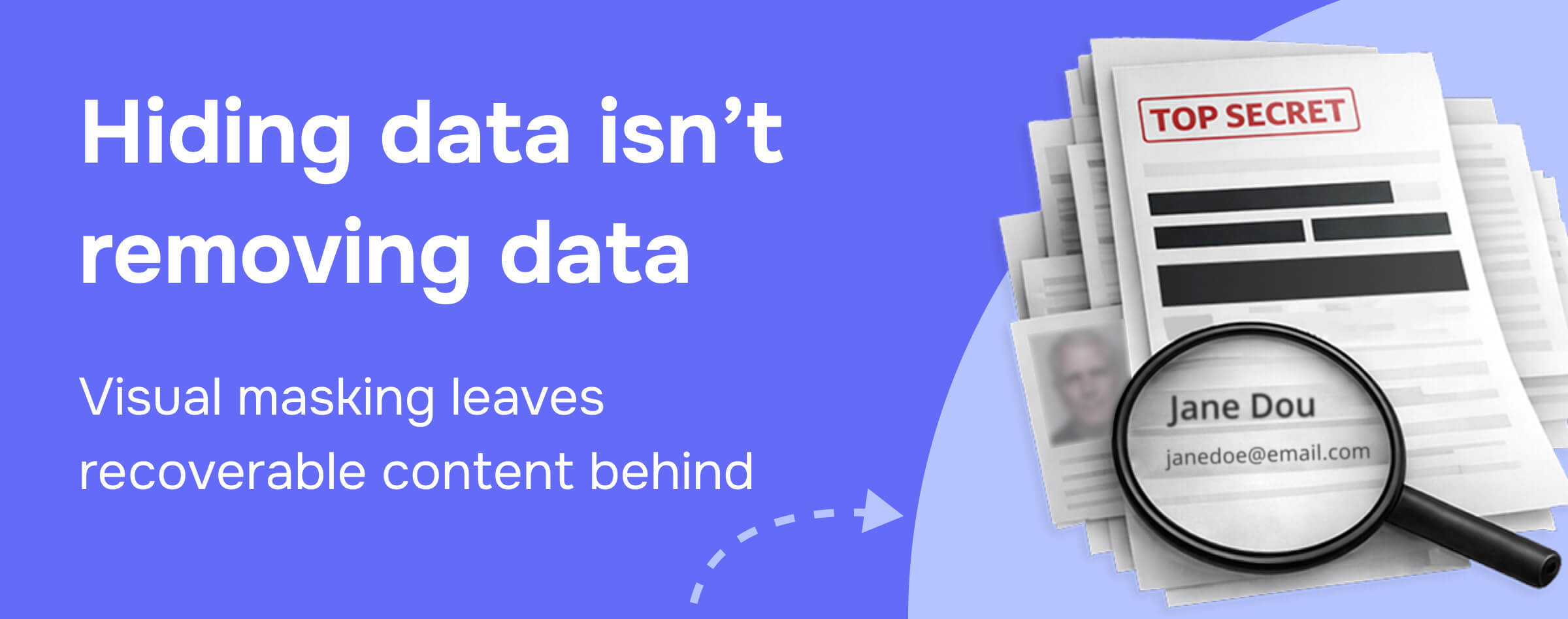
What does "unredacted" mean?
Unredacted means a document contains all its original information without any sensitive content actually removed or obscured. It's the complete, unaltered version showing everything: names, addresses, dates, and confidential details. The term is most commonly used in three contexts:
- Original documents before redaction: The complete, internal files containing everything before any information is removed. The unredacted Epstein files would include every name, location, and date without any black boxes.
- Redaction failures: When documents appear redacted on screen but underlying data remains recoverable. This is what happened with the Epstein files: copy-pasting revealed "hidden" text that was never actually removed.
- Intentional full disclosure: Organizations sometimes release both versions: unredacted for authorized parties (courts, regulators) and redacted for public access.
Why "unredacted Epstein files" became a crisis
When analysts discovered they could recover supposedly hidden information from the Epstein files, they revealed a dangerous gap: documents that appeared redacted were technically unredacted because the sensitive data was never actually deleted.
A document can be visually redacted while remaining technically unredacted when:
- Text is covered with black boxes but not deleted from the file structure
- Metadata contains names, locations, or revision history
- Hidden layers preserve original content
- Searchable text includes information that appears redacted on screen
This is why secure redaction isn't about how a document looks, but it's about permanently removing sensitive information from the file so it's truly redacted, not just hidden.
The critical distinction:
- Redacted: Sensitive information permanently removed from both visible content and underlying file structure
- Unredacted: Complete original remains intact with no information removed
- Improperly redacted: Appears redacted on screen but underlying data remains recoverable, i.e. functionally unredacted
What is the single most dangerous redaction myth?
The most common misconception is simple: if you cannot see it, it is redacted. That is incorrect for PDFs and many digital formats. PDFs are structured documents. They can contain layered text, embedded objects, hidden content, annotations, and metadata.
When you place a black box over a name, you may only be placing an object on top of the text. The underlying text can remain in the file, which means it may still be searchable, extractable, or recoverable through conversion tools. That is why some redactions fail even when they look correct.
Read our complete guide on how to safely redact a PDF
What secure redaction must do?
Secure redaction is not a design choice. It is a technical requirement and the sensitive content must be removed from the Epstein files' underlying structure so it cannot be recovered later. That includes text, embedded objects, and the metadata that can reveal information even when the visible content appears clean.
At a minimum, secure redaction should:
- Delete redacted text from the content layer so it cannot be copied, searched, or extracted
- Remove hidden layers, embedded objects, and annotations that can leak sensitive information
- Inspect and clean document metadata that can reveal names, locations, internal file paths, or revision history
- Support consistent application across multi-page documents and large document sets
- Provide a repeatable verification step before distribution
If you rely on workflows that only mask content visually, you are trusting that nobody will test the file. In the real world, files get tested immediately, especially when the content is newsworthy or legally consequential.
Why redaction failure is no longer forgivable?
Redaction is now a security control. The consequences of failure are too severe for "good enough." In practice, a redaction mistake can trigger public exposure, regulatory scrutiny, litigation risk, and long-term reputational damage.
- Public exposure is instant and irreversible. Once documents are shared online, they are copied, mirrored, and archived. If a redaction can be undone, the correction comes too late.
- Compliance expectations demand real redaction. If protected information is disclosed, penalties and legal consequences can follow regardless of intent. Many policies require defensible proof that data was removed.
- Trust collapses faster than it is built. Clients and partners assume redacted documents are safe. One failure can damage credibility across the entire program, not just one release.
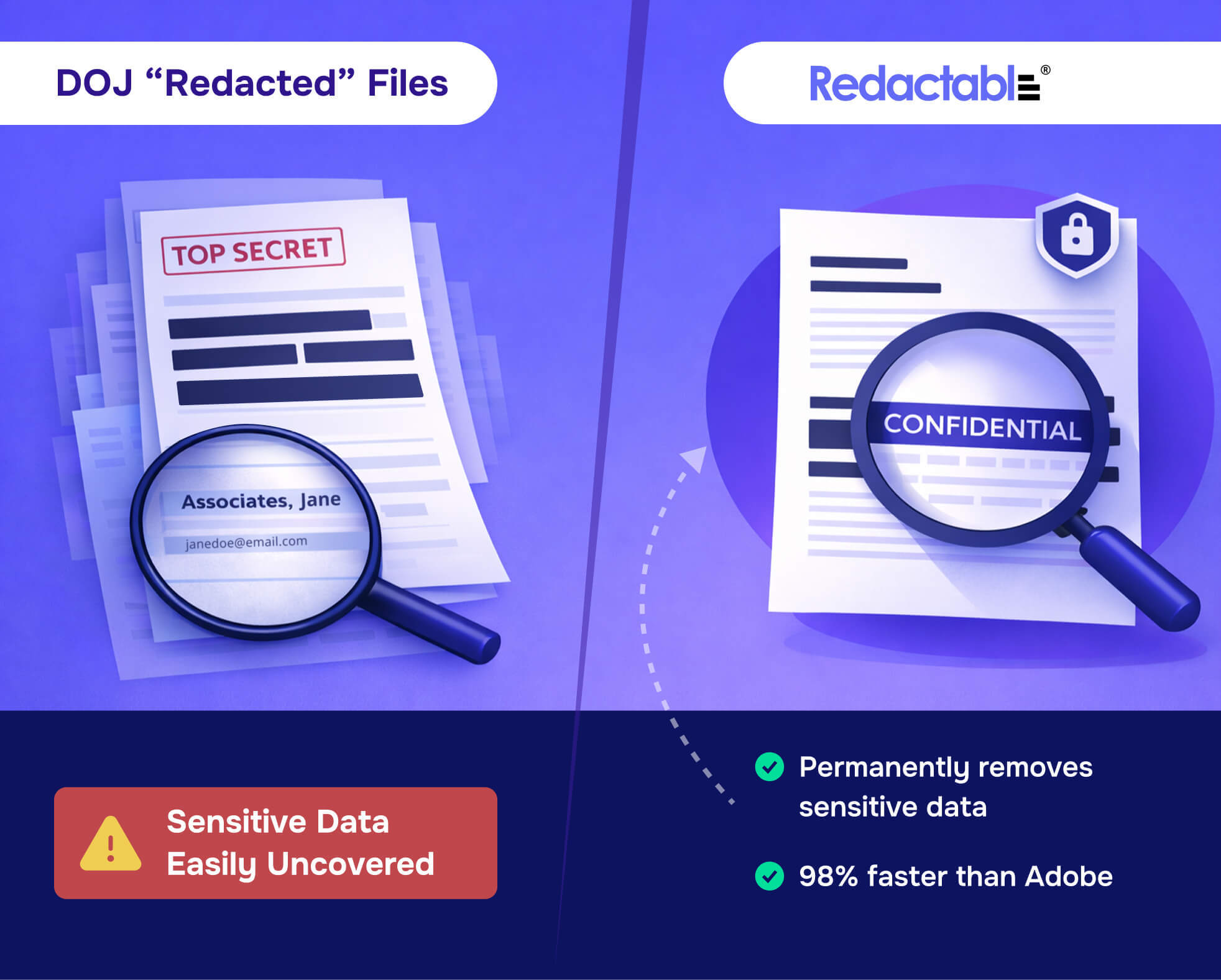
Why general-purpose redaction editors keep failing?
Redaction failures often happen because teams use tools that are great at editing how a document looks, but not designed to remove data from the document structure. Many tools can draw shapes and export PDFs, but they do not guarantee deletion of underlying content.
Common failure points include:
- Shapes and overlays that do not delete underlying text
- Export workflows that preserve hidden layers
- Metadata that remains untouched
- Manual processes that miss repeated elements across long documents
- No verification step before distribution
Manual redaction also fails for human reasons. Deadlines are tight. Files are long. The same identifier appears dozens of times. Even careful teams miss things, especially when the tooling does not help them verify what is truly removed.
Why Redactable is the best tool for high-stakes redaction
Redactable is built to permanently remove sensitive information from documents so it cannot be recovered later. For teams that redact because they must, purpose-built software is the minimum standard. This is especially true when documents may be filed, released, or shared outside of trusted channels.
Key capabilities:
- Permanent data removal, not visual masking
- Workflow design that matches real compliance needs
- Automation that reduces human error
- Audit trails for defensibility
A dedicated redaction workflow also helps teams standardize how they handle personally identifiable information, protected health information, privileged legal content, and sensitive operational details. Instead of relying on individual habits, organizations can enforce consistent standards and produce outputs that are safe to share.
Solutions by industry:
Audit trails and review are part of secure redaction
When a redaction failure happens, the follow-up questions are immediate: who performed the redaction, what tool was used, what steps were taken to verify, and whether the process was consistent across files. If you cannot answer those questions clearly, the organization ends up defending its process rather than its decision.
Audit trails turn redaction from a fragile manual step into a defensible workflow. They support internal reviews, external investigations, and ongoing process improvement.
Practical actions to take today
If your organization publishes, shares, files, or produces redacted documents, you can reduce risk immediately by standardizing your approach.
- Stop using visual masking as redaction. If your process relies on black boxes or highlights without verified removal, you are exposed.
- Adopt a verification step. Attempt copy and paste, search, and conversion. Validate before distribution, not after.
- Treat redaction as a security control. Document your workflow, assign ownership, and require standard tooling.
- Standardize on a tool built for secure redaction. Use purpose-built redaction software for PDFs and sensitive materials.
Unredacted metadata is often the leak you do not notice
When teams think about redaction, they focus on what is visible on the page. In practice, metadata can be just as risky. A file can reveal author names, internal system paths, hidden comments, document properties, and even fragments of prior versions. In sensitive matters, metadata can expose identities, locations, or relationships that you intended to protect.
This is one reason secure redaction must include metadata inspection and removal. If you redact names in the body but leave them in document properties or embedded objects, you have still disclosed confidential information. Redactable is designed to remove sensitive content in a way that is safe for sharing, including the parts most workflows forget to check.
In short, secure redaction is not only about blacking out text. It is about ensuring that no recoverable traces remain anywhere in the file, including in metadata and hidden structures.
Read also: How to remove metadata from a PDF
A clear standard to adopt
If you need a simple standard for your organization, adopt this rule: never release a document unless the redaction method permanently removes sensitive data and the output has been verified. That standard is easy to communicate, easy to audit, and it aligns with how regulators and courts evaluate disclosure risk.
For teams that want to move quickly, Redactable also makes it easy to start with a small set of documents and prove value before rolling out a broader workflow. If you are evaluating tools, begin with your highest-risk document type, run a verification test, and then standardize the process across the organization.
Conclusion
The Epstein unredacted files story is a warning that applies far beyond one case. If a document can be unredacted with basic techniques, it was not securely redacted in the first place. When underlying data remains, exposure is not a matter of "if" but "when."
Secure redaction is mandatory. It must permanently remove sensitive information, prevent recovery, and stand up under scrutiny. Redactable exists for teams that cannot afford failure. If your organization handles confidential information, purpose-built redaction is the minimum standard.