Small law firms that adopt targeted software stacks report up to 3x faster client onboarding and cuts in administrative time reaching 40%. The shift isn't surprising - 73% of firms now operate cloud-based practices, moving beyond simple storage toward AI-driven automation that handles work attorneys used to delegate or waste hours completing manually.
Solo practitioners lead AI integration at 53%, prioritizing small law firm software tools under $100 per user monthly. The economics make sense when manual document review costs $300+ hourly in attorney time, and discovery response preparation consumes entire afternoons that software completes in minutes.
This breakdown covers 21 vetted options organized by their specific impact on firm operations: practice management systems that centralize case data, billing tools that prevent IOLTA compliance violations, document platforms that handle redaction and eDiscovery, research assistants that replace keyword searching with AI analysis, and workflow automation for discovery, signatures, and court filings.
The selection criteria for software for small law firms: SOC2 security compliance, 30-day trial availability, pricing under $100 per user for firms with 1-10 attorneys, and proven ROI metrics like 18% faster collections or 34% billable hour increases.
Document management and security tools
Document security comes first because it's where most small firms expose themselves to the largest risks. A single improperly redacted filing can trigger HIPAA violations starting at $100 per record (reaching $50,000+ for violations involving willful neglect) or GDPR penalties reaching 4% of global revenue. Traditional PDF tools don't remove underlying data - they add visual masks that fail when opposing counsel runs basic copy-paste tests.
Redactable
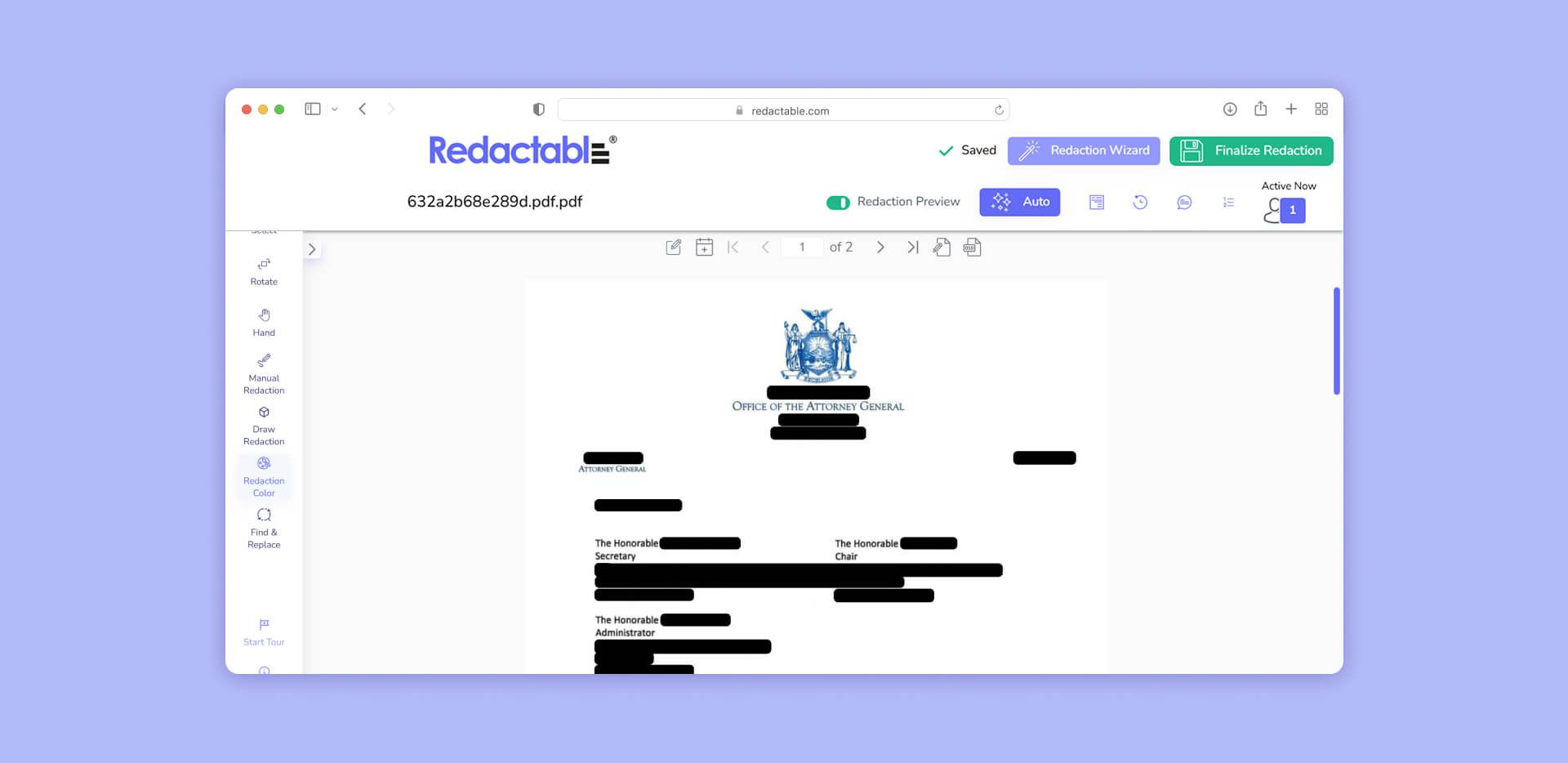
Redactable is AI-powered automated redaction that permanently removes sensitive information from documents rather than visually masking it.
How it works: The platform detects PII across 40+ categories using natural language processing—Social Security numbers, medical record numbers, account numbers, addresses, phone numbers, and international identifiers. Unlike PDF blackout boxes that leave underlying text intact, Redactable deletes content from the document structure and strips all metadata. The system operates entirely through web browsers with no downloads required. OCR handles scanned documents automatically. Every redaction generates a certificate with timestamps, user identification, and reason codes for audit compliance. Seamless integration with Clio allows firms to redact documents directly within their practice management workflow.
Pros: 98% time savings versus manual redaction; permanent removal (not visual masks); guaranteed metadata removal; HIPAA, SOC 2 Type II, CJIS, and FIPS 140-2 compliant; redaction certificates for audit trails; browser-based access from any device; integrates with Clio for streamlined workflows.
Cons: Focused specifically on redaction rather than full document management; works best when integrated into existing document workflows.
Why small firms need it: Legal professionals billing $300+ per hour spend that time manually searching documents for client names and account numbers. Redactable handles the detection automatically. More importantly, it prevents the false security problem—documents that look redacted but contain fully recoverable text underneath black boxes. For firms handling discovery, FOIA requests, or any regulatory compliance work, permanent redaction isn't optional.
NetDocuments
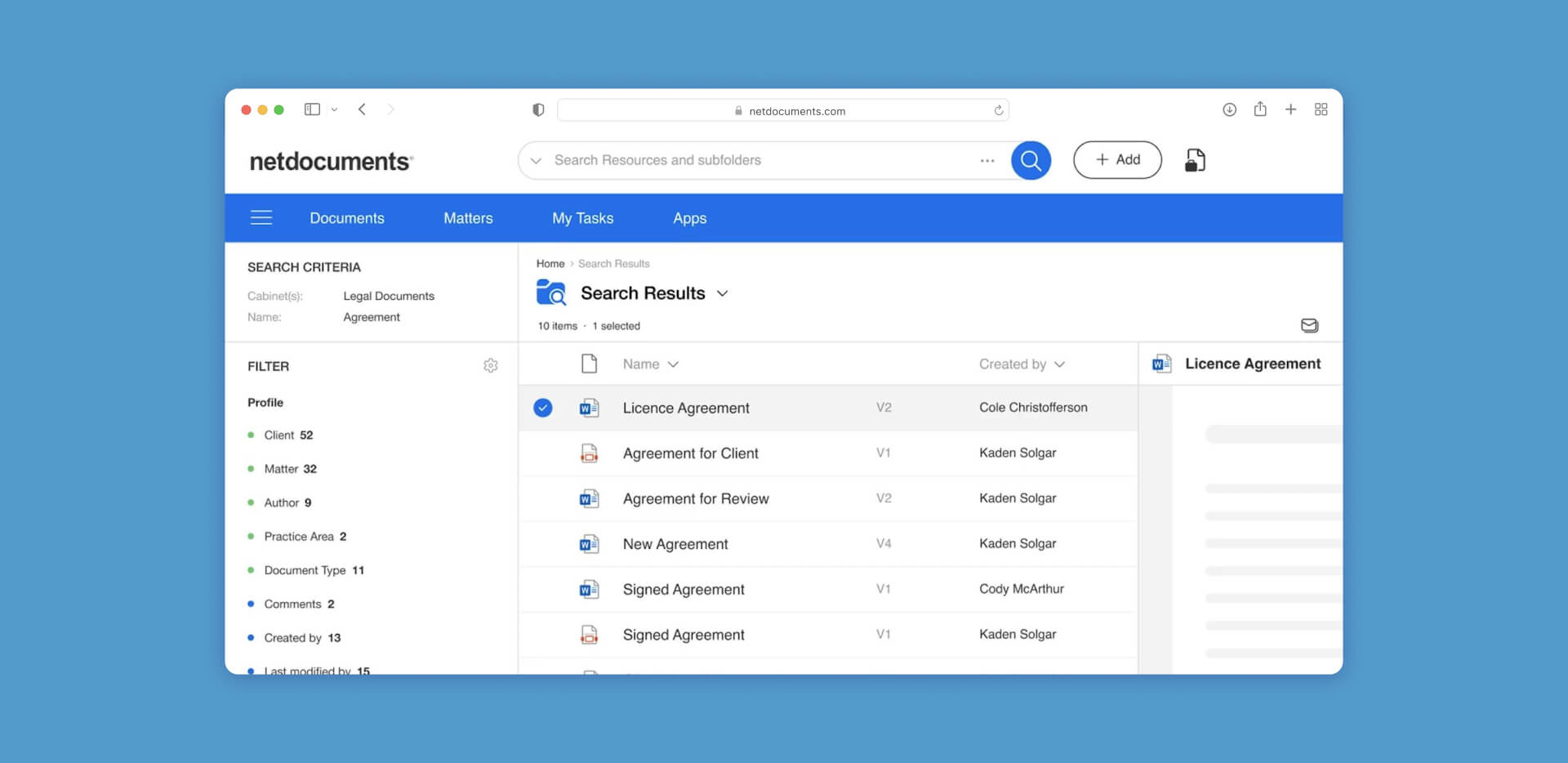
NetDocuments is a secure, cloud-native document repository with enterprise-grade encryption.
How it works: NetDocuments uses "Ethical Walls" to restrict document access at granular levels—specific documents can be invisible to certain users based on conflict rules. The system employs enterprise-grade encryption for data at rest and in transit. The platform integrates with most practice management platforms and provides version control, document assembly, and email filing.
Pros: HIPAA and SOC2 compliant; "Zero Trust" security model; sophisticated access controls; excellent for firms with conflict-of-interest concerns.
Cons: Higher cost than basic cloud storage; requires significant setup time; may be overpowered for very small practices.
Microsoft Purview
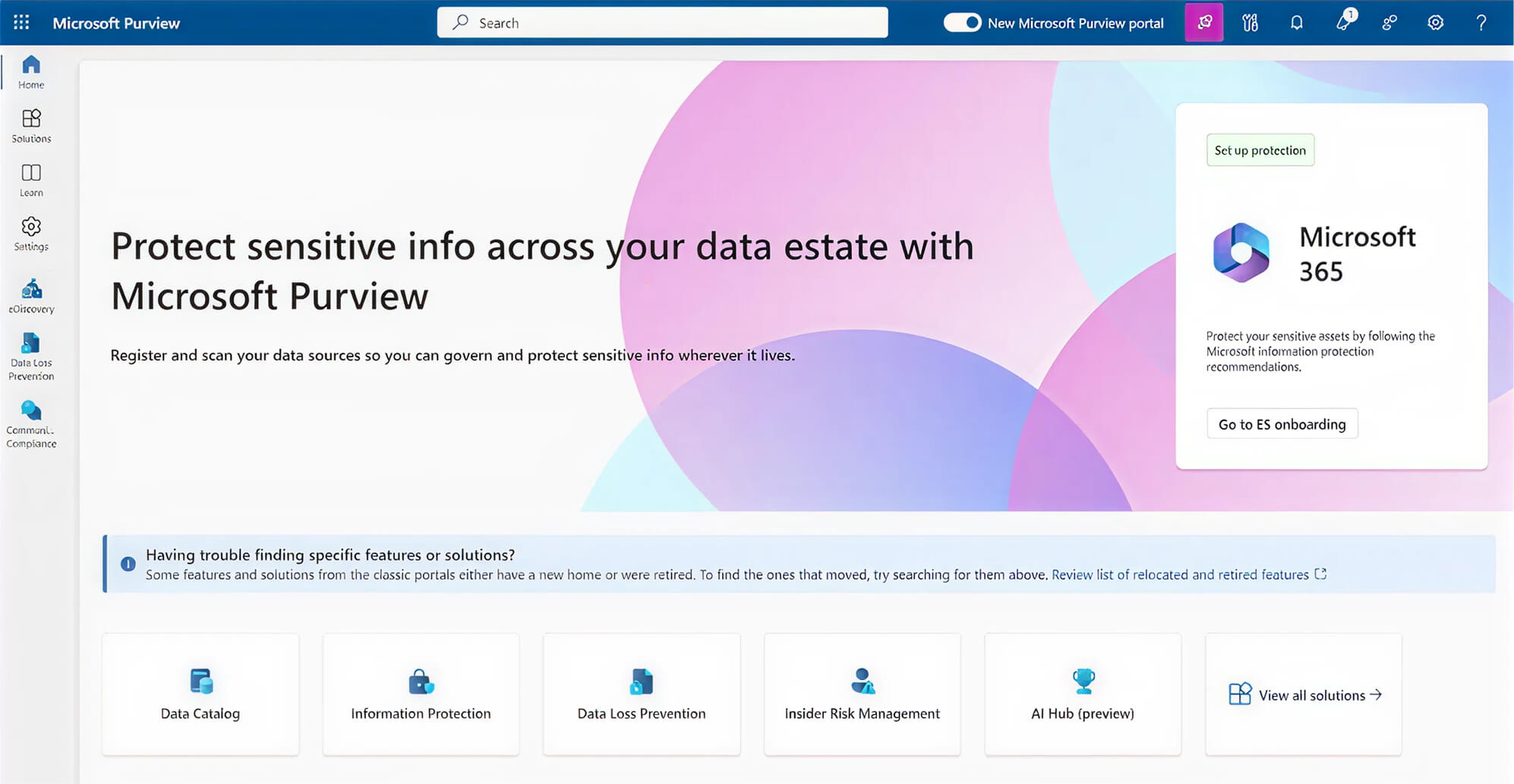
Microsoft Purview is data governance and eDiscovery software built directly into the Microsoft 365 ecosystem.
How it works: For firms on an E5 license (approximately $57 per user monthly beyond base Microsoft 365 subscriptions), Purview allows "In-Place" eDiscovery. You can search for keywords across every employee's Teams chats, Outlook emails, and SharePoint folders without exporting data to third-party platforms. The system maintains data residency and chain of custody for litigation holds. Content retention policies enforce document preservation automatically.
Pros: No third-party data hosting needed; massive cost savings for firms already using M365; maintains attorney-client privilege boundaries; integrated legal holds.
Cons: Extremely complex; requires tech-savvy admin or consultant; best features locked behind expensive E5 licensing; learning curve steep enough that many firms underutilize it.
Everlaw
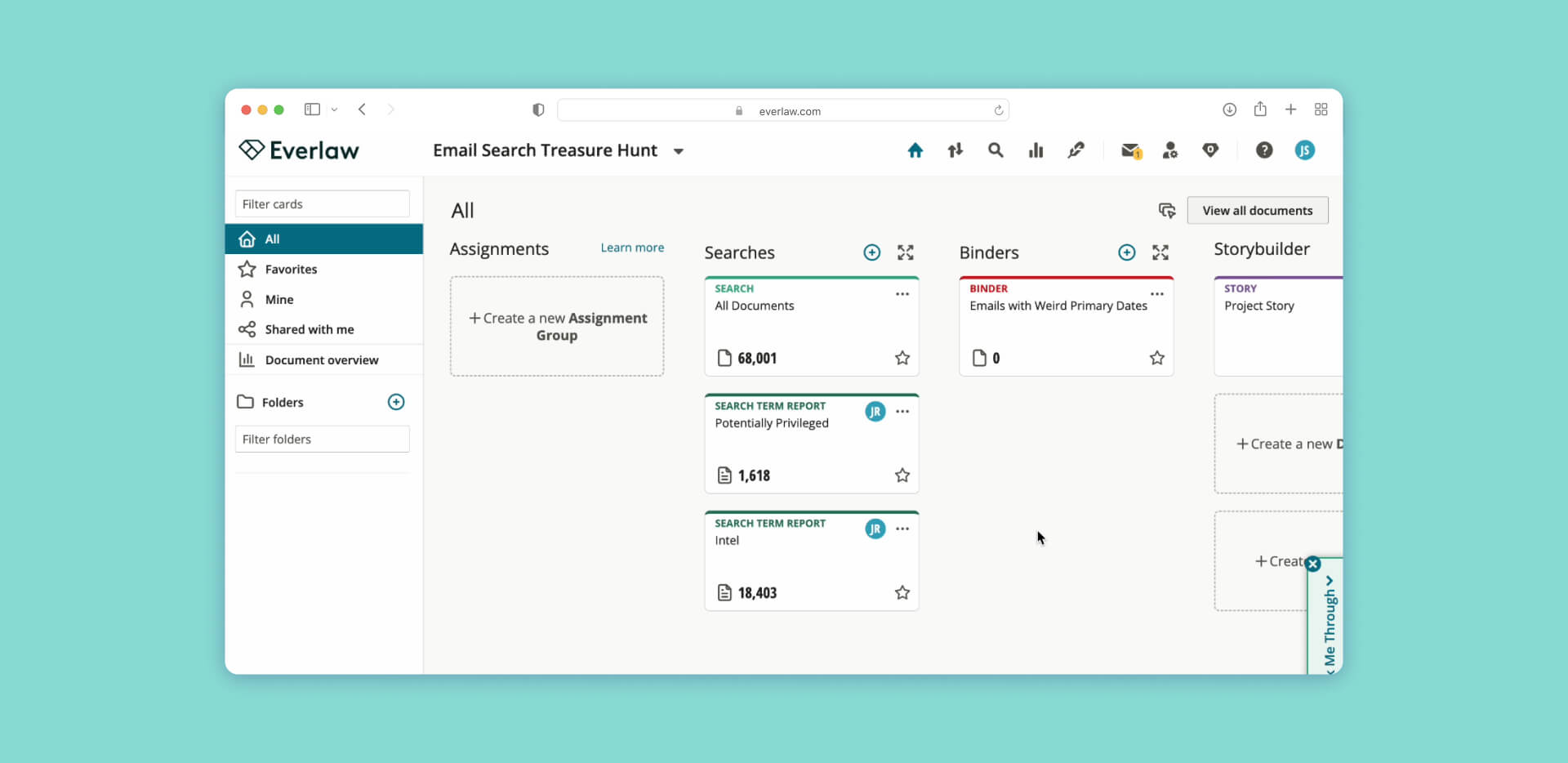
Everlaw is an AI-powered eDiscovery platform for reviewing massive data sets in litigation.
How it works: Everlaw's "Deep Dive" AI allows natural language queries of your document collection—"Find all emails where the CEO mentions budget overruns in Q3." The system uses predictive coding to learn which documents you find relevant and suggests similar ones. StoryBuilder creates visual case chronologies automatically from timestamped documents and communications.
Pros: Visual analytics dashboards; excellent collaboration features for case teams; sophisticated redaction tools; predictive coding reduces review time by 70%+.
Cons: Pricing based on data volume (per Gigabyte) can become unpredictable and expensive with large cases or document-heavy matters; requires training to use effectively; best suited for litigation-heavy practices with predictable case sizes.
Practice management and CRM systems
The "command center" of the firm, centralizing case data, deadlines, client intake, and matter tracking. Small law office software in this category prevents the common problem of information scattered across email, paper files, and individual attorney memories.
Clio
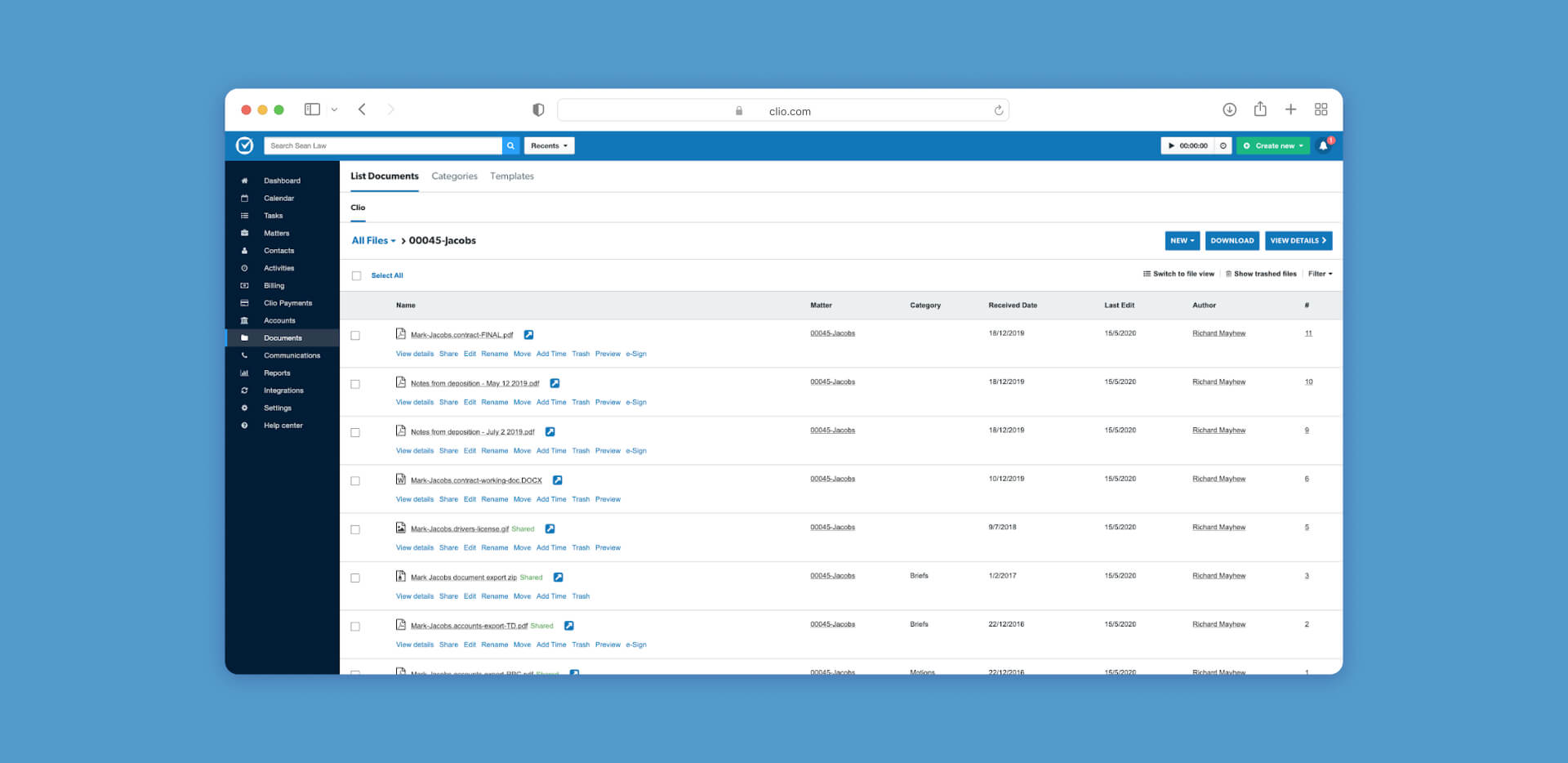
Clio is software that centralizes case details, deadlines, and billing into one integrated platform.
How it works: Clio uses integrated timers that follow you across web and mobile apps. Opening a document or sending a secure client message via the Clio Manage portal prompts a time entry automatically. The platform acts as an "open ecosystem," syncing with 200+ apps including QuickBooks, Zoom, and most document management systems. Client portal provides secure messaging and document sharing.
Pros: 150,000+ users make it the industry standard; extensive integration marketplace; strong security compliance; excellent mobile apps; regular feature updates.
Cons: Advanced reporting and analytics locked behind higher-tier subscriptions; can become expensive as you add modules; some users find the interface cluttered with too many features.
MyCase
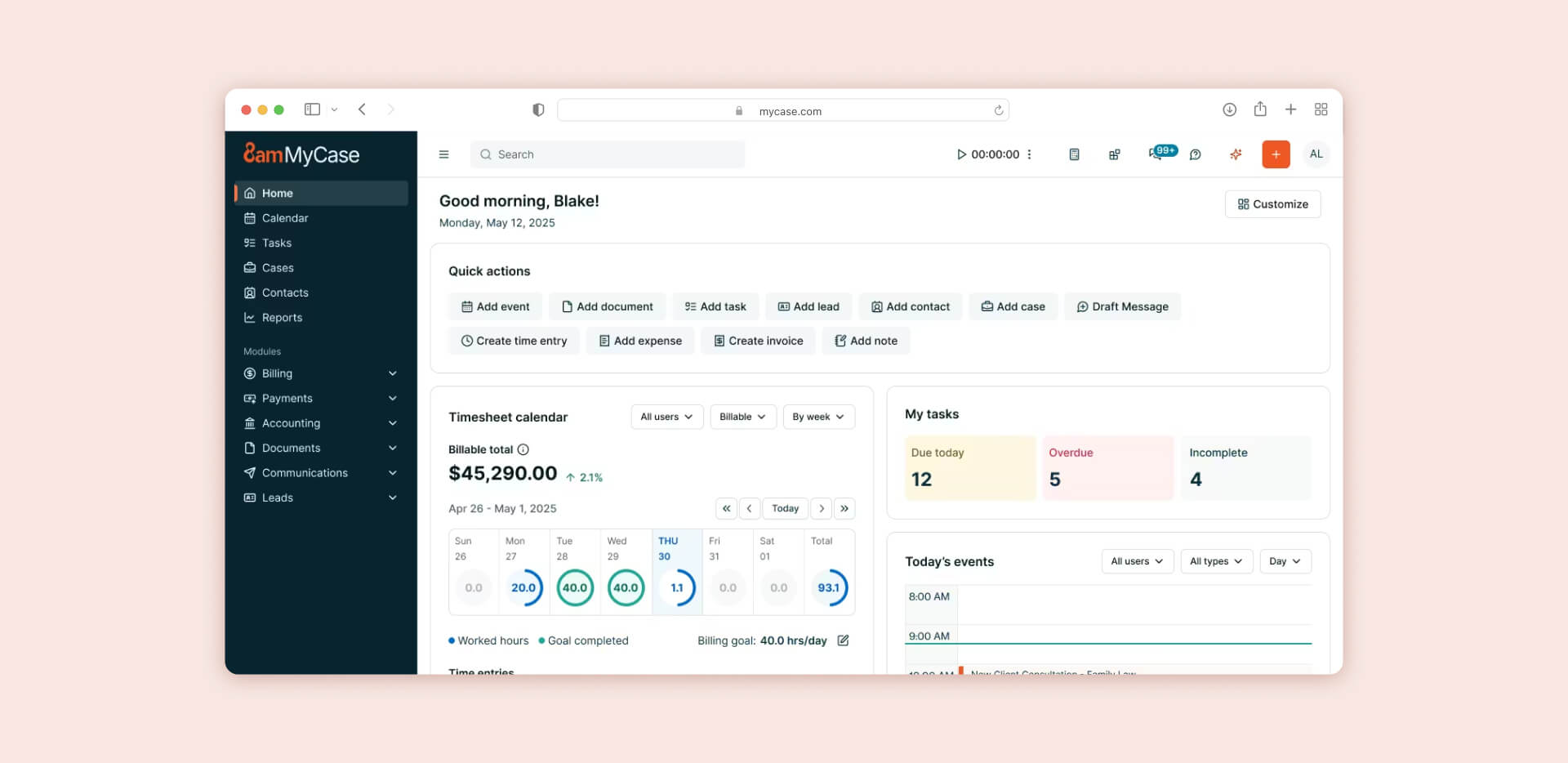
MyCase is streamlined, user-friendly case management software focused on the complete client journey.
How it works: MyCase Pay provides built-in payment processing that bypasses third-party integrations—clients can pay invoices directly from secure portal. Automated client intake uses customizable web forms that instantly create new matter profiles when submitted. The system emphasizes simplicity over modularity.
Pros: Exceptional ease-of-use for solo practitioners; clean, uncluttered interface; excellent client portal; faster learning curve than Clio; good value for price.
Cons: Less flexible for complex, multi-practice-area firms; fewer integration options than Clio; may outgrow it as firm scales beyond 5-10 attorneys.
Smokeball
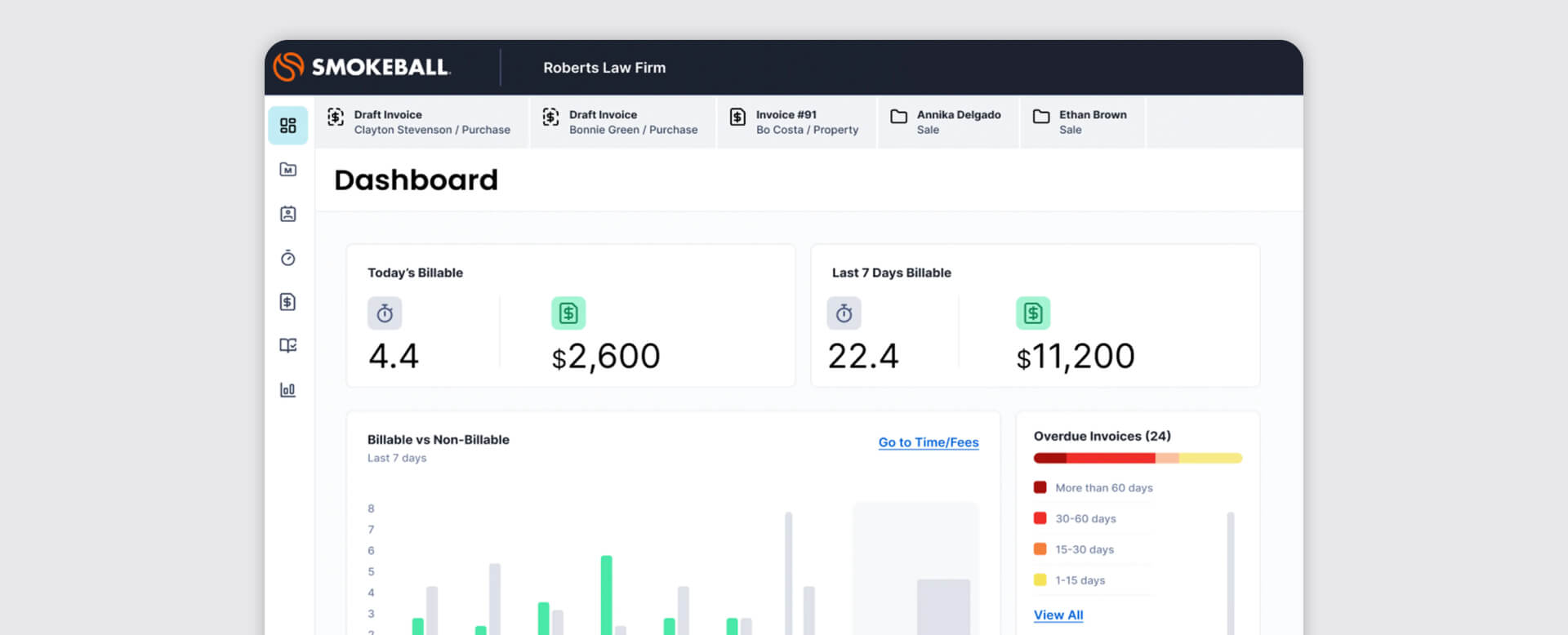
Smokeball is software that increases billable hours through automated productivity tracking.
How it works: AutoTime runs in the background of Microsoft Word and Outlook, automatically recording every minute spent drafting or emailing. The system knows you're working on "Johnson v. Smith" because you opened that matter's folder. AI assistant Archie can summarize entire case files or draft client updates based on matter history.
Pros: Deep Outlook/Word integration; firms report 34% billable hour increases; automatic time capture prevents revenue leakage; excellent for litigation-focused practices.
Cons: Best features are Windows-centric (Mac version less robust); higher price point than MyCase; learning curve on automation features.
PracticePanther
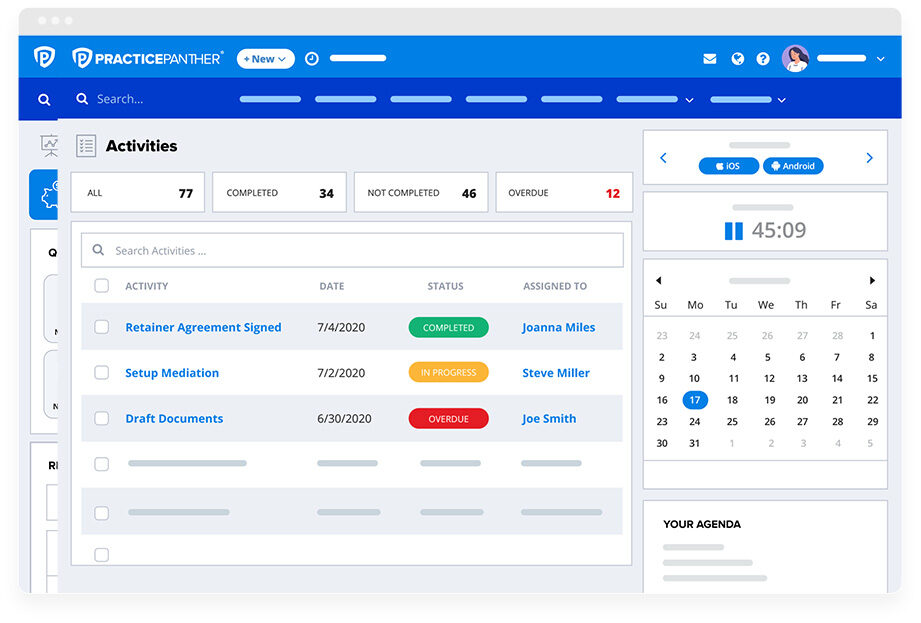
PracticePanther is an all-in-one platform designed for high-speed task automation and billing.
How it works: Tag-based system categorizes matters, documents, and communications. "Workflow Templates" automatically trigger 20+ tasks, deadlines, and document requests when you create a new matter type. For instance, selecting "Personal Injury" generates the entire case checklist—medical records requests, statute of limitations deadline, demand letter drafting—without manual setup.
Pros: Native e-signatures and two-way business texting included; powerful automation reduces repetitive work; good mobile app; reasonable pricing.
Cons: Reporting can become cluttered if tags aren't managed strictly; requires upfront investment in setting up templates properly; some users find tagging system unintuitive at first.
Filevine

Filevine is a modular "Work Management" platform that scales with firm growth.
How it works: "Vines" are automated workflows that move cases through phases—intake, discovery, negotiation, trial prep. Ask Filevine, the AI assistant, allows natural language queries of case data: "Summarize the plaintiff's medical history from these 50 PDFs." The system excels at high-volume practices like mass tort or personal injury.
Pros: Highly customizable for specific practice areas; excellent for PI and mass tort firms; sophisticated deadline management; strong document automation.
Cons: Pricing is quote-based and not publicly listed (requires consultation); steeper learning curve than Clio; customization power means more setup complexity; can be overkill for very small practices.
Billing and accounting tools
IOLTA compliance violations can result in bar complaints and trust account audits. These tools prevent the "double-entry" errors that plague firms using separate practice management and accounting systems.
CosmoLex
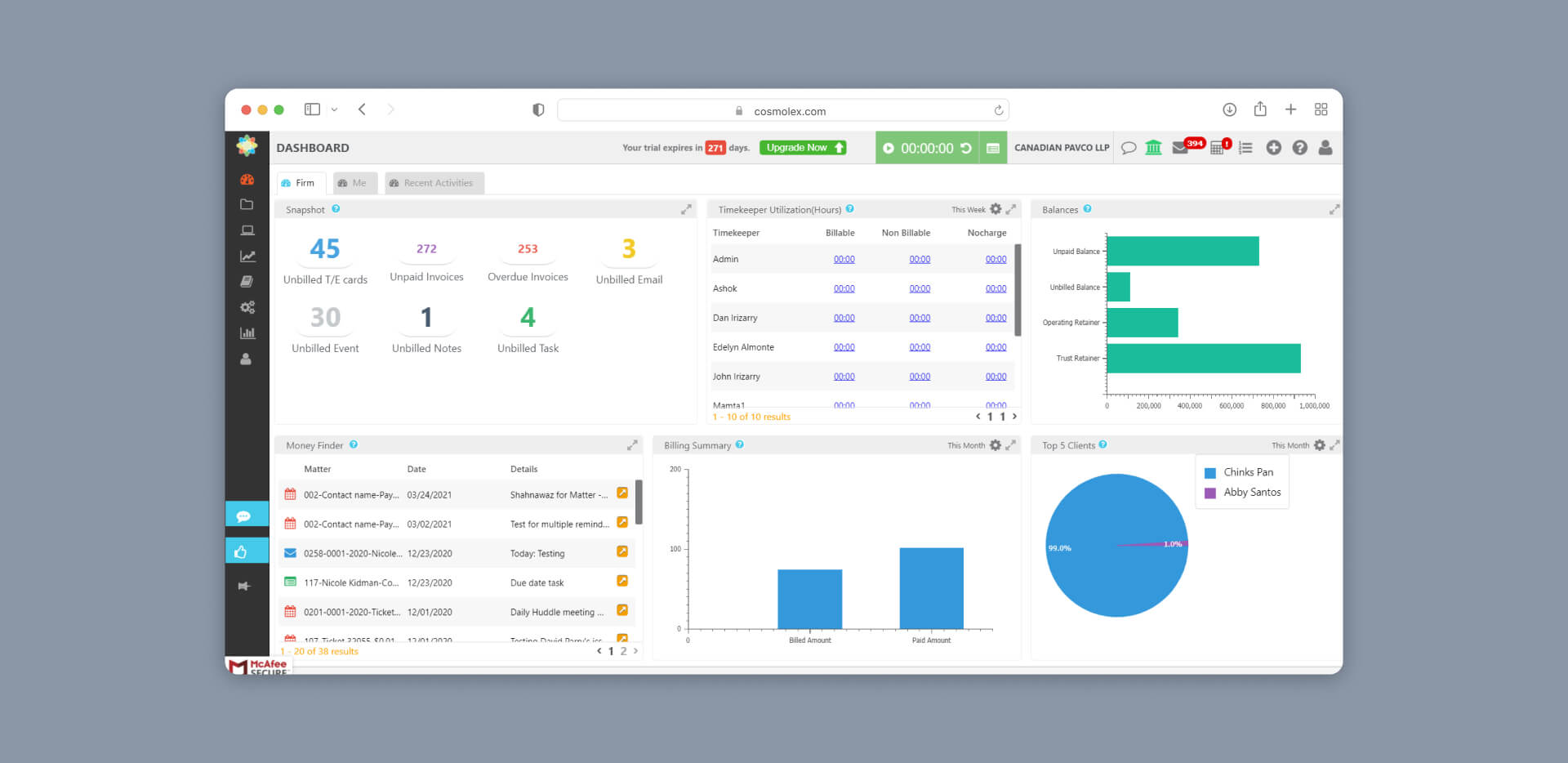
Cosmolex combines practice management with fully built-in accounting system.
How it works: Unlike other tools that sync with QuickBooks, CosmoLex is the accounting software. This prevents double-entry errors and ensures that every trust (IOLTA) transaction automatically reflects in the firm's general ledger. The system won't allow you to overdraw a client trust ledger - safeguards are built into the transaction processing.
Pros: Built-in trust accounting with compliance safeguards; eliminates QuickBooks subscription; prevents common IOLTA violations; good value for price.
Cons: User interface is functional but lacks the modern polish of Clio or MyCase; fewer integrations than pure practice management tools.
CARET Legal
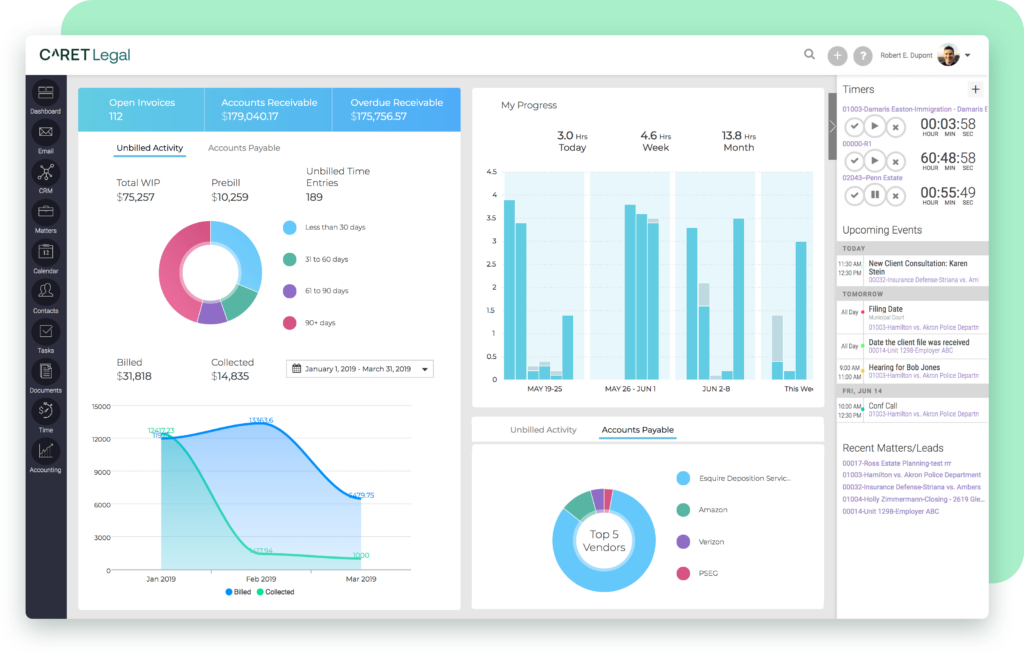
CARET Legal is a native email management, accounting, and case tracking in one platform.
How it works: Patented "Smart Suggest" system automatically associates inbound emails with the correct matter based on sender, subject line, and content. Native accounting includes trust accounting. RPost integration provides court-admissible proof of email delivery and encryption for secure client communications.
Pros: Superior security features; deep financial reporting; excellent for firms handling sensitive data; good conflict checking.
Cons: Might be "too much software" for true solo practices; learning curve on advanced features; pricing higher than simpler alternatives.
LeanLaw
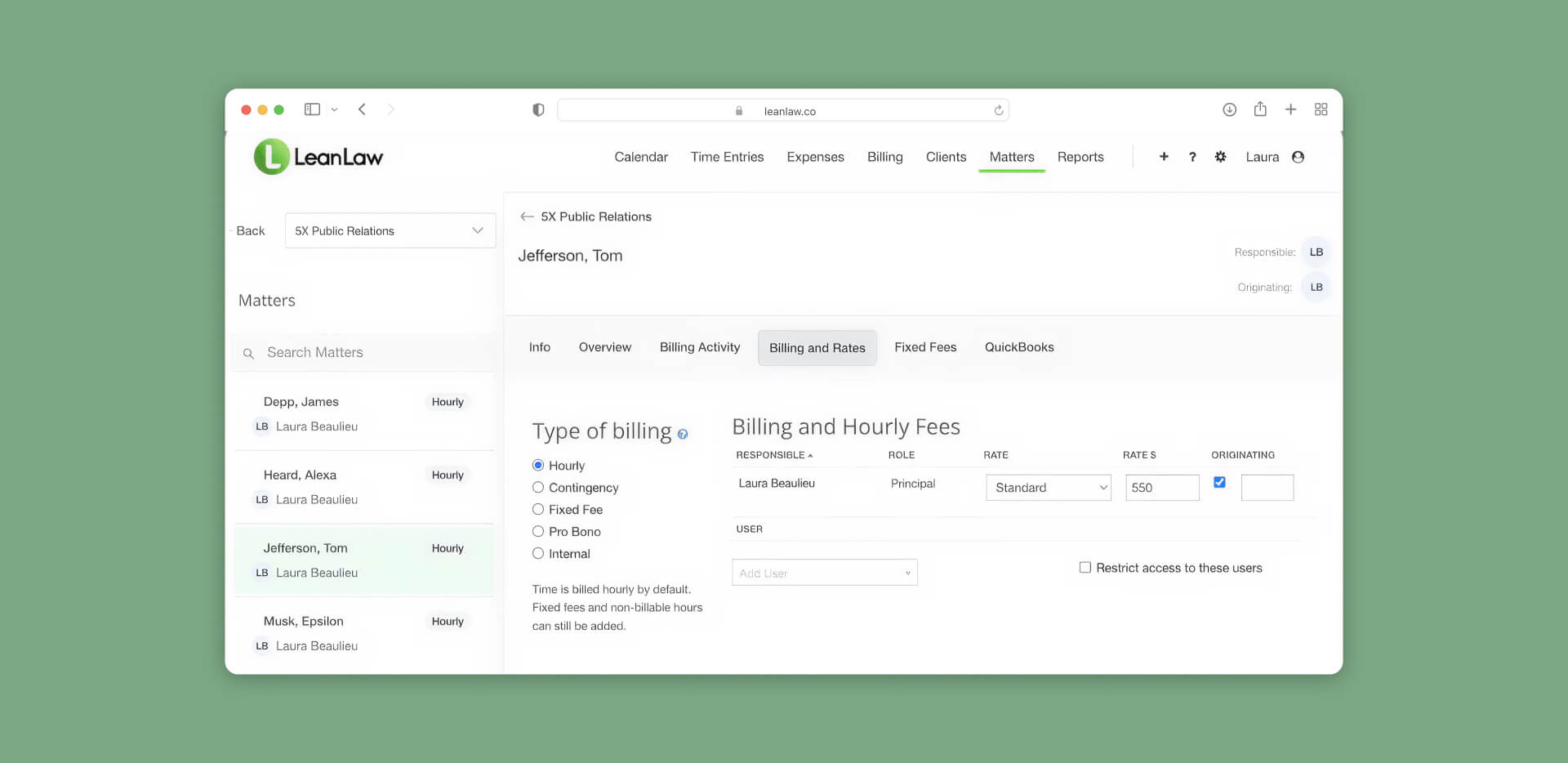
LeanLaw is a billing-first overlay that transforms QuickBooks Online into legal-specific software.
How it works: LeanLaw acts as the "legal front-end" for QuickBooks. You track time and expenses in LeanLaw, and it pushes the data into QB for reconciliation. The system excels at complex compensation tracking—origination fees, revenue sharing, referral fees—that standard legal software doesn't handle well.
Pros: Best-in-class QuickBooks integration; excellent for firms already using QB; sophisticated compensation tracking; good reporting.
Cons: Requires separate QuickBooks Online subscription to function; adds another tool to the stack; only works with QBO, not desktop versions.
TimeSolv
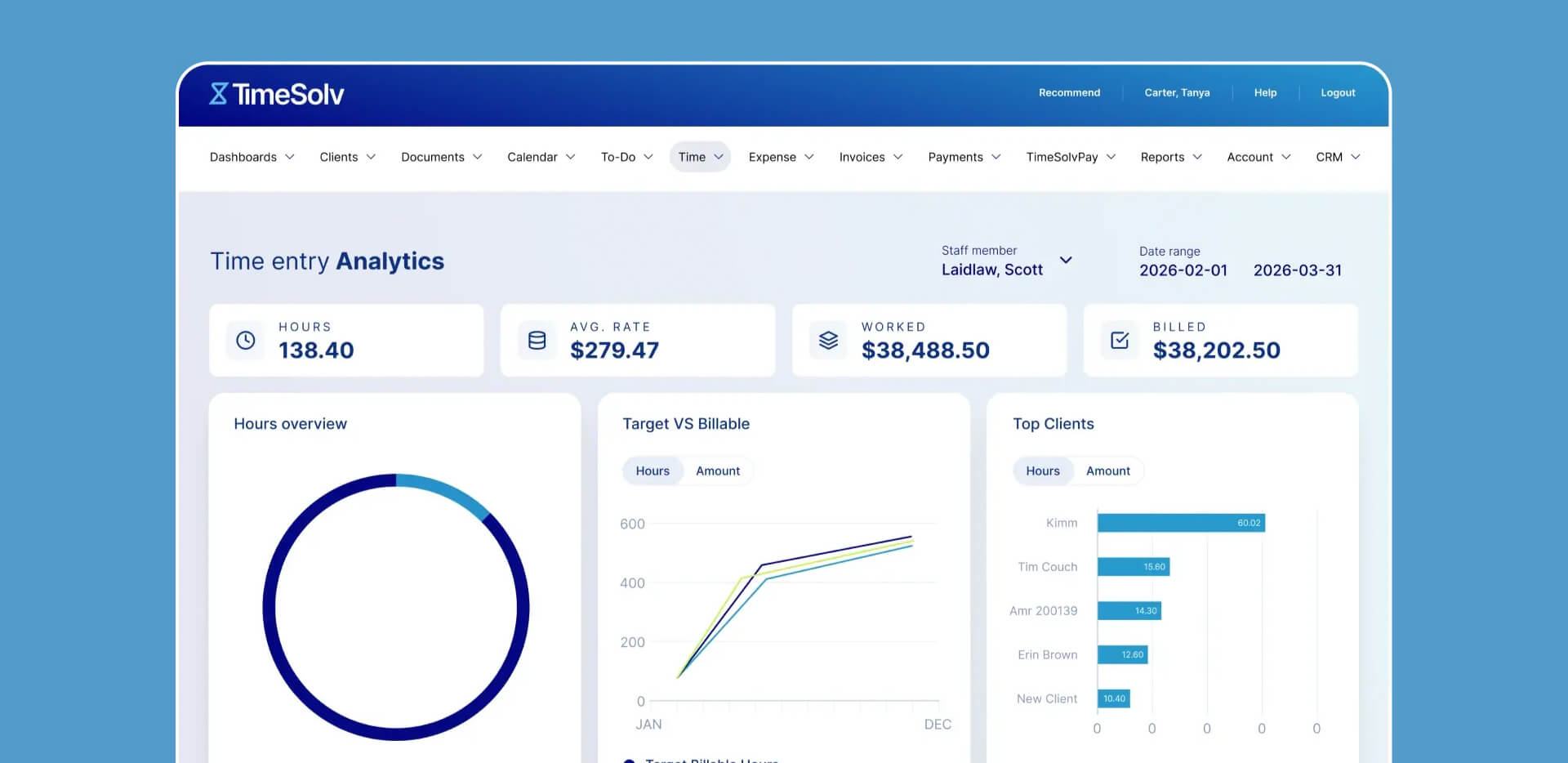
TimeSolv is specialized cloud billing software for firms needing high-volume, complex invoicing.
How it works: Handles LEDES invoicing (electronic billing for corporate clients) out of the box. "Split Billing" tool divides one invoice among multiple parties automatically—crucial for insurance defense or situations with multiple responsible parties. The system emphasizes billing over case management.
Pros: 97% average collection rate reported by users; robust expense tracking; excellent for corporate defense work; LEDES compliance.
Cons: Limited case management features compared to all-in-one tools; requires separate PM system for full firm operations; pricing is quote-based rather than publicly listed.
Research and drafting tools
AI-assisted research replaces manual keyword searching with natural language queries and concept mapping. These tools are where small firms see the most dramatic time savings—research that took hours now completes in minutes.
Westlaw Edge
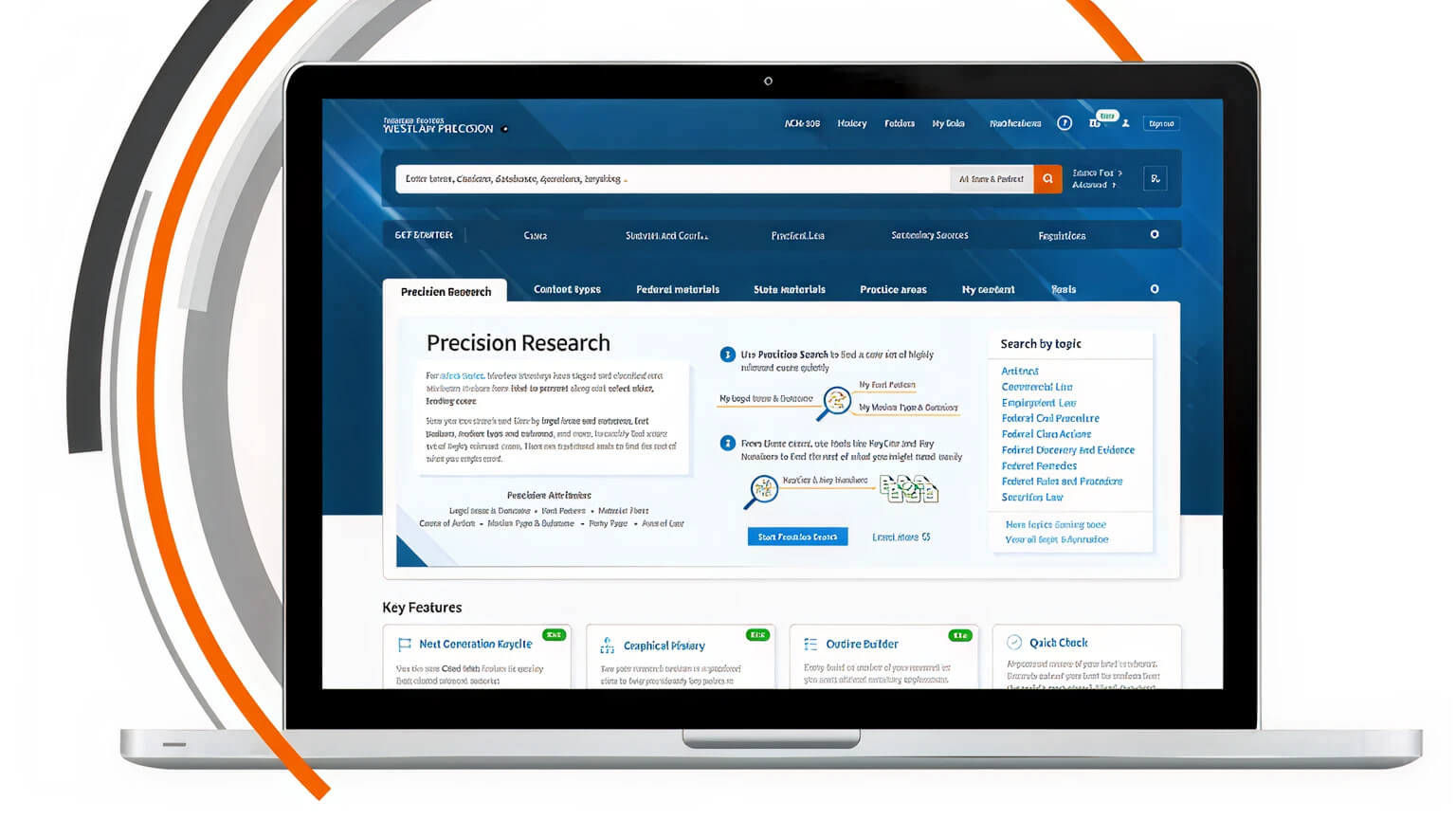
Westlaw Edge is the gold standard in legal research, enhanced with generative AI.
How it works: Precision Research maps legal concepts rather than just keywords—it understands that "negligence" relates to "duty of care" without requiring you to search both terms. CoCounsel integration uploads your brief and the AI finds "bad law" citations or missing arguments in seconds. Litigation analytics predict judge behavior and opposing counsel strategies.
Pros: Most authoritative database; KeyCite citation checking; predictive analytics; comprehensive coverage; CoCounsel AI is powerful.
Cons: The most expensive option by far; typically requires annual contracts; can be cost-prohibitive for very small practices; feature richness means learning curve.
LexisNexis (Lexis+)
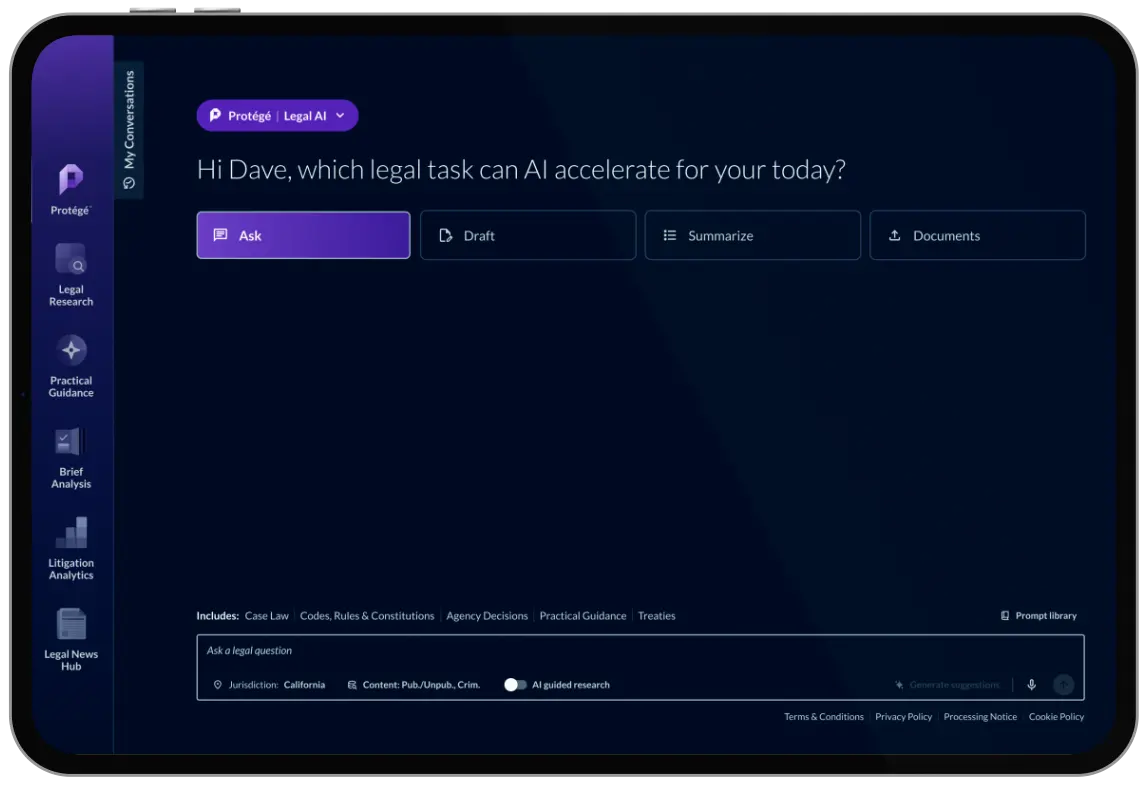
LexisNexis (Lexis+) is conversational AI research tool and drafting assistant.
How it works: Chatbot interface allows requests like "Draft a motion to dismiss based on Florida's statute of limitations for medical malpractice." The system provides citations that are Shepard's-verified, meaning the AI won't hallucinate fake cases. Answer prediction analyzes thousands of similar cases to forecast likely outcomes.
Pros: Extremely fast drafting; hallucination-free citations; conversational interface feels natural; comprehensive legal database.
Cons: Best features require premium Lexis+ subscription; pricing comparable to Westlaw; can be overkill for practices with limited research needs.
Casetext (CoCounsel)
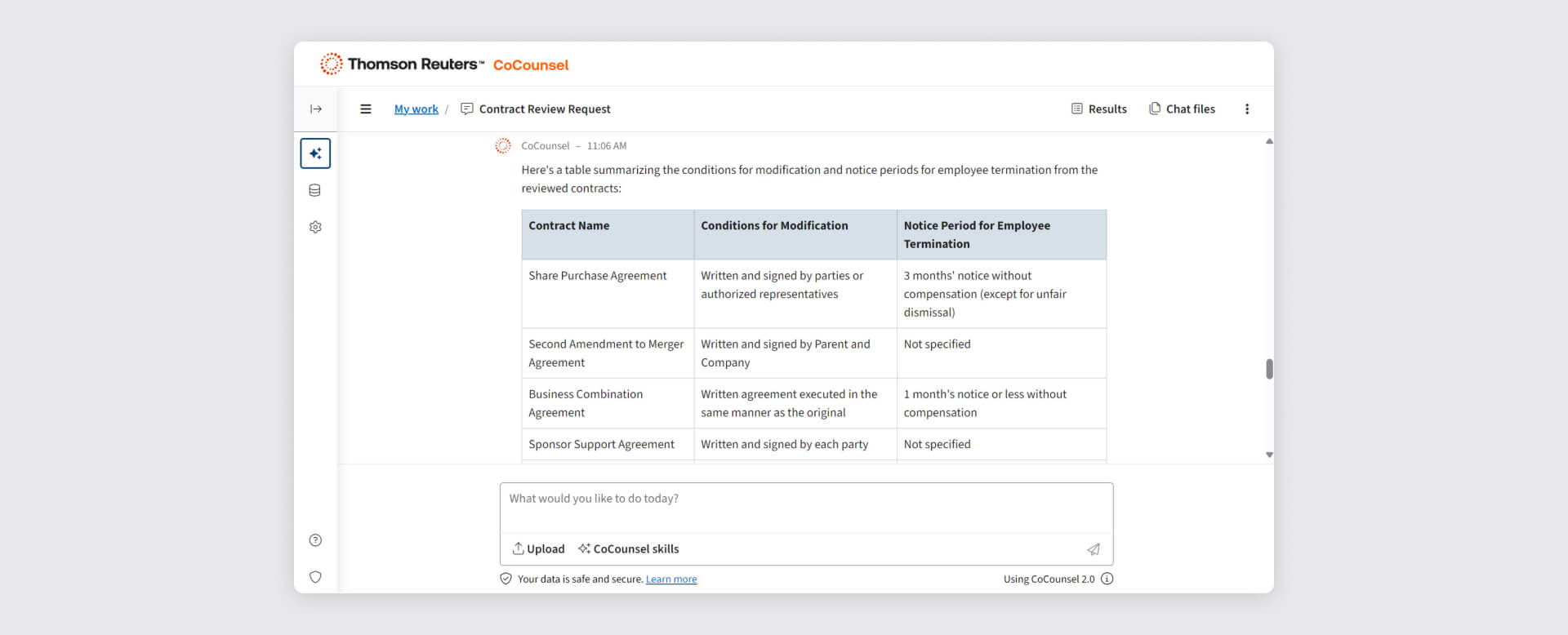
Casetext (CoCounsel) is an AI legal assistant now owned by Thomson Reuters.
How it works: "Deep Research" reads thousands of cases and writes multi-page memos automatically. "Document Review" skill scans 500+ documents to find specific clauses or facts—useful for contract review or discovery. Originally an independent platform, Casetext was acquired by Thomson Reuters and its CoCounsel AI technology now powers features across the Thomson Reuters legal portfolio including Westlaw.
Pros: More affordable than traditional Westlaw/Lexis subscriptions; very intuitive interface; excellent AI capabilities; good for small firm budgets; comprehensive database.
Cons: Thomson Reuters ownership means potential future pricing changes and integration into Westlaw ecosystem; database smaller than Westlaw though usually sufficient for most matters.
Fastcase
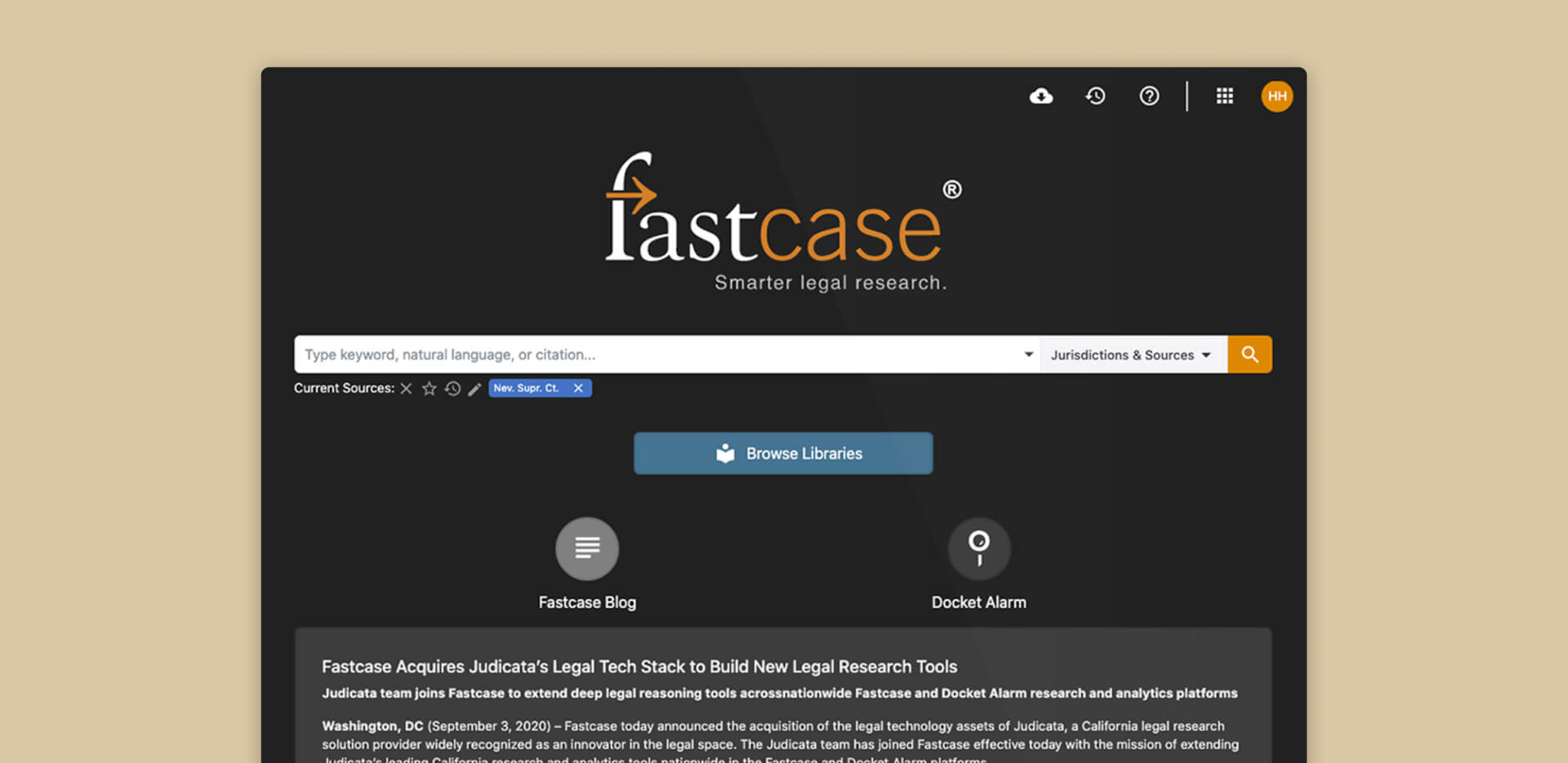
Fastcase is a data-heavy research platform with visual search tools.
How it works: Forecite finds cases that don't contain your keywords but are legally relevant based on citation patterns and judicial treatment. "Bad Law Bot" provides automated alerts if a case you're relying on has been treated negatively by later courts. Interactive timeline visualizes case law evolution.
Pros: Often free through state bar memberships; good value; unique visualization tools; solid database coverage.
Cons: Search interface can feel less modern than Casetext; AI features less developed than competitors; smaller user community for support.
Automation and workflow specialization software
Specialized tools for discovery, electronic signatures, court filings, and practice-area-specific workflows. Small business legal software in this category handles the repetitive work that wastes attorney time.
Briefpoint
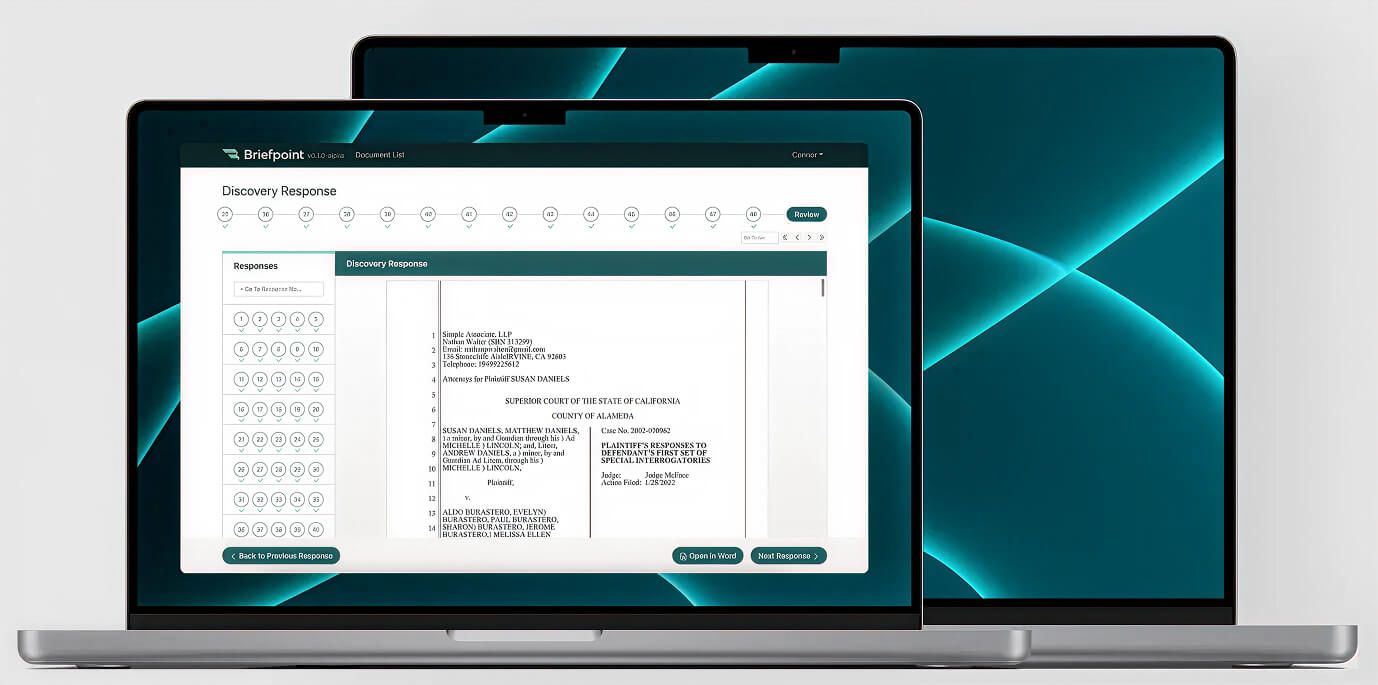
Briefpoint is software that automates creation of discovery requests and responses.
How it works: Upload a discovery request (PDF or Word) from opposing counsel. Briefpoint's AI scans it, extracts every question and interrogatory, and creates a formatted response shell in Word with your firm's standard objections ready to insert. The system learns your firm's objection language over time.
Pros: Saves 3+ hours per discovery document; eliminates manual data entry; reduces errors; learns firm preferences.
Cons: Litigation niche only; requires demo before purchasing; newer product with smaller user base; pricing varies by volume.
DocuSign
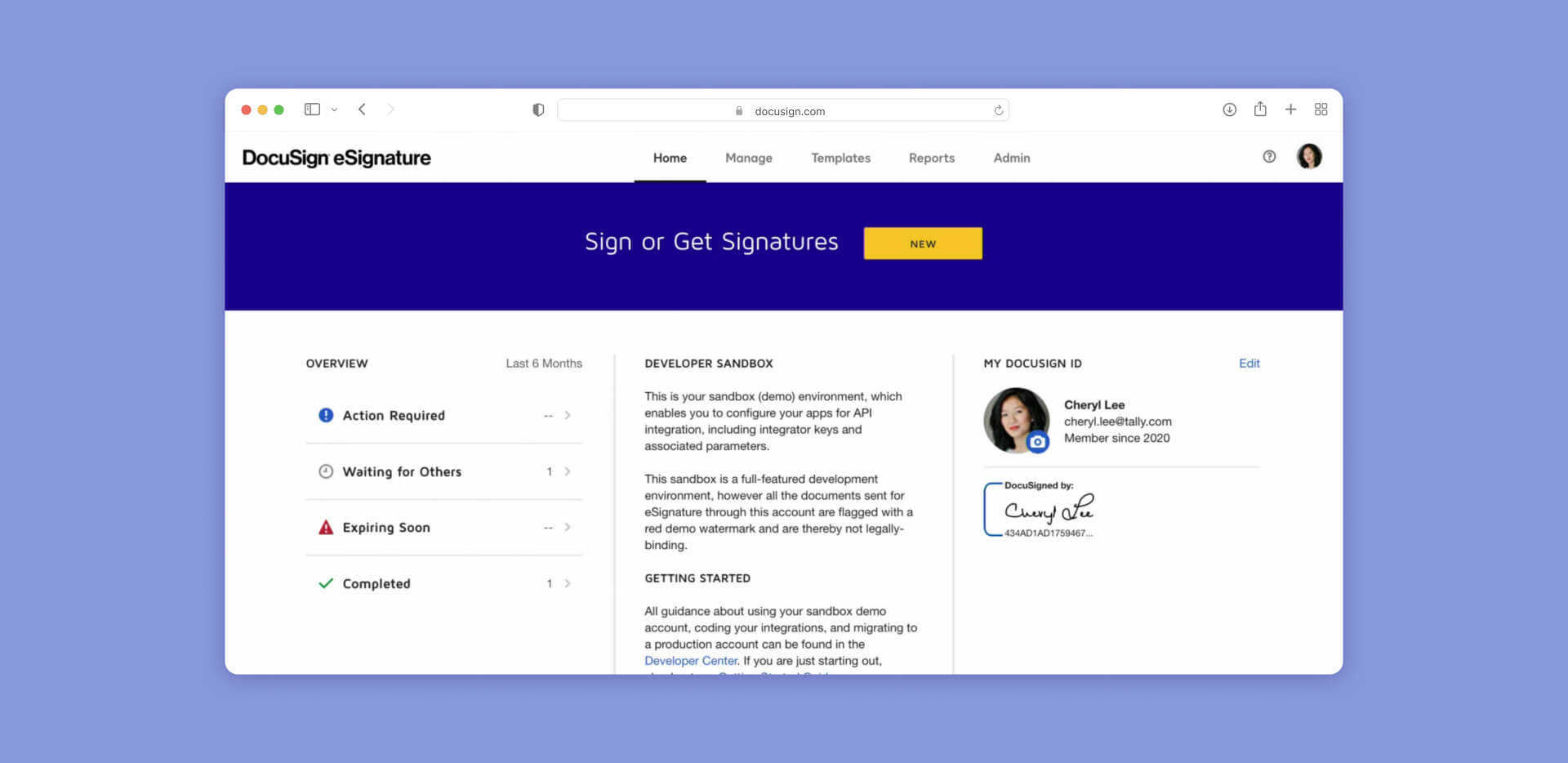
DocuSign is software that secure, legally-binding electronic signatures and contract workflows.
How it works: Creates an "Envelope" for documents requiring signatures. Once signed, generates a "Certificate of Completion" serving as an audit trail for court, proving exactly when and where the document was signed. Integrates with most practice management systems for automatic filing.
Pros: Global brand recognition; integrates with almost all PM software; legally recognized in most jurisdictions; simple to use; good mobile app.
Cons: Not a full document management system; pricing based on volume can get expensive; some courts still require wet signatures.
CloudLex
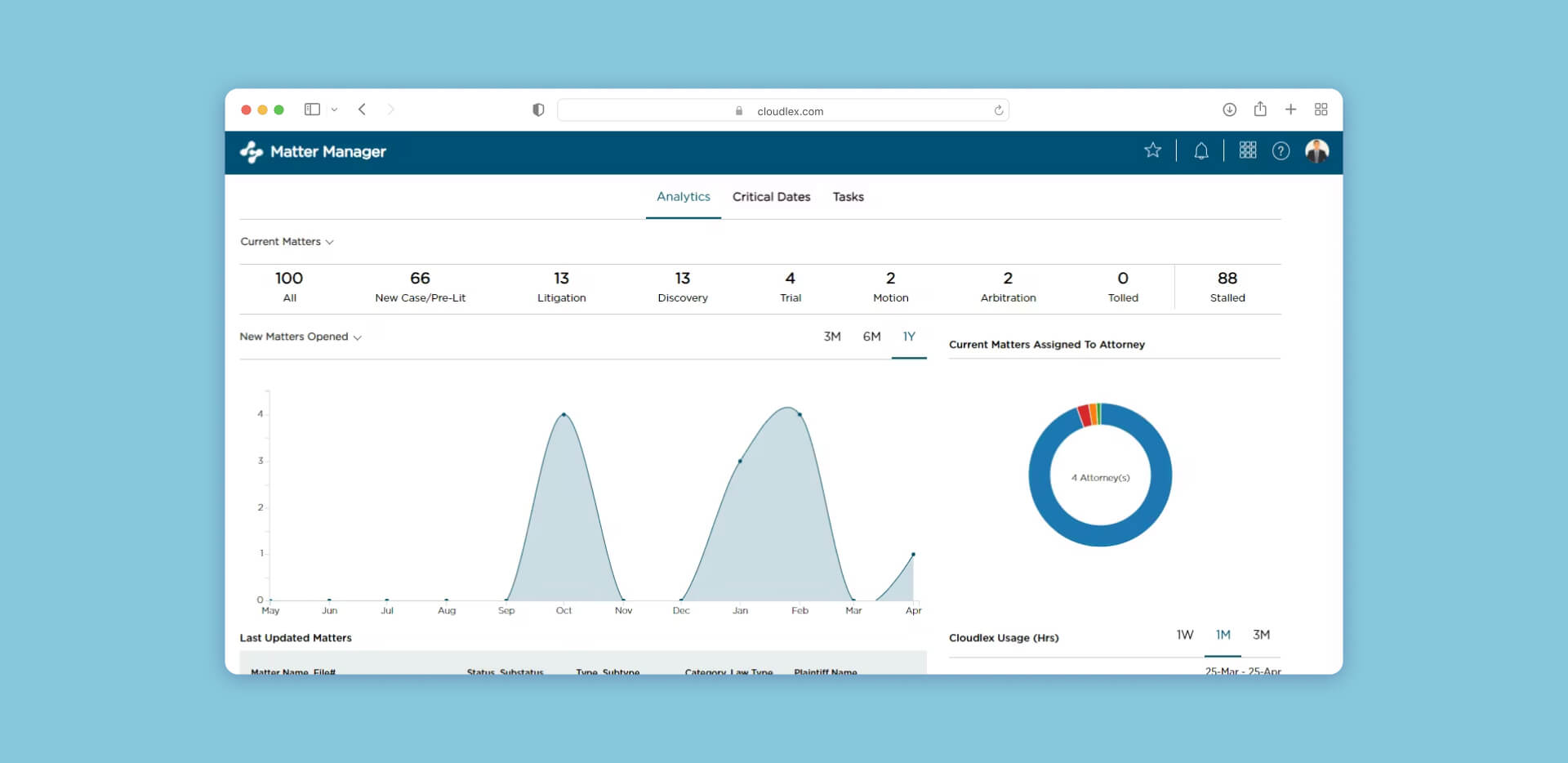
CloudLex is practice management system built exclusively for plaintiff personal injury firms.
How it works: Mirrors the PI lifecycle—intake, medical records, demand, negotiation, settlement. Settlement Calculator tracks liens, medical bills, and attorney fees to provide instant "Net to Client" figures. HIPAA-compliant medical records management. "Uber for Attorneys" integration helps clients get to appointments.
Pros: HIPAA compliant; purpose-built for PI workflow; excellent medical records tracking; settlement calculators; case value analytics.
Cons: Not suitable for defense or transactional practices; niche focus means it doesn't work well for mixed-practice firms.
Actionstep
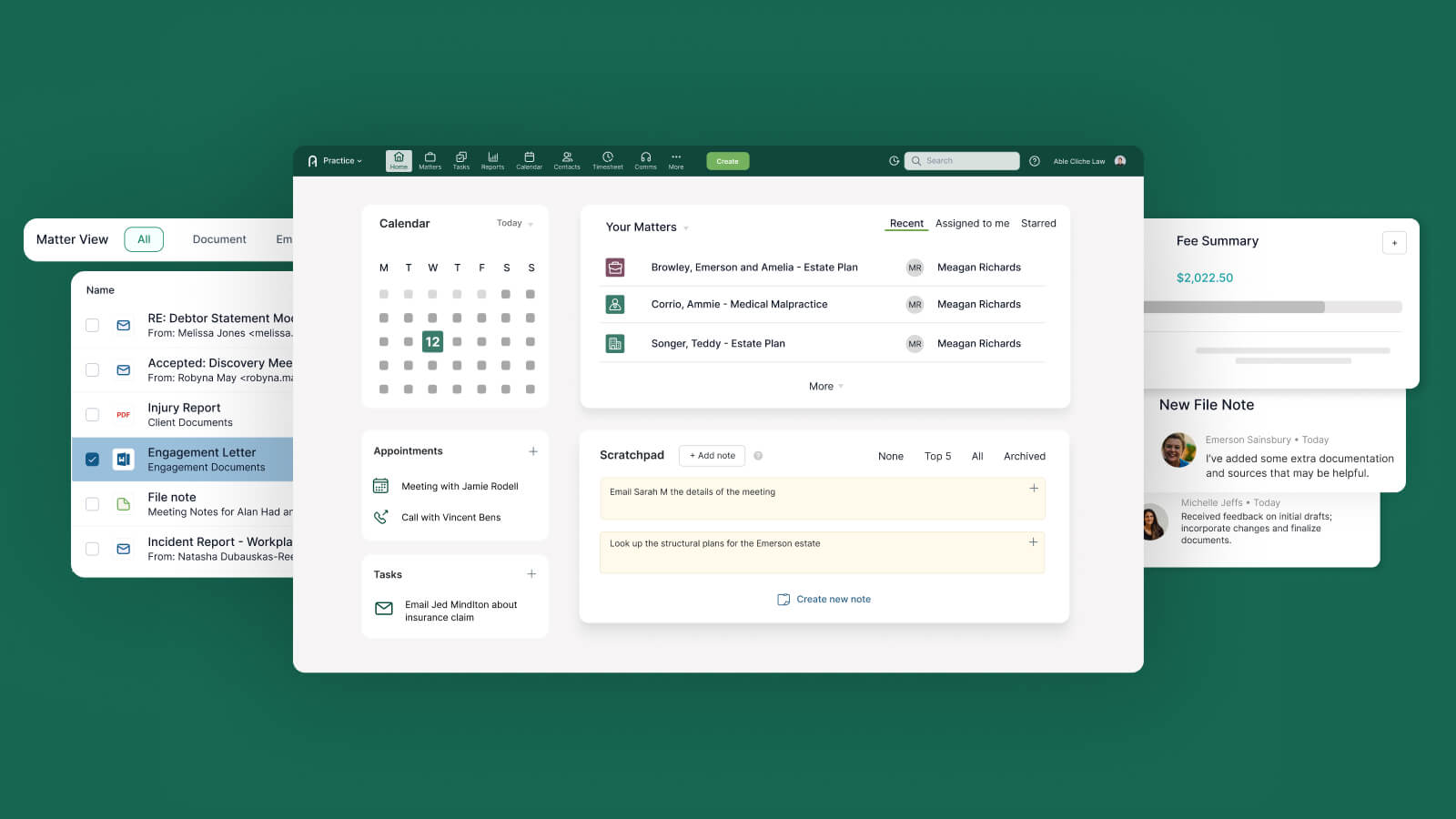
Actionstep is a no-code workflow automation platform for legal practices.
How it works: Build custom workflows where the software acts as gatekeeper. A case cannot move from "Initial Consultation" to "Engagement" until the software verifies that conflict check is complete and retainer is signed. Form generation, document automation, and deadline management all trigger based on workflow stage.
Pros: Complete control over firm processes; highly scalable; eliminates steps being skipped; good for process-oriented practices.
Cons: High initial setup effort to build workflows; requires thinking through every process step; can be rigid once workflows are set.
Luminance
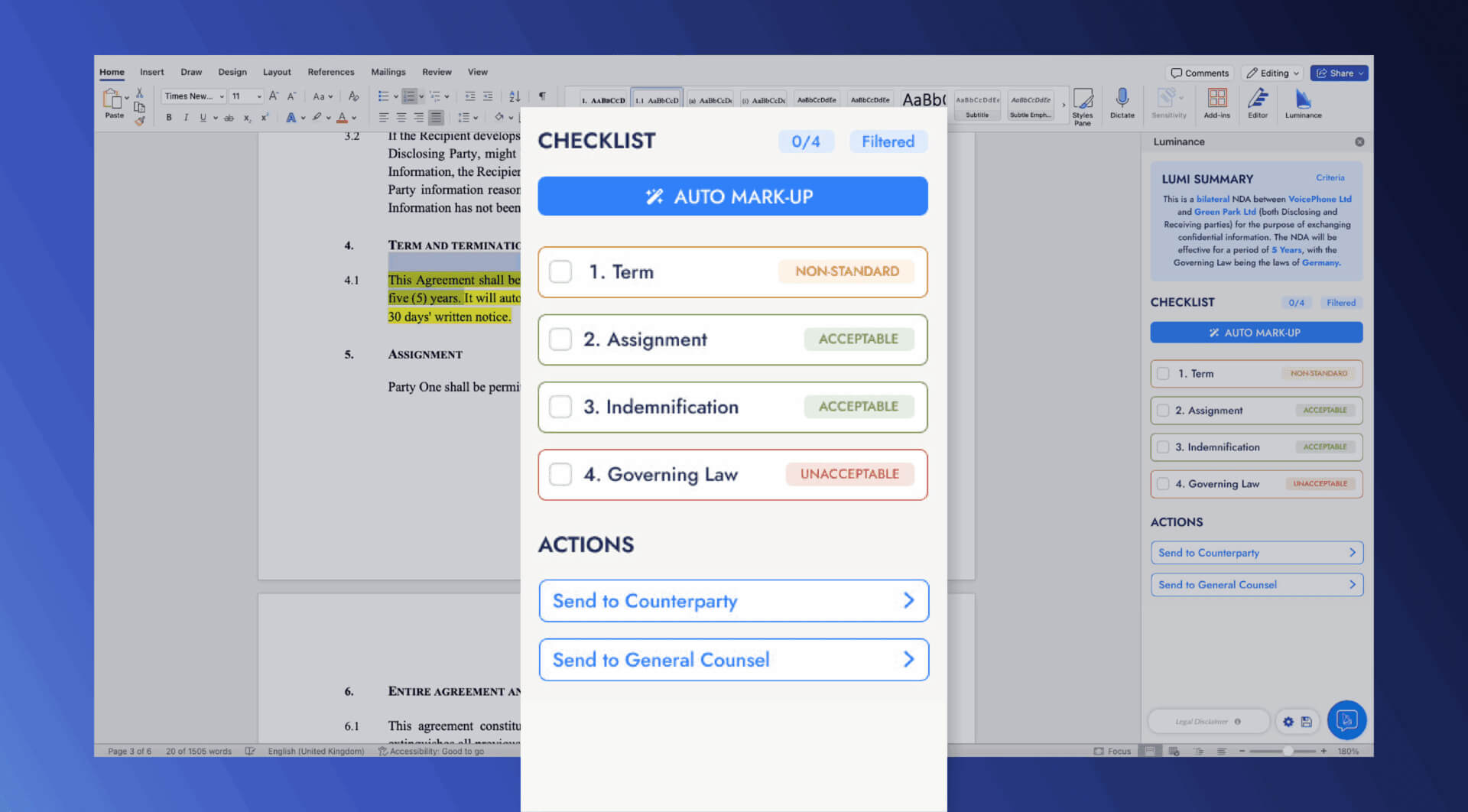
Luminance is an AI-driven contract review and negotiation assistance.
How it works: "Traffic Light" analysis scans contracts and colors clauses red (high risk), amber (medium risk), or green (standard language). The system suggests compliant alternative language directly within Microsoft Word. "Ask Lumi" chatbot answers questions about contract terms and precedent.
Pros: 90% time savings on contract review; integrates with Microsoft Word; learns from your firm's preferences; excellent for transactional practices.
Cons: Enterprise pricing that may be prohibitive for very small firms; learning curve on advanced features; best suited for high-volume contract work.
How to choose the right legal software for your firm
Choosing the best software for law firms isn't about replicating large firm technology stacks. The goal is solving specific pain points, not comprehensive coverage.
Start with your most expensive time sink. If attorneys spend hours on discovery responses, Briefpoint solves that. If trust accounting errors consume admin time and create compliance risks, CosmoLex or CARET Legal prevent those errors. If document redaction exposes you to regulatory violations, Redactable handles permanent removal properly.
Security compliance is non-negotiable. Every tool should provide SOC2 certification at minimum. For healthcare practices, HIPAA compliance is required. Government contractors need CJIS compliance. Don't compromise on security to save $20 per month—the first breach will cost thousands of times more.
Integration matters more than features. A practice management system that doesn't integrate with your billing software creates duplicate data entry. A document management system that doesn't connect to your PM software means manually filing everything. The best individual tools don't help if they create information silos.
Price per user should stay under $100 monthly for firms with 1-10 attorneys. Above that threshold, you're either paying for enterprise features you don't need or you've added too many overlapping tools. The exception: legal research, where Westlaw or Lexis pricing reflects database value rather than software functionality.
Trial everything before committing. Most tools offer 30-day trials. Use the full trial period. Import real case data, not demo files. Have multiple team members test it. The tool that looks perfect in a sales demo often reveals friction points during daily use.
Match tools to your practice reality. Solo practitioners don't need Filevine's complexity—MyCase handles most needs better. Litigation-heavy practices need Everlaw or similar eDiscovery platforms that transactional firms don't. Personal injury practices benefit from CloudLex's purpose-built workflow where general practitioners don't.
The evaluation framework from Michigan Bar's Practice Management Resource Center prioritizes small legal practice software that meets these criteria: SOC2 security compliance, 30-day trial availability, pricing under $100 per user for small firms, and proven ROI metrics like 18% faster collections or 34% billable hour increases. Clio and Smokeball consistently top ROI rankings because they deliver measurable improvements in time tracking and revenue capture.
The 2026 trends data shows where adoption is heading: 73% of firms now operate cloud-based, 53% of solos have integrated AI tools, and compliance focus continues to tighten. The firms succeeding with technology aren't necessarily the ones with the most tools - they're the ones that match specific solutions to specific problems and ensure those solutions integrate properly.